Last updated: October 13, 2026
Nothing lifts a vlog like the right music. Nothing ruins one faster than the wrong track, either. A good song can make shaky travel footage feel cinematic. Slip a copyrighted song into the background, though, and your video can be demonetized, blocked, or, worst case, land your channel a strike. Content ID detection is fully automated now, so “nobody will notice” stopped being a strategy years ago. A real strike is a manual legal takedown, not an automated one.
The good news is you have plenty of safe options now. Some are free and built into YouTube itself. Others are subscription services that cover every video you publish. Below: how claims and strikes actually work, where the free music is, which paid services are worth paying for, how licensing works in practice, AI music, what to do if a claim lands anyway, and workflow tips.
The 4 safest routes to music for your vlogs
- Zero budget, low risk if you follow each track’s rules: YouTube Audio Library. It is free, built into YouTube Studio, and pre-cleared against Content ID claims.
- Free, with more choice: Uppbeat’s free tier or Pixabay Music. Bigger catalogues at no cost, as long as you follow the credit rules.
- Set-and-forget: a subscription library: Epidemic Sound, Artlist, or Soundstripe cover every video you publish while you’re subscribed, within the plan’s terms.
- One specific song: license the track itself. Services like Lickd clear real chart music for individual videos, at prices scaled to your channel.
On this page
- The 4 safest routes to music for your vlogs
- Why vloggers get copyright strikes (claims vs. strikes)
- Free option 1: the YouTube Audio Library
- Free option 2: other free music libraries
- Paid subscriptions compared
- Licensing one specific song (even a famous one)
- How music licensing actually works
- AI music for vlogs: licensing, quality, disclosure
- What to do if you get a claim
- Music workflow tips for vloggers
- Music for vlogs FAQs
- Keep exploring
Why vloggers get copyright strikes (claims vs. strikes)
Most of what vloggers fear as “copyright strikes” are actually Content ID claims. They are automated, they affect one video, and they will not kill your channel. A real strike is a manual legal takedown; three active strikes within 90 days can terminate your channel. One exception: a scheduled removal notice gives you seven days to take the video down yourself and avoid the strike entirely.
When YouTube’s Content ID system hears a song it recognizes in your video, it generates a claim. The rights holder then chooses what happens: they take your video’s ad revenue, block the video in certain countries, or just track its views. Your video usually stays up, your channel standing is untouched, and you can dispute the claim inside YouTube Studio without any legal declaration. Claims never stack up into strikes on their own.
A copyright strike is a different animal: the rights holder manually files a DMCA takedown request, YouTube removes your video, and your whole channel is penalized. Monetization and features like live streaming get restricted until the strike expires or is resolved. Strikes last 90 days each, and three active strikes within 90 days can terminate your channel. You have three ways out of a strike: complete YouTube’s Copyright School and wait out the 90 days, ask the claimant to retract it, or file a counter-notification, a formal legal statement that shares your personal details with the claimant. Save that last one for cases where you are confident you are in the right.
The mistakes that get vloggers in trouble are predictable: dropping a commercial song “just in the background,” re-uploading a trending TikTok sound to YouTube (Content ID catches those automatically, even pitch-shifted), downloading “no copyright” tracks from random channels that mislabel their uploads, assuming a few seconds is safe (there is no safe duration; seconds get flagged), or using a beat bought under the wrong licence type. The right one covers monetized YouTube videos. Every one of these is avoidable once you understand the two systems above.
Free option 1: the YouTube Audio Library
The YouTube Audio Library is genuinely free, lives inside YouTube Studio, and its tracks are pre-cleared against Content ID. It is the safest zero-cost music you can put in a vlog.
You will find it in the YouTube Studio sidebar. It holds thousands of tracks across every genre plus a large sound-effects library, and you can filter by genre, mood, duration, and attribution requirement. Most tracks need no credit at all; a smaller set is marked Creative Commons, which means you must credit the artist in your description. A few tracks carry specific use restrictions, so check each track’s terms before downloading.
The real advantage is the Content ID guarantee: because the library is Google’s own, its tracks will not trigger claims on YouTube. That protection is YouTube-only, though. YouTube explicitly says it cannot promise anything about other platforms, so if you cross-post the same edit to TikTok or Instagram, re-check the track’s terms for off-YouTube use. You also cannot redistribute the audio files themselves; they are for use inside content you create.
The honest trade-off is the catalogue. It is production-style background music. Functional, occasionally very good, but generic next to what paid libraries offer. YouTube adds new tracks regularly, just not at the pace or the depth of the paid catalogues. For a new vlogger on a zero budget, it is still the correct starting point: free, no signup beyond your YouTube account, and zero copyright risk on the platform where your videos live.
Free option 2: other free music libraries
When the Audio Library feels too generic, several reputable free libraries offer bigger and fresher catalogues for free. Each one comes with its own rules, though, and you do have to follow them.
Uppbeat is a popular free upgrade. Its free tier gives you a limited number of downloads per month for online content on your own channels; the catch is that you must credit the artist in each video’s description (or safelist your channel on a paid tier to skip the credits). Paid ads and client work are not covered by the free tier. Those need the paid plan. If you follow the credit rule, its channel-safelisting system keeps Content ID flags away. Different services call this channel registration by different names: whitelist, safelist or Clearlist. They mean the same thing.
Pixabay Music is the most permissive free option: no account needed for most downloads, no attribution required, and commercial use is allowed, including client videos and paid ads. One caveat: some tracks are registered with Content ID (marked with a shield icon). Pixabay provides licence certificates for those, so save the certificate with your project files and any claim is easy to clear.
Mixkit offers free music for web, social, podcasts, and online ads with no credit and no account required. Its music licence does not cover games or broadcast, and you must never register its tracks with Content ID yourself. For vlogs, though, it is genuinely free and generally claim-safe, and Mixkit helps creators clear mistaken claims.
Bensound has been around for years: its free licence covers online videos including monetized YouTube, but you must credit Bensound in every video, and podcasts or other uses need a paid licence. A missing credit is the classic way Bensound tracks end up claimed, so paste the credit line before you publish, not after.
Incompetech is composer Kevin MacLeod’s catalogue, and it has quietly soundtracked millions of videos. His tracks are free for any project, including monetized and commercial work, under a Creative Commons Attribution licence: the one condition is a proper credit line in your description, in the format his site specifies. If you would rather not credit, he also sells a no-attribution licence per track. The catalogue is huge and searchable by mood and feel, though the most-used pieces are now so familiar that regular viewers may recognize them.
Free Music Archive takes the opposite approach to a curated library: independent artists upload music under individual Creative Commons licences, so the terms change from track to track and you have to read the licence attached to the exact song you download. Two traps matter for vloggers. A NonCommercial (NC) licence rules out monetized videos entirely, and a NoDerivatives (ND) track cannot be synced to video at all, because FMA’s own license guide treats putting a track under moving images as creating a derivative work. Stick to CC0 and CC BY tracks, credit exactly as required, and save the licence page with your project. Check the track’s page for Content ID registration before use. FMA also warns that some of its artists register their work with Content ID, and that claims then have to be sorted out with the artist directly.
ZapSplat is primarily a sound-effects giant (hundreds of thousands of sounds) with a growing music catalogue; the free tier requires attribution and it will help you clear mistaken claims. The free tier allows use in commercial projects, including monetized vlogs, client work and paid ads, with attribution required.
One warning that applies to all of them: be wary of random YouTube channels uploading “no copyright music.” Many mislabel tracks they do not own, and using one can land you a claim or takedown months later. Stick to libraries with written, readable licence terms. If you cannot find the licence, that is your answer.
Paid subscriptions compared
If you publish regularly, a subscription library is the set-and-forget answer: one subscription covers every video on every platform while it is active, with systems designed to block claims before they happen.
| Service | Library | Licence model | Claim protection | Best for |
|---|---|---|---|---|
| Epidemic Sound | Tens of thousands of tracks plus sound effects | Subscription (monthly or annual); one licence covers YouTube, Instagram, TikTok, and podcasts | Whitelist your channel or clear published video URLs and claims are blocked automatically; it owns its catalogue outright, with no performing-rights entanglements | Vloggers who publish often and want the biggest, best-searchable library |
| Artlist | Curated catalogue in the tens of thousands. Smaller, but hand-picked for quality | Annual subscription; videos you publish while subscribed stay licensed and monetizable even if you cancel | Clearlist: connect your YouTube channel and licensed tracks cannot trigger claims | Creators who want premium curation and a licence that outlives the subscription |
| Soundstripe | Large library with unlimited downloads | Subscription covering your published videos across platforms | Licence documentation for any dispute; its catalogue is less widely used, so your music sounds less familiar | Vloggers who want editable tracks (alternate versions and stems) and less overplayed music |
| Uppbeat | Curated library of 12,000 music tracks | Paid plan; removes the per-video credit requirement, with higher-quality downloads and wider use rights | Channel safelisting on the paid tier | Creators coming up from a free tier |
A few things worth knowing before you pick. Epidemic Sound is a common choice among full-time YouTubers for a reason: the search and filtering (mood, genre, BPM, energy) is highly rated, and because it owns every track outright, its rights are clean even for broadcast-adjacent use. Artlist’s standout feature is its licence wording, and the accurate version matters: projects you create and publish during your subscription stay licensed forever, but downloads cannot be used in new projects after you cancel. Artlist also bundles sound effects, stock footage, and templates on higher plans, so compare what you would actually use. Soundstripe is the quiet pick: unlimited downloads, alternate cuts and stems of tracks that make editing intros and transitions easier, and music your viewers are less likely to have heard in ten other vlogs.
The fine print that matters most is what happens when you cancel, and the pattern at the big libraries is friendlier than most creators expect: videos you published while subscribed stay licensed and keep monetizing. Epidemic Sound states this outright, Artlist’s licence says the same for projects published during the term, and Soundstripe treats finished videos the same way. What actually ends at cancellation is using the music in new videos, plus downloading or re-downloading tracks. One discipline protects you either way: register your channel with the service’s whitelist system (Epidemic’s safelist, Artlist’s Clearlist) before your first upload with its music, not after, because a claim can still fire in the gap before the whitelist syncs. Also note that sponsored or brand-deal videos count as commercial use; some personal-tier plans exclude paid ads, so if you do sponsorships, confirm your plan covers them. None of the services publish permanent pricing here because plans change. Check their sites for current plans and pick based on catalogue and licence terms, not a headline number.
Coming up from a free tier? Uppbeat’s paid plan is the natural upgrade: it removes the per-video credit requirement and gives you higher-quality downloads and wider use rights.
Licensing one specific song (even a famous one)
Sometimes, yes. You can use the exact song you had in mind, including chart music, if you licence that track for that video before you publish. It costs more than library music and the licence is narrower, but it is a real, legal route.
Every option above is built on libraries. But sometimes the edit only works with one particular song: the track that was actually playing, a local band’s song, the one your intro has used since episode one. For years that was a dead end for independent creators, because licensing a commercial recording normally means negotiating with a record label and a music publisher separately. The label controls the recording, and the publisher controls the song. That is why two negotiations are needed. For online video, that has changed.
Lickd exists for exactly this case. It has deals with major labels and publishers to pre-clear a large catalogue of real, recognizable music for use in YouTube videos. You licence a track for a specific video, and the price scales with your channel’s typical viewing figures, so a small channel pays small-channel money. The claims side is taken care of: its system links your channel to your licensed tracks and gets Content ID claims on them cleared, which matters because a claim will usually still fire. Whether the video keeps its revenue depends on the licence behind it. The licence covers that video under the terms shown before you buy, so read what is included, especially if the video is sponsored.
Below the chart level, two more routes exist. Per-track marketplaces such as AudioJungle sell individual royalty-free tracks with a licence tied to one finished project, which suits you when you want one specific sound and no subscription; terms vary by marketplace, so check how many videos a single licence actually covers. And for independent artists there is the direct route: find the song on the artist’s own page or their label’s site and ask for written permission with the use spelled out (which platforms, monetized or not, sponsored or not). Small artists say yes more often than you would expect, especially in exchange for credit and a link. But get it in writing. A friendly comment thread is not a licence, and casually given permission can be withdrawn; a written one is your proof if a claim arrives.
What never works are the shortcuts: buying the song from a download store, crediting the artist, slowing it down, or hoping a short clip slips through. A purchase gives you listening rights, not a sync licence. If the exact song matters, licence it properly or pick a different track.
How music licensing actually works
“Royalty-free” does not mean free. It means you pay once (or subscribe) and never pay per use. “Copyright-free” means nobody owns the copyright at all, which is rare. Almost all vlog music is royalty-free, not copyright-free.
Here is the distinction that saves channels. Royalty-free music is still copyrighted. Someone owns it. You buy a licence (a one-time fee, a subscription, or a free licence with conditions) that lets you use it without paying royalties every time the video plays. The licence terms still bind you: you cannot resell the track, claim it as your own, or use it in ways the licence forbids. Copyright-free music is music with no copyright holder at all: public-domain works, expired copyrights, or works released under CC0. It is genuinely restriction-free, but the catalogue is tiny and mostly classical.
Most “no copyright music” you see on YouTube is neither: it is royalty-free or Creative Commons music that artists have pre-cleared for creator use. The label is marketing, not law. Treat every track as licensed, and read the actual licence. It tells you the three things that matter: where you may publish, whether you must credit, and whether commercial use (including monetized videos and sponsorships) is allowed.
Build one non-negotiable habit: keep proof of every licence. Save the licence certificate, the subscription receipt, or a screenshot of the licence terms in the project folder for each video. If a Content ID claim ever appears (and even legitimate tracks occasionally get mis-flagged), that file is what clears it in minutes instead of days. Disputing a claim with “I downloaded it from a free site” and no proof is how weeks get lost.
AI music for vlogs: licensing, quality, disclosure
AI tools can now compose a full song, a background bed, or an orchestral cue from a text prompt. The music is usable in vlogs, but the rules differ from library music in three ways: free tiers are usually non-commercial, your rights usually attach to what you make while you are subscribed, and what you get is use rights, not copyright.
Pick the tool by the job, not by the headline. The tools below do different things, and the right one depends on what the music has to do in your video.
| Vlog job | Tool | What to know |
|---|---|---|
| Full songs with vocals | Suno | Complete songs from a prompt, with stems on paid plans. Commercial rights attach to songs made and downloaded while subscribed. |
| Background beds, lowest legal risk | Soundraw, Beatoven | Instrumental beds built for video. Soundraw trains only on its own in-house catalogue. Beatoven covers sync use in videos, not standalone streaming releases. |
| Orchestral and cinematic cues | AIVA | Composed scores in hundreds of styles, with MIDI export. Free use is non-commercial with credit; the top plan transfers AIVA’s rights in the track to you, as AIVA words it. |
| Background music and streaming | Mubert | Assembled beds and loops from human-recorded samples. Monetized channels need a paid plan. No tier unlocks Content ID registration or a standalone streaming release. |
| Stem control for editing | ElevenLabs Music | Separate stems let you duck music under voice without touching the whole mix. Commercial use sits on paid plans, and film, TV, radio, and studio games are excluded on self-serve plans. |
Udio is not a working option for vlogs right now. Since October 2025, Udio has disabled downloads of audio, video, and stems on every plan while it rebuilds as a licensed platform, and its terms allow personal, non-commercial use only. A song you cannot export cannot go in a vlog. Do not build a workflow on it until downloads return and the terms change.
The free-tier trap is the first licensing rule that differs from library music. Free plans on AI music tools are almost always personal, non-commercial use only. Suno keeps ownership of songs made on its free plan. AIVA free use needs credit and stays non-commercial. Mubert free use needs attribution and stays non-commercial. ElevenLabs free output is personal use only. A monetized YouTube video is commercial use, so a free-tier track in one is unlicensed, even if the tool let you download it.
The second rule, clearest at Suno, is that rights attach at creation time, not at payment time. With Suno, songs made and downloaded on a paid plan keep their commercial rights even after you cancel. But upgrading later does not retroactively license songs you made on the free plan. If a free-plan track takes off, you cannot fix it by subscribing afterwards. Download the tracks you plan to monetize while you are subscribed, and keep the download record with the project. That creation-time rule is Suno’s; other tools state their own version, so check each tool’s terms before assuming an upgrade fixes earlier work.
The third rule is to read the fine print on who keeps what. Soundraw keeps the copyright in its tracks and bars you from registering them with Content ID, which is how it protects every user from conflicting claims. That is a different deal from a library subscription, where the licence is the whole story. Suno is the clear case: songs made and downloaded on a paid plan keep their commercial rights after you cancel. For other tools the position varies, so check the exact term: what the licence says about videos published during the subscription after you cancel, and about using the tool’s output in new projects after cancelling.
Ownership honesty box: you get use rights, not copyright. The US Copyright Office position, reaffirmed in January 2026, is that purely AI-generated output is not copyrightable without sufficient human authorship beyond prompting. That means two things for vloggers. First, you cannot claim copyright in an AI track or register it with Content ID as your own work. Second, another creator can generate a near-identical bed from a similar prompt, and neither of you owns it. Treat AI music as licensed material you may use, never as an exclusive original, and never present it as a song you wrote and recorded. That includes AIVA’s top-plan transfer: it passes you whatever rights AIVA holds in the track, but it does not create a copyright where the law recognizes none, so purely AI-generated output still needs sufficient human authorship to be copyrightable.
Prompt by mood and scene, not by genre alone. “Upbeat travel montage, warm, builds to a reveal” beats “pop song” every time, because the tool needs the job the music does in the edit. Generate before you edit, not during: no major editor has a native AI music panel, so AI music arrives as a file you import, like any library track.
Use stems to duck under voice. A single mixed track forces you to ride one fader for the whole video. Separate stems, from ElevenLabs Music, from Soundraw on higher plans, or from Suno on paid plans, let you pull the melody down under narration while the rhythm keeps the energy up. Duck the bed to a level where every word stays clear, then bring it back up in the gaps between sentences.
Watch the sparse-arrangement failure mode. AI beds often sound full for thirty seconds and then thin out into a loop, especially under narration. If a bed sounds empty at narration volume, regenerate it with more instrumentation detail rather than looping the thin version. Test every bed at the volume it will actually play at, under your voice, before you lock the edit.
Disclosure turns on what the listener is led to believe. YouTube requires disclosure, through the AI-use box at upload, for synthetic content that seems realistic: a real person made to appear to say or do something they did not do, a realistic scene that never happened, and AI music that is the main focus of the video. That gives vloggers a clear split. An AI vocal performance presented as a real singer, or an AI song that is the point of the video, needs disclosure. A quiet background bed under your own voice is not the main focus of the video, so it sits on the safer side of the line. If you are unsure, tick the box anyway: YouTube says disclosure alone does not limit your audience or your monetization. One hard line stands regardless: never clone a real singer’s voice. Impersonation is a separate removal risk, not a disclosure question.
File the proof the same way as library music. Save the tool, the plan you were on, the download date, and the licence terms in the project folder for each video. AI tracks get mis-flagged by Content ID too, sometimes because another creator generated something similar, and the file that clears the claim is the same one the licensing section of this guide already asks you to keep.
What to do if you get a claim
First, check which one it is: a Content ID claim (banner in YouTube Studio, video stays up) is a paperwork problem; a copyright strike (email notice, video removed) is a legal problem. They need completely different responses.
For a Content ID claim: open YouTube Studio and read what the claimant is doing. Usually they are redirecting ad revenue or blocking in some countries. If you have a licence (subscription, free library terms, certificate), dispute the claim and attach your proof; legitimate disputes on properly licensed tracks are routinely released. If you do not have a licence, your options are to replace the song with YouTube’s built-in audio-swap tool, mute the claimed segment, remove the video, or simply accept it and let the claimant take the revenue. What you should not do is ignore a claim you plan to fight and then escalate it into a dispute you cannot back up. Claims do not become strikes by themselves, but a rights holder can separately file a takedown at any time.
For a copyright strike: do not just delete the video and hope. Deleting does not remove the strike (the one exception is a scheduled removal notice, which gives you seven days to take the video down yourself and avoid the strike entirely). Your three routes are: complete Copyright School and wait out the 90 days, contact the claimant and ask for a retraction (this works more often than creators expect, especially for first-time mistakes), or file a counter-notification. The counter-notification is a formal legal filing that hands your personal details to the claimant. Use it only when you are certain the claim is wrong or your use is genuinely permitted, and consider legal advice first. Never file a counter-notification against a claim you know is valid.
Background music you did not choose: café playlists, shop speakers, a busker just outside the frame. Content ID does not care that the music was incidental. If it can identify the song, the claim lands exactly the same way, and a loud chorus behind a travel vlog is the classic way to get one. There is no licence defence for music you never licensed, so the fixes are the practical ones above: swap or mute the segment in YouTube’s editor, cut the section tighter, or accept the claim if the clip matters more than its revenue.
Prevention beats all of this: licensed music from the sources above, credits pasted before publishing, and licence proof filed for each project. Vloggers who do those three things rarely need this section again.
Music workflow tips for vloggers
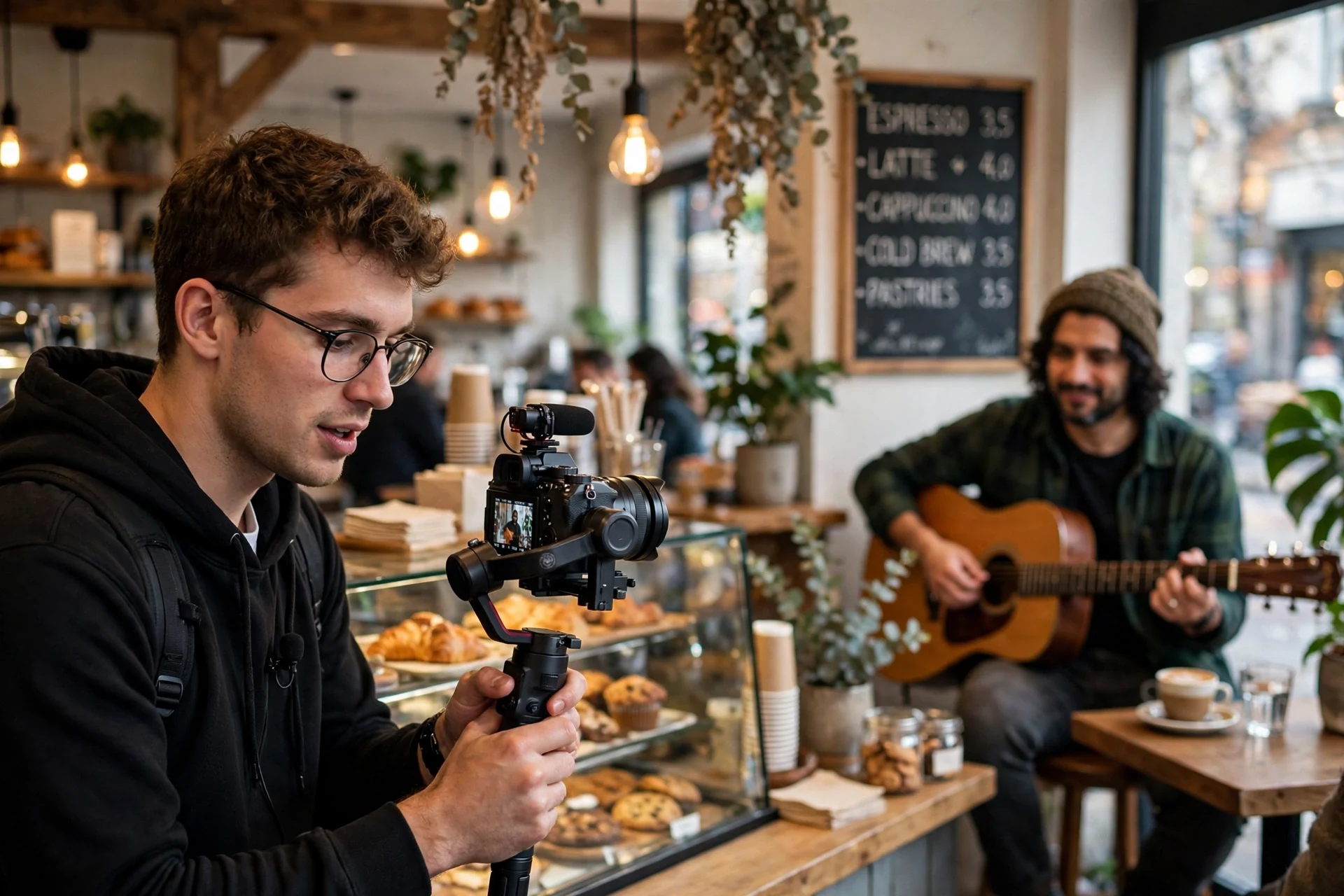
Treat music like any other part of production: pick it before you edit, keep your licences organized, and reuse a small set of signature tracks so your channel sounds like itself.
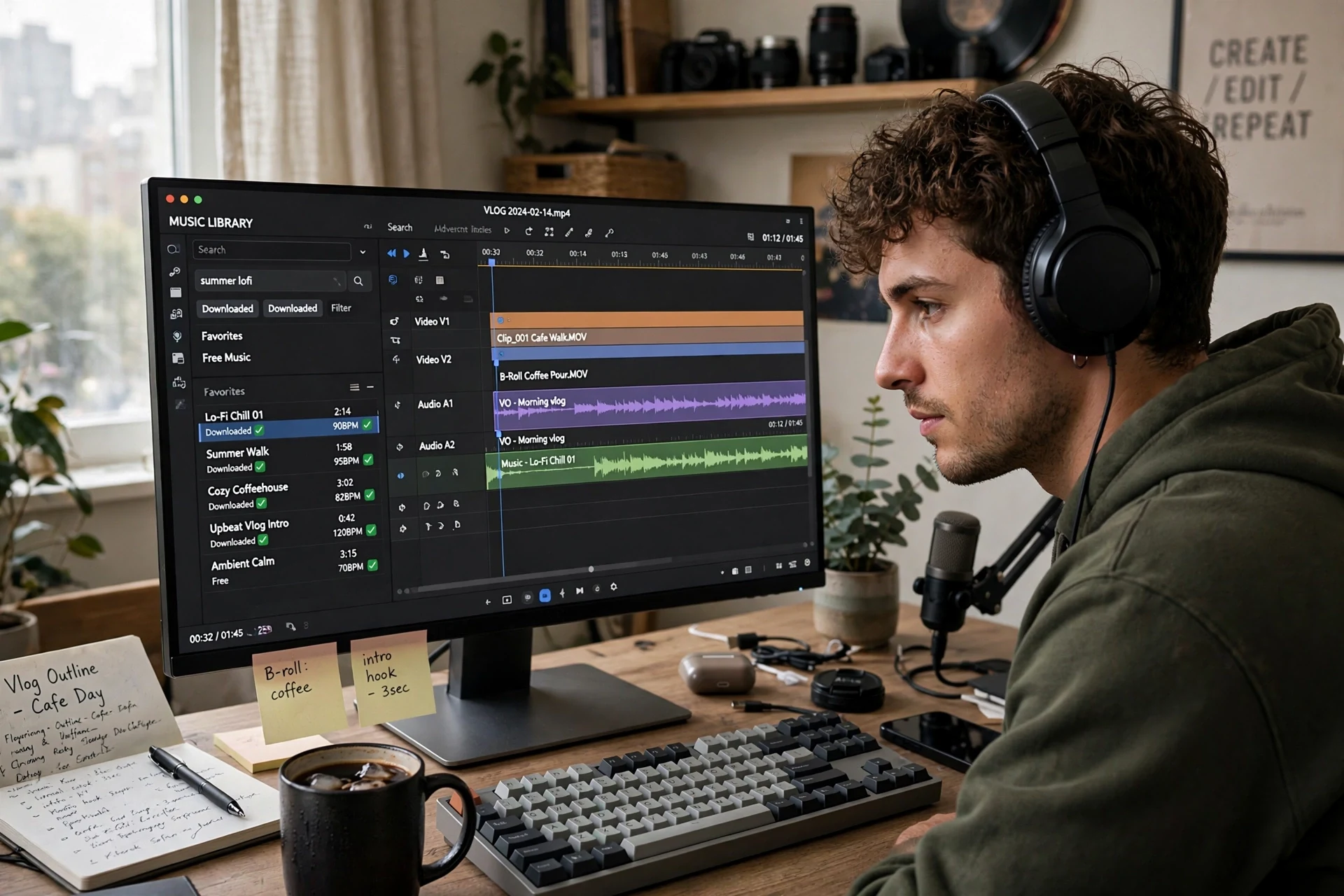
Build a go-to playlist before you need it. Spend one afternoon saving 10-15 tracks per mood (upbeat intro, calm b-roll, emotional beat, energetic montage) in your library of choice. Choosing music under deadline is how bad tracks and licence mistakes happen; choosing from a pre-vetted shortlist takes minutes.
Pick the music before you lock the edit. Cutting to a track’s rhythm (letting a drop land on a reveal, a quiet passage sit under narration) makes footage feel twice as professional. Lay the track in first, then trim clips to it, not the other way around.
Give your channel a sound. Reusing two or three signature tracks across videos (an intro sting, a recurring background bed) builds brand recognition the same way a logo does. Subscription libraries make this easy since the licence covers unlimited videos.
File licences with the project. One folder per video: project file, exports, and the licence certificate or receipt for the music. If a claim arrives a year later, you will thank yourself.
Check attribution before publishing, not after. Put the credit template in your video description template so Creative Commons tracks and free-tier tracks (Uppbeat, Bensound, Incompetech, ZapSplat’s free tier, FMA CC BY tracks) never go out uncredited. A missing credit is the most common, and most embarrassing, cause of avoidable claims.
Re-check rights when cross-posting. A track cleared for YouTube is not automatically cleared for TikTok, Instagram, or client work. The YouTube Audio Library’s Content ID protection, for example, is YouTube-only. Thirty seconds of checking per platform beats a takedown.
Music for vlogs FAQs
The questions vloggers actually ask about music and copyright.
Can I use any song in my vlog if I give credit?
No. Credit is not permission. Crediting the artist in your description does not give you any legal right to use their music, and Content ID will still flag it. You need a licence: a subscription, a free library’s terms, or the rights holder’s explicit permission.
Is the YouTube Audio Library really free?
Yes, completely. It is built into YouTube Studio, requires no separate signup, and its tracks are pre-cleared against Content ID claims on YouTube. Most tracks need no attribution; Creative Commons tracks must be credited. The catalogue is functional but generic compared to paid libraries.
What is the difference between a copyright claim and a strike?
A claim is automated: Content ID matches your audio, and the rights holder takes the ad revenue, blocks some regions, or tracks views. Your channel is unaffected. A strike is a manual DMCA takedown: your video is removed, your channel is penalized, and three strikes within 90 days terminate the channel.
Can I use 10 seconds of a copyrighted song safely?
No. There is no safe duration. Content ID routinely flags clips of just a few seconds, and “fair use” almost never covers background music in vlogs. If you want a commercial song in a video, you need a proper licence for it.
How can I legally use a famous song in my vlog?
Licence that track for that video before you publish. Services such as Lickd pre-clear real chart music from major labels for YouTube creators, with prices scaled to channel size and claims cleared through their system. For an independent artist, ask for written permission that covers monetized use. Buying the song, crediting the artist, or using only a short clip gives you no rights at all.
What if music is playing in the background of my vlog?
It can still be claimed. Content ID matches the recording, not your intention, so a café playlist or a shop’s speakers can put a claim on a travel vlog. You cannot dispute it away without a licence for that music. Your real options are to swap or mute the segment with YouTube’s editor tools, re-edit around it, or accept the claim and let the rights holder take that video’s ad revenue.
Is music from TikTok or Shorts safe to use in my regular videos?
Only inside the app you got it from. In-app music libraries are licensed for use within that platform; downloading the clip and posting it to YouTube, or lifting the same sound into a long-form video, steps outside the licence and Content ID will usually flag it, even if the audio is altered. Business and brand accounts face tighter limits inside the apps too. For anything you plan to post in more than one place, use library music you licensed yourself.
Do I have to keep paying for a subscription to keep old videos safe?
No, on the major libraries your published videos are not held hostage. Epidemic Sound and Artlist both confirm that videos published while your subscription was active stay licensed and monetizable after you cancel, and Soundstripe treats finished videos the same way. What ends is permission for new videos: after cancelling, you cannot publish new work with their tracks or re-download them. Check the current terms before you cancel, because plan details do change.
What does “royalty-free” actually mean?
It means you pay once (a one-time fee, a subscription, or a free licence with conditions) and never pay per-use royalties. It does not mean free, and it does not mean un-copyrighted: the music is still owned by someone, and the licence terms still apply.
Can I monetize videos that use free music?
Usually yes, if the licence allows commercial use. The YouTube Audio Library explicitly permits monetized videos; Pixabay and Mixkit allow commercial use too. Always check the individual track’s terms, because some free licences exclude paid ads or client work.
What should I do if I get a copyright claim?
Check YouTube Studio to see what the claimant wants. If you have a licence, dispute the claim with your proof (certificate, receipt, or safelisted channel). If you do not, use YouTube’s tool to replace or mute the song, remove the video, or simply accept the revenue share. Do not file disputes you cannot back up.
Is “no copyright music” from YouTube channels safe to use?
Often not. Many channels mislabel tracks they do not own, and uploaders can change or revoke permissions later. Stick to libraries with written licence terms: YouTube Audio Library, Uppbeat, Pixabay, Mixkit, Bensound, ZapSplat, Incompetech, Free Music Archive, or a paid subscription, where the rights are documented.
Keep exploring
Music is one piece of the vlog. Here is the rest of the craft.