Last updated: October 2026
A vlogger carries three risks at once: expensive gear in plain sight, a filming routine that tells strangers where to find them, and an online audience that can piece together far more than any one video reveals. Most safety advice treats those as separate problems. They are not. A stolen camera hurts less if your footage is backed up. A location leak matters less if you never post in real time. This guide puts gear safety, location safety and online safety into one system you can use on every shoot.
On this page
- One safety system for every shoot
- Keep your camera safe while you film
- Scout every location for safety, not just for shots
- Film from a car without presenting while driving
- Use a posting delay and strip location data
- Separate your creator accounts from your personal life
- Meet fans and strangers with a clear protocol
- Protect family and home details in frame
- The first hour after your camera is stolen
- The first hour after a doxx or stalking scare
- Your everyday vlogging safety kit
- Vlogging safety questions, answered
- Keep exploring
One safety system for every shoot
Think of vlogging safety as one loop with four steps: prepare before you leave, stay aware while you film, control what you publish, and have a plan for the hour after something goes wrong. If any step is missing, the others have to work much harder.
Preparation is the quiet work that saves a shoot. Charge your phone, back up yesterday’s footage, note your camera serial numbers, and tell someone where you plan to film and when you expect to be back. None of that shows up on camera, and all of it matters the moment a bag goes missing or a shoot runs late.
Awareness while filming is simpler than it sounds. Keep your bag closed and in front of you in a crowd, keep one ear free if you use headphones, and pause before you walk into a side street, a car park or an empty building to get a shot. A good frame is never worth a blind corner. If a place feels wrong, leave and film somewhere else. You can always return with a friend or in daylight.
Control after filming is where many vloggers slip. A video can reveal your home street, your child’s school, your car plate, your daily route and your next location, all without you saying a word. Check every clip for those details before you post, not after. The posting delay workflow later in this guide turns that check into a habit.
Finally, plan for trouble while you are calm. Save the first hour checklists in this guide on your phone. After a theft or a doxx, stress makes simple decisions hard, and a written list does the thinking for you. This guide stays strictly on safety. For the permission side of filming, such as releases and filming on private property, see our guide to Filming People, Places and Property Legally.
Keep your camera safe while you film
Make theft slow, awkward and unrewarding: keep the camera attached to you, keep spare gear out of sight, split your kit so one grab cannot take everything, and record serial numbers and backups before you need them.
As an Amazon Associate I earn from qualifying purchases.
A strap is your cheapest safety tool. Use a neck strap, a wrist strap or a camera tether strap that keeps the camera joined to your body or your bag, and keep it on even when the camera is on a tripod. A snatch thief looks for a camera that can be lifted in one motion. A tether turns that motion into a tug of war, and most thieves move on to an easier target. If someone does grab a tethered camera, let go of it rather than fighting for it: the tether is there to deter a snatch and slow a thief down, not to tie you into a struggle over gear.
De-branding helps in the same quiet way. A plain bag draws less attention than a bag covered in camera brand names, and a small piece of tape over a logo costs nothing. That does not mean hiding what you do. It means not advertising the value of your kit to everyone on the street. The same logic applies to spare lenses and accessories: carry only what the shoot needs, and keep the rest locked away at home, or in your hotel room only if the room locks and your policy covers gear left there: check the policy first, and otherwise keep gear with you or in a hotel safe where one is offered.
Split your kit whenever you can. Keep memory cards, batteries and your phone in different pockets or bags, so losing one bag does not mean losing a whole day of footage and every way to call for help. At a cafe stop, sit with your bag on your lap or with a strap looped around your leg or chair leg, and never leave it on the next table while you order. Small habits like that stop the most common kind of theft, which is not a dramatic grab but a quiet lift while you look away.
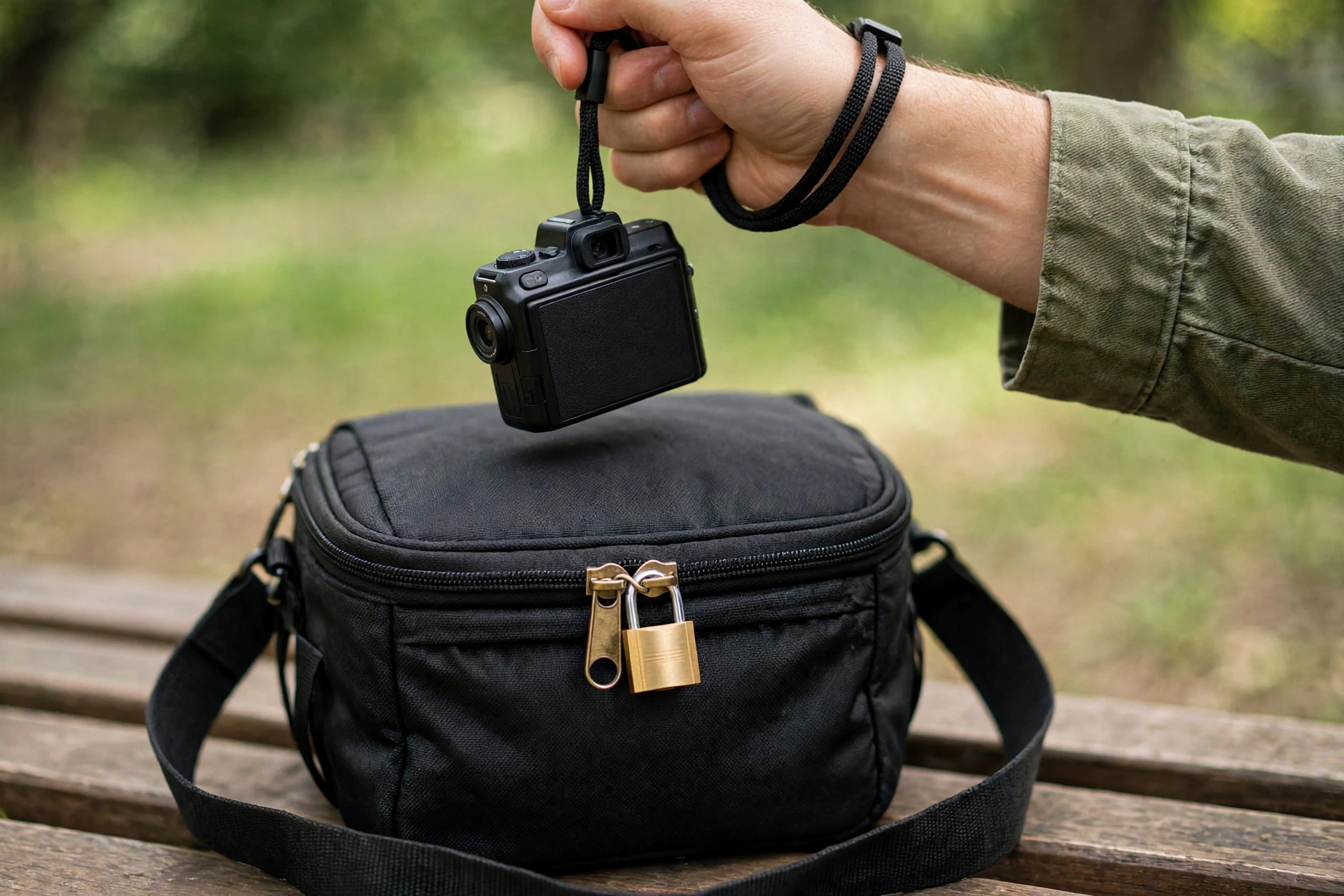
Before you leave home, photograph each camera body and lens, note the serial number in a safe place away from the gear itself, back up your footage, and set up tracking and remote lock on your phone and laptop, so you can lock a stolen device even if you have to borrow a phone to do it. A serial number is what lets police and second hand sellers identify your camera later, and a backup is what turns a stolen camera from a lost channel into a lost piece of hardware. A small cable lock for a camera bag can also help when you must set a bag down for a few minutes, though no lock replaces keeping the bag with you.
Insurance is worth a clear look, not a guess. Check whether your home insurance, travel insurance or a dedicated camera policy covers theft away from home, what excess applies, and whether it covers gear left in a car or a hotel room. Read the conditions before a shoot, not after a claim. The safety habit here is simple: know what is covered, keep proof of purchase and serial numbers, and do not assume a policy covers everything in your bag.
Run a count in and count out on every shoot day: camera bodies, lenses, memory cards, batteries, and microphones, checked at the start and again before you leave a location. Carry that list as a pocket count card on location. Keep it separate from your ownership file, which is a photo of each serial plate plus purchase records kept away from the gear itself. If a bag also carries a tracker, treat it as a lead for police only: screenshot the last known location and hand it over, and never drive to a tracker address yourself. Also change lenses with your back to a wall, or crouched over your open bag, not standing in an open crowd with a spare lens in each hand, since a lens change is the moment your kit is most spread out and your attention is most divided.
Scout every location for safety, not just for shots
Before you press record, check four things: how you get in and out, and how you leave fast if you need to; who else is around; how light and phone signal change through the shoot; and where your bag and tripod sit.
Arrive a little early when you can, even if only by ten minutes, and walk the spot without the camera first. Find the exits, note where the crowd thins out, and pick one of two good positions: your back to a wall, so approaches come from one direction you can see, or an open position with a wide view of who is approaching, and never a position with a narrow alley behind you. If you are filming at night, check the lighting on the walk back to your car or transport, not only the lighting on your face. Check phone signal too: with no coverage you cannot call for help or use your phone as a remote monitor, so keep the shoot short, stay where other people are, and make sure someone knows your plan before you start. A bright filming spot next to a dark walk home is a trap.
Crowds cut both ways. A busy market gives you cover and witnesses, but it also gives a thief cover and makes it easy to lose track of a bag. A quiet beauty spot gives you clean audio, but it leaves you alone if someone approaches. Match your kit to the place: in a crowd, go small and keep gear close; in a quiet place, bring a friend, keep shoots short, and let someone know your plan.
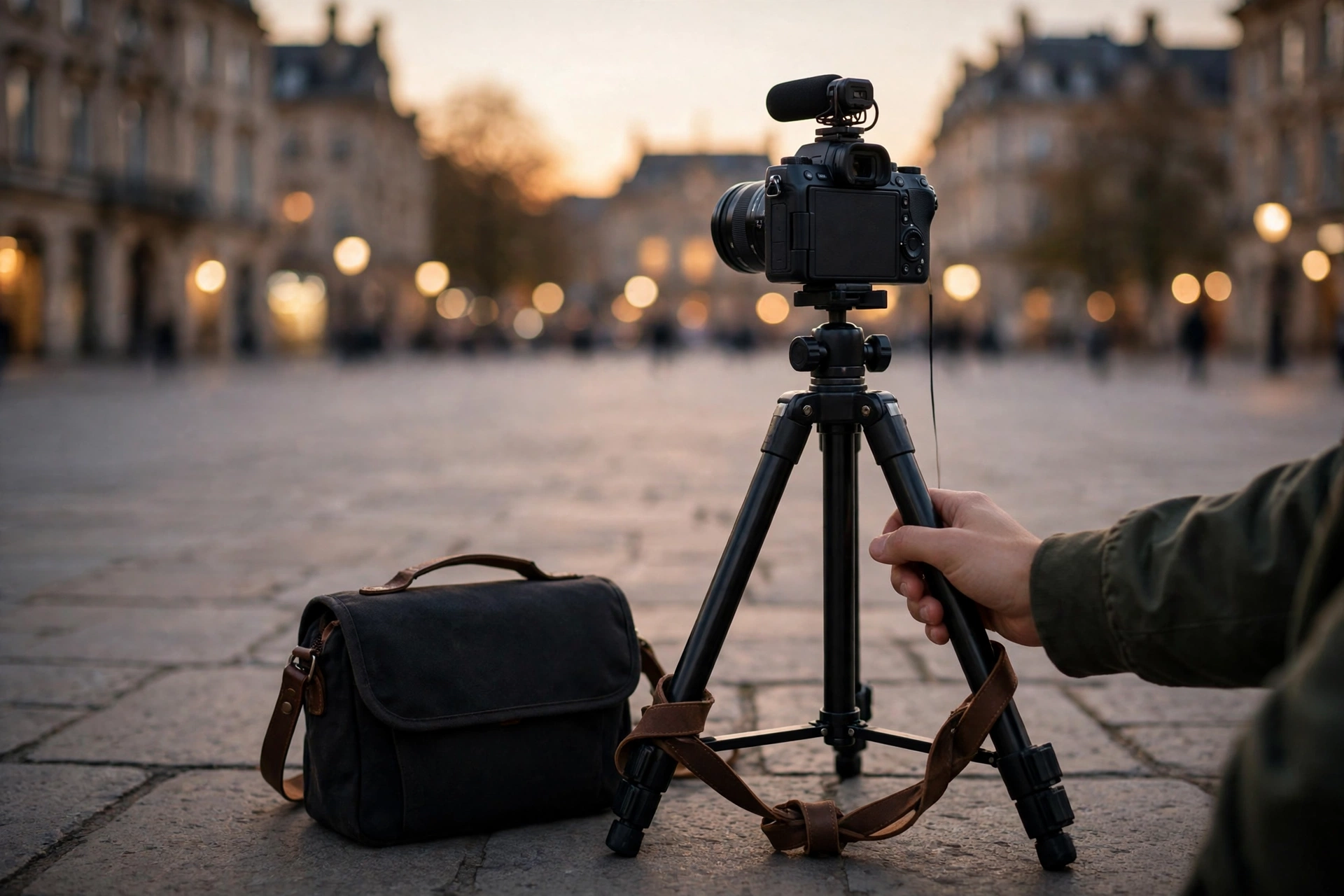
The unattended tripod is the solo vlogger’s hardest dilemma, and it deserves an honest answer. A tripod shot where you walk into frame looks great, and it also leaves your camera standing alone while you are metres away. Telling a solo vlogger to never step away from the tripod is not a workable rule, because stepping into frame is the job. Use a walk away protocol instead, so the camera is never truly on its own.
- Tether the bag to the tripod leg or to a fixed object, and keep the bag inside the recorded frame where possible, so anyone approaching it walks into shot.
- Keep the tripod within a few steps, keep each take short, and return to the camera between takes instead of filming a long stretch from far away.
- Use your phone as a remote monitor and remote control where your camera supports it, so you can check the frame and stop recording without walking back and forth.
- Film with your back to a wall where you can, so approaches come from one direction you can see, and skip the wide tripod shot in favour of handheld filming when the place is busy or feels exposed.
- Do not hand your camera to a stranger to get a shot of you. A tripod with you beside it, or a short self timed take with the camera within a few steps, is slower but keeps the camera attended. A camera left on a ledge while you walk into frame is unattended in the same way as a tripod left alone, so use a ledge setup only while you stay with it.
A slightly less polished shot beats a stolen camera every time, and a short, tethered, in frame take is the version of the shot that gives you both.
Filming near roads, water, cliffs and rooftops needs the same safety check as any other location, with one extra question: where do you step if you look away from your feet to check the frame? Plant your feet before you look at the screen, keep a hand free on stairs and uneven ground, and never walk backwards into traffic or toward an edge while watching a flip screen. Most location injuries happen in the gap between looking at the shot and looking at the ground.
Finally, trust the exit test. Before a long shoot, ask yourself how you would leave quickly if the weather turned, a crowd formed, or someone made you uneasy. If the answer involves squeezing past a barrier, crossing a busy road or finding your car in the dark, change the plan now. Safe locations are the ones you can leave from as easily as you arrived.
Film from a car without presenting while driving
Set the camera up while parked, start recording before you move, and then leave it alone until you are parked again. Any talking segment is recorded while parked, not while driving: there is no safe way to present to camera while driving. Any shot that needs your hands, your eyes, or a settings change waits for a safe place to pull over.
Driving vlogs fail on attention, not on camera quality. Talking to a lens, checking a flip screen, or reaching for a mount all pull the same attention you need for the road, and a mounted camera does not remove that pull. It only removes the hand holding it. There is no safe way to present to camera while driving: talking through a segment, even one planned in advance, still pulls the attention you need for the road. So record any talking segment while parked, not while driving, and let the camera run untouched while the car is moving. Plan before you move: decide what the parked talking segment is about, mount the camera where it does not block your view, and test a new mount while parked first, not on a busy road.
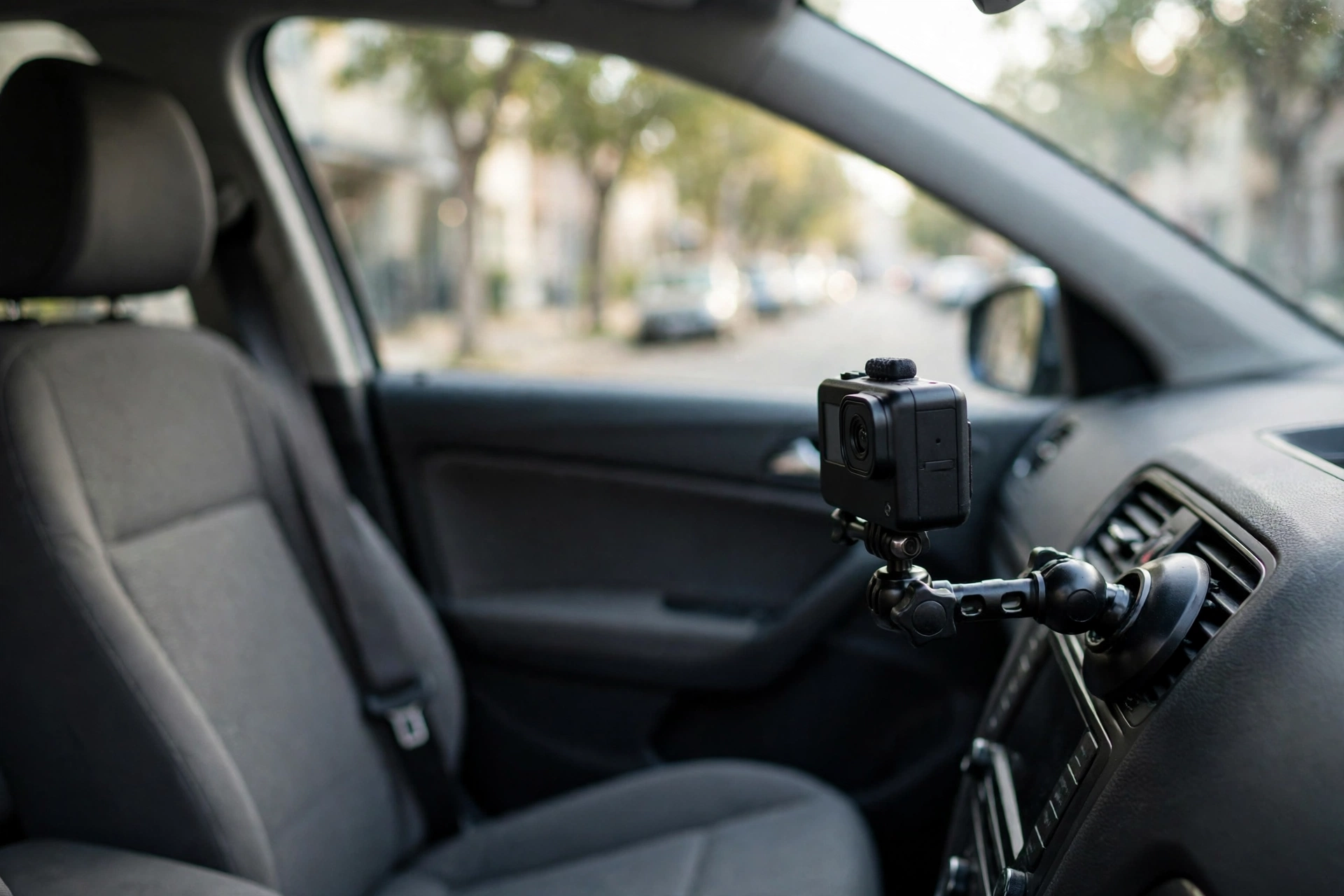
The working rule is simple. Mount and frame while parked, press record while parked, drive with the camera untouched, and stop recording when you stop the car. If a clip needs a retake, a reaction, a settings change, or a look at the footage, pull over first and do it there. The extra stop costs minutes, but it saves unusable footage and a retake, and the risk from reaching for a camera at speed is not worth any single take.
Use a posting delay and strip location data
Never post your live location. Film today, check the footage for location clues, then post a day or more later, and never before you have left, with location data removed and place names shared only when sharing them cannot bring a stranger to you.
Real time posting is the single easiest way to tell strangers where you are. A story tagged at a cafe, a live stream from a park, or a vlog uploaded from a hotel room all say the same thing: here I am, right now. A posting delay breaks that link. Film in one place, move on, and post later from somewhere else. A delay of a day or more is the standard rule. Posting as soon as you have left is only a minimum for low risk posts with no home, school or routine clues. The day or more delay removes the live tracking risk, but it does not remove older clues: background details, routines and old clips still need the location hygiene steps in this section.
Location data hides in files as well as in captions. Photos and videos can carry embedded location metadata, and phone settings can add location tags to posts automatically. Turn off location tagging for your camera and social apps unless you have a reason to leave it on, and check the settings again after app updates, which can reset them. Before publishing, review each clip for street signs, house numbers, school names, car plates, distinctive shop fronts and reflections that show where you were. Move anything that points to your home, your child’s school, or a place you visit on a fixed routine out of frame before you record; blur or cut is only a second pass where a detail slipped through, and never rely on blur alone for a high risk detail.
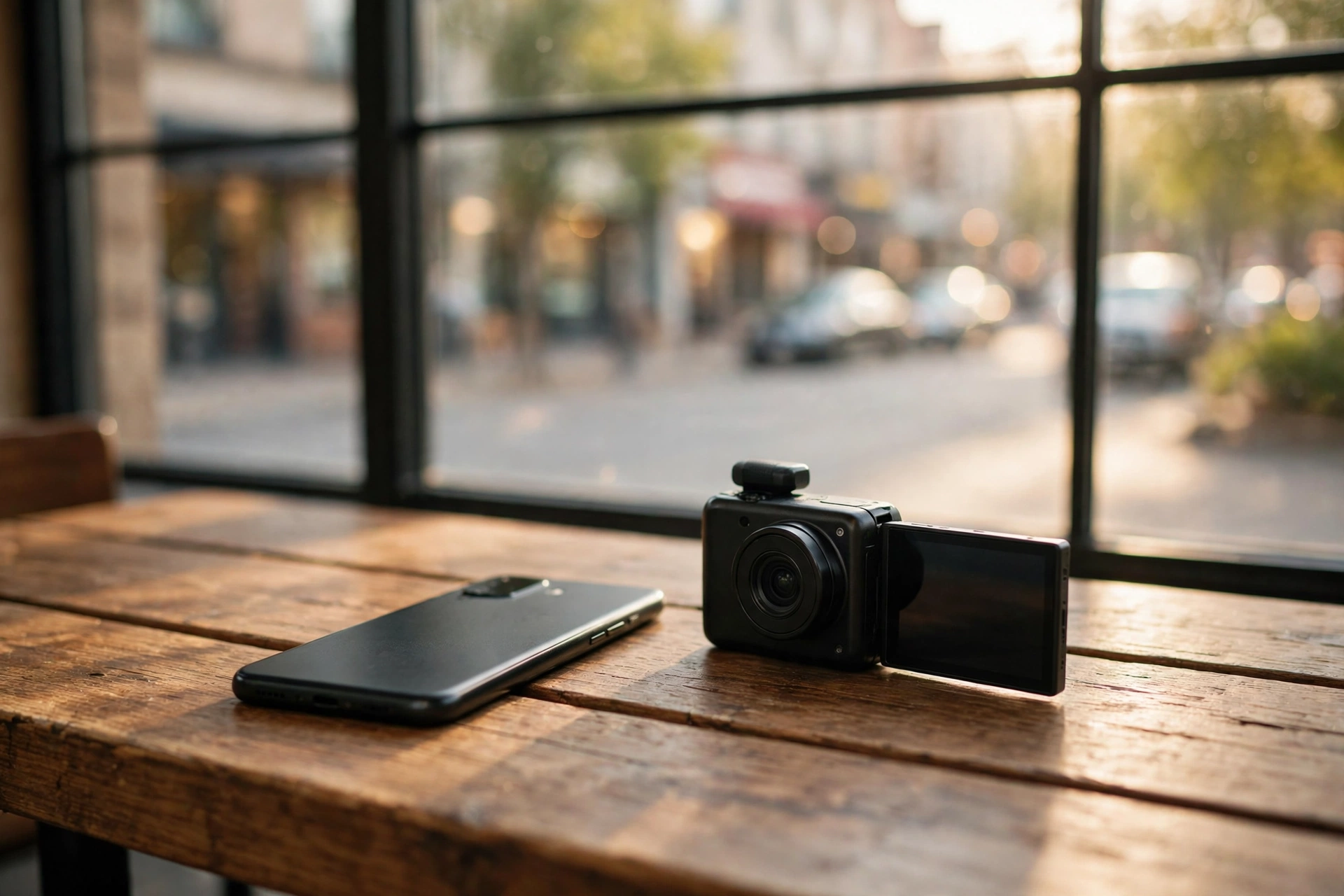
Background details give you away even when the foreground looks clean. A regular cafe, a gym logo, a bus stop number, or a view from a window can all be matched to a map by someone determined enough. That does not mean never showing your town. It means choosing what to show: share the city, hold back the street; share the trip, hold back the hotel; share the routine in general terms, never the timetable. If a location is part of the story, name it after you have left, not while you are there.
Build a short publish check into every upload: location data off, home and school details blurred or cut, no live location tag, no next stop named, and no routine pattern in the caption such as every Tuesday at the same park. Run that check on thumbnails too, since a thumbnail can carry a street sign the video itself cut out. The check takes minutes, and it is the difference between sharing a vlog and sharing your movements.
Separate your creator accounts from your personal life
One shared login can undo good filming habits: keep creator and personal accounts on separate emails, passwords and browser profiles, with two factor authentication on the email account first.
Separate your creator life from your personal life at the account level, because a single shared login can undo good filming habits. Use a separate email address for your channel and creator accounts, use a password manager with a different password for each account, and turn on two factor authentication on the email account first, since email resets can open other accounts. Keep personal and creator accounts in separate browser profiles where you can, turn off contact syncing on social apps so your creator account is not suggested to people who hold your personal phone number, and set up alerts for your channel name so you hear about impersonation or copied content early. Check app permissions now and then, and do not sign in to a random app or quiz with a social account that is tied to your channel.
Meet fans and strangers with a clear protocol
Be warm, be brief, and stay in control of the encounter: greet fans in a public spot, keep your gear with you, do not share your plans or your route, and end the chat on your terms before it drifts toward following you or meeting later.
Most fan encounters are kind, and a clear protocol protects those good moments as well as the bad ones. A simple script helps: a smile, a thank you, a quick photo if you are happy to take one, and a friendly close such as saying you need to get back to filming. You do not owe anyone a long chat, a follow back, your phone number, or a meeting later. Saying no early, politely, is kinder than letting an encounter drag on until you feel trapped.
Keep the encounter in public and on the move. Stay near other people, keep your bag and camera with you, and do not let a fan walk you to your car, your hotel or your home, even if the offer sounds helpful. If someone wants to show you a place, thank them and film it another day on your own terms. If a stranger is filming you without asking, you can step away, go into a shop or a busy area, and end your shoot for the day. You do not need a confrontation to protect your space.
Watch for the line between friendly and persistent. Repeated appearances at your filming spots, messages that mention places you never named online, gifts left where you film, or someone waiting where you usually park are all signs to take seriously. Stop replying, save the messages and dates, tell a trusted person, and tighten your posting delay and location checks. If someone follows you, go to a busy public place or a staffed building, call a friend or local emergency services if you feel unsafe, and do not lead them home to check whether they are really following. For the practical side of filming around other people in public, our guide to how to vlog in public covers habits that make these encounters rarer.
Online messages need the same protocol. Do not reply to location guesses: no reply is the default, and it confirms nothing. If you must reply, for example because silence is being read as confirmation, keep it short and neutral, confirm nothing about where you live or where you are going, and never share travel dates in replies or comments. A short, neutral reply is safer than a detailed correction that accidentally confirms the very detail you wanted to hide. If a comment thread turns threatening, save it, block and report the account on that platform, and do not argue in public.
Repeated contact needs a ladder, not a single response. Use the same steps every time, so you do not have to decide under stress whether a repeat visit counts as serious.
| Stage | What you see | What to do |
|---|---|---|
| One off and friendly | A fan says hello once at a filming spot | Be brief and warm, close the chat on your terms, and do not share plans or routes |
| Repeated or pushy | The same person appears at more than one spot, sends many messages, or will not take no for an answer | Stop replying, block and report on the platform, save every message with its date, and tell a trusted person |
| Threatening or in person | Threats, gifts left where you film, or someone at your home, workplace, or regular parking spot | Go to a busy public place, contact local police with your saved evidence log, and pause all new publishing until the details are removed, your accounts are secured, and a trusted person confirms the situation is contained |
Keep the evidence log simple and consistent: date, time, place, username or description, what happened, and where the screenshot or message is saved. A short log with dates is far more useful to police or a platform than a long retelling from memory weeks later.
Protect family and home details in frame
Decide before you film what family life stays private: no home address clues, no school names or uniforms, no fixed routines for children, and a regular review as children grow, because footage posted today stays findable for years.
Family vlogs carry a safety question that solo vlogs do not: other people in your frame did not choose your audience. Talk with adult family members about what they are happy to share, and make the same decision for children with extra care, since a child cannot weigh a future audience. A good default is to show family moments without the details that locate them: no school gates, no team kits with names, no house number, no regular pickup route, and no bedroom window view that shows the street outside.
Home filming needs its own check. Before you publish a home tour, a morning routine or a desk setup video, scan the background for mail with your name and address, parcels with labels, car plates through a window, school letters on a fridge, and reflections in mirrors and screens. Move those items out of frame before you record; blur or cut is only a second pass where a detail slipped through, and never rely on blur alone for a high risk detail, since blur can fail and a single frame can slip through an edit.
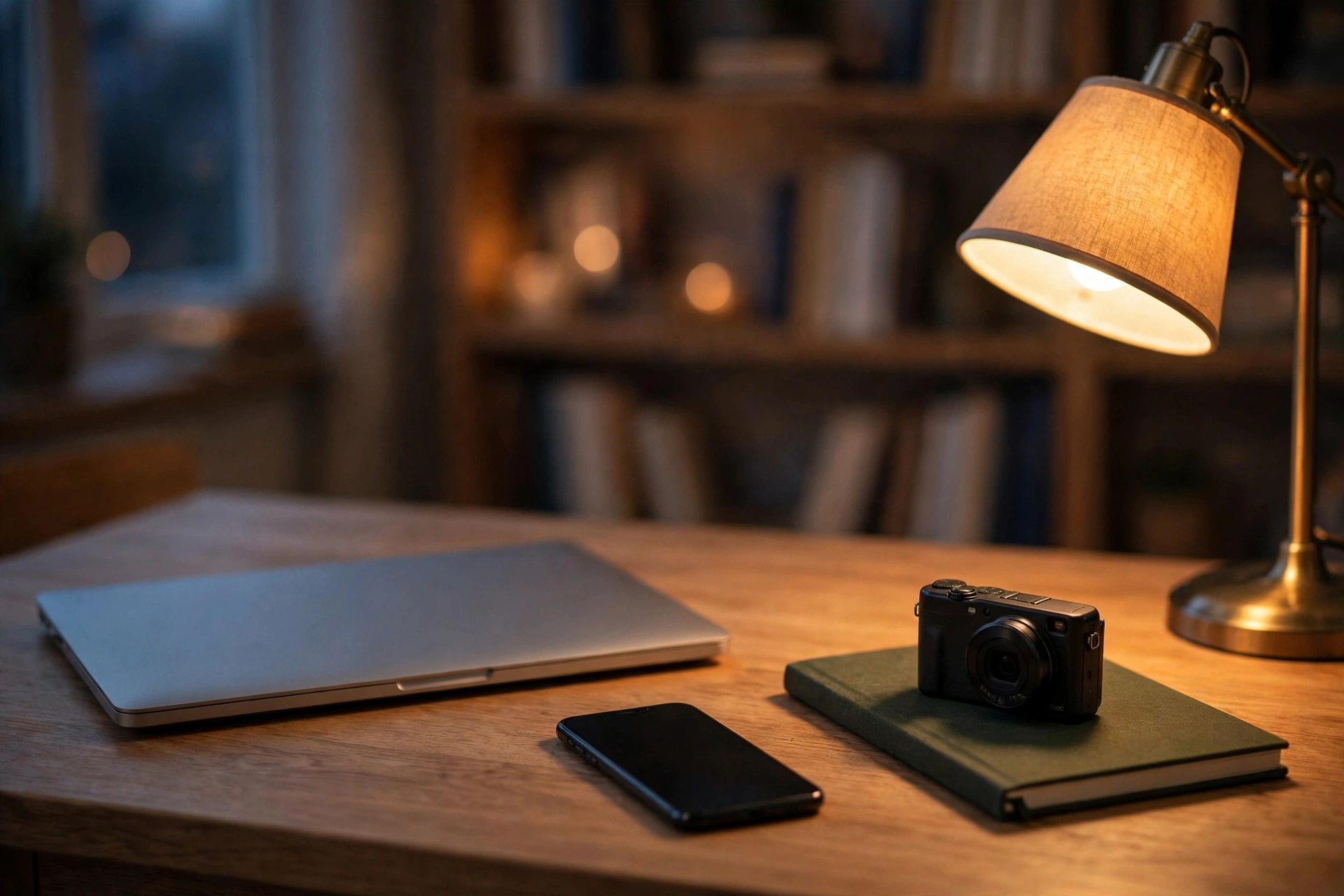
Children deserve a review routine as they grow. What felt fine to share when a child was small may feel very different to them a few years later, and old videos stay searchable long after your channel moves on. Revisit family videos from time to time, remove or edit clips that now feel too personal, and keep a private archive for family memories that never needed an audience. Keeping some moments off camera is not lost content. It is the part of family life that stays yours.
For the permission side of filming people, see our guide to Filming People, Places and Property Legally.
The first hour after your camera is stolen
Stay safe first, then act fast in this order: get to a safe place, note the time and place, report to police, lock and track your accounts, tell your insurer, and warn your audience only with facts, not guesses about who took it.
Do not chase a thief. Gear can be replaced and footage can be backed up, but a chase into traffic or a confrontation over a bag can end badly. Get to a safe, busy place, check that you and anyone with you are unhurt, and write down what happened while it is fresh: time, place, what was taken, and any description you actually saw, not details you are guessing.
Then work the list. Report the theft to local police and keep the report number, since insurers and second hand marketplaces ask for it. If a tracker is in the stolen bag, screenshot its last known location at once and give that screenshot to police rather than following it yourself. Use your phone to change passwords for any account that was signed in on stolen gear, and use the tracking or remote lock tools you set up before the shoot to lock a stolen phone or laptop. If the phone itself was in the stolen bag, borrow a phone, use a companion’s device, or go to a staffed place and ask to make a call, then lock the stolen device and change passwords from there. Call your insurer the same day and ask what proof they need, such as serial numbers, purchase records and the police report number.
Check your backups before you panic about footage. If yesterday’s edit is safe on a hard drive or in cloud storage, the theft is a gear problem, not a channel problem. If footage only lived on a stolen card, it is gone with the camera: do not return to the spot to search for stolen items, and do not chase anyone who may have them. Note the loss honestly and move on to the next shoot. Tell your audience briefly if a promised video will be late, without naming suspects or sharing police details that could harm an investigation.
After the first hour, do a short review. What made the theft possible: an open bag, a tripod left alone, a quiet street at dusk? Fix that one habit before your next shoot. Theft prevention works best as a small change after a real incident, not a long list you forget by next week.
Save this checklist on your phone:
- Get to a safe, busy place, and check that you and anyone with you are unhurt.
- Write down the time, the place, what was taken, and any description you actually saw.
- Report the theft to local police, and keep the report number.
- Screenshot a tracker last known location at once and give it to police. Never follow it yourself.
- Lock a stolen phone or laptop with the tracking or remote lock tools you set up before the shoot. If the phone itself was in the stolen bag, borrow a phone, use a companion’s device, or go to a staffed place and ask to make a call.
- Change passwords for any account that was signed in on stolen gear.
- Call your insurer the same day with serial numbers, purchase records, and the police report number.
- Check your backups. If footage only lived on a stolen card, it is gone with the camera.
- Tell your audience briefly if a promised video will be late, without naming suspects or sharing police details.
- Fix the one habit that made the theft possible before your next shoot.
The first hour after a doxx or stalking scare
Do not engage with the person who posted your details. Preserve evidence, tighten your accounts, remove what you can, tell a trusted person, and contact police if there is a threat or someone shows up in person.
A doxx means someone has published private details about you, such as your address, phone number, or workplace, often to frighten you or to send other people to you. The first instinct is to reply or to argue, but engagement usually spreads the post further. Screenshot the post with the date, username and link visible, save the link, and do not repost the details yourself while warning others, since reposting spreads the very information you want removed.
Then tighten everything at once. Change passwords for your main accounts, starting with the email account that can reset the others, turn on two factor authentication everywhere it is offered, and check which apps and platforms can see your location, your contacts or your posts. Pause all new publishing until the details are removed, your accounts are secured, and a trusted person confirms the situation is contained, then work takedowns in order: ask the platform where the details appeared to remove the post and report it as private personal information, then file a search removal request for the personal information, then use data broker and people search removal or opt out pages where the details reappear, and repeat the check later, since listings can reappear.
Tell someone you trust, and tell them plainly what happened. If there is a threat, if someone comes to your home or workplace, or if you feel unsafe, contact local police and show them the saved evidence. You do not need to wait for a second incident to take a threat seriously. If you live with family, tell them too, so a stranger at the door is not a surprise to them.
After the first hour, slow down your public footprint for a while. Keep all new publishing paused until the details are removed, your accounts are secured, and a trusted person confirms the situation is contained, then extend your posting delay, and review old videos for the detail that may have leaked, such as a house number in an old home tour or a school name in an old family clip. Remove or edit those clips. A doxx is frightening, and a calm, written response protects you far better than a fast public one.
Save this checklist on your phone:
- Do not engage with the person who posted your details, and do not repost the details yourself.
- Screenshot the post with the date, username, and link visible, and save the link.
- Change passwords for your main accounts, starting with the email account that can reset the others, and turn on two factor authentication everywhere it is offered.
- Check which apps and platforms can see your location, your contacts, or your posts.
- Pause all new publishing until the details are removed, your accounts are secured, and a trusted person confirms the situation is contained.
- Ask the platform where the details appeared to remove the post, and report it as private personal information.
- File a search removal request for the personal information.
- Use data broker and people search removal or opt out pages where the details reappear, and repeat the check later.
- Tell someone you trust, and tell family too if you live with them. Contact local police if there is a threat or someone shows up in person, and show them the saved evidence.
- Review old videos for the detail that may have leaked, and remove or edit those clips.
Your everyday vlogging safety kit
Your safety kit is mostly habits and records, not new gear: a strap and a closed bag, serial numbers and backups, a posting delay, a fan encounter script, and the two first hour checklists saved on your phone.
| Before you leave | While you film | Before you publish | After something goes wrong |
|---|---|---|---|
| Serial numbers noted, footage backed up, someone knows your plan | Camera strapped or tethered, bag closed and in front, tripod within a few steps | Location data off, home and school details moved out of frame, cut or blurred, no live tag | Get to a safe place first, then report to police and lock accounts |
| Phone charged, tracking and remote lock set up | Exits noted, walk home checked, no walking backwards into traffic | Posting delay applied, thumbnail checked, next stop not named | Tell a trusted person, tell your insurer the same day, save evidence |
| Only the kit the shoot needs, spare gear left secure | Fan chats kept public, brief and closed on your terms | Family details reviewed, no routine pattern in the caption | Review the habit that made it possible before the next shoot |
| Every few months: revisit old family clips as children grow, recheck location settings after app updates, and confirm backups still open. | |||
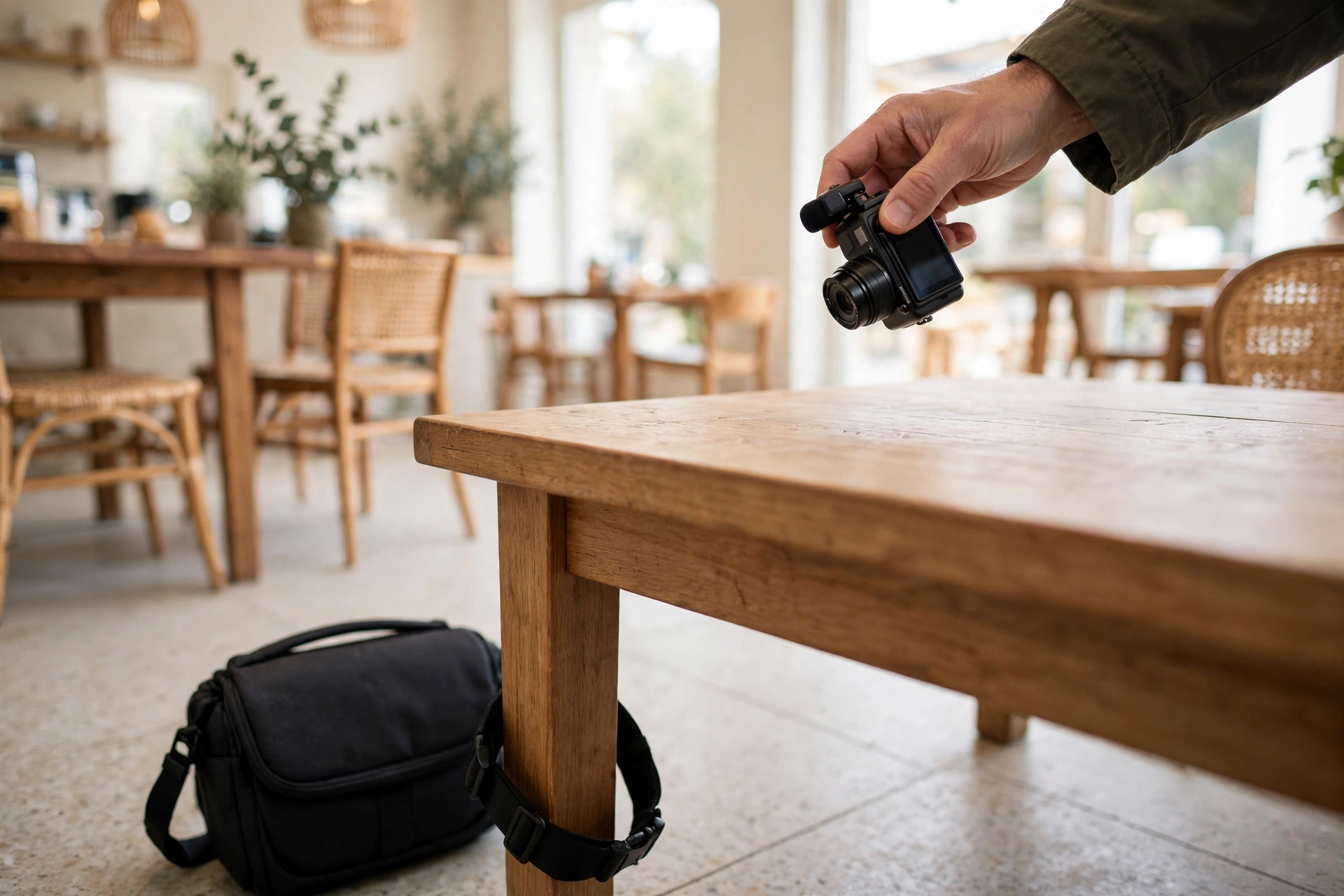
Keep the physical side simple. A strap, a bag that closes and locks, a cable lock for short stops, and a small pouch for memory cards cover most shoots. The rest is record keeping: a note on your phone with serial numbers, insurer details and police report numbers, and a backup routine you actually follow, such as copying cards at the end of every shoot day. Safety gear you leave at home helps no one.
Review the system every few months, not every day. Check that your location settings are still off after app updates, that your two factor authentication still works, and that your backups still open. A safety system that gets a short review now and then will hold up far better than a perfect plan you set once and forget.
The goal is not to film in fear. It is to make safety so routine that it stops getting in the way of good vlogs. A strapped camera, a checked location, a delayed post and a saved checklist give you the freedom to film boldly, because the risks you can control are already handled.
Vlogging safety questions, answered
How do I keep my camera safe while filming alone?
Keep the camera strapped to you, keep your bag closed and in front of you, carry only the kit the shoot needs, and never leave a tripod truly unattended. In a crowd, go small and stay near other people. In a quiet place, keep shoots short and let someone know your plan.
Should I post vlogs in real time?
No, not with your live location attached. Film, leave the location, check the footage for home, school and routine clues, then post later. A delay of a day or more removes the live tracking risk, though older location clues still need the checks in this guide, while the vlog itself stays unchanged.
How do I remove location data from my photos and videos?
Turn off location tagging in your camera and social app settings, and check those settings again after app updates. Before publishing, review clips for street signs, house numbers, school names and car plates, and cut or blur anything that points to your home or a fixed routine.
What should I do if a stranger follows me while filming?
Go to a busy public place or a staffed building, call a friend or local emergency services if you feel unsafe, and do not lead the person home. Save any messages, note times and places, and tell a trusted person what happened.
Is it safe to show my family in vlogs?
It can be, with clear limits: no home address clues, no school names or uniforms, no fixed routines for children, and a regular review as children grow. Keep some family moments off camera entirely, and revisit old clips that now feel too personal.
What do I do first if my camera is stolen?
Do not chase the thief. Get to a safe place, note the time and place, report to police and keep the report number, change passwords for accounts signed in on stolen gear, and contact your insurer the same day with serial numbers and purchase records.
What do I do if someone posts my address online?
Do not engage or repost the details. Screenshot the post with the date and username, report it to the platform as private personal information, tighten passwords and two factor authentication, use data broker removal pages where the details appear, and contact police if there is a threat or someone shows up in person.
Do I need insurance for my vlogging gear?
Check before you need it, not after. Read whether your home, travel or dedicated camera policy covers theft away from home, what excess applies, and whether gear in a car or hotel room is covered. Keep proof of purchase and serial numbers ready for any claim.
Can I leave my camera on a tripod and walk away?
Yes, but only under the walk away protocol, and never truly unattended. Keep the tripod within a few steps, tether the bag to the tripod leg, keep the bag inside the recorded frame where possible, keep takes short, return to the camera between takes, and use your phone as a remote monitor where your camera supports it. A camera left alone at a distance, with no one within a few steps, is unattended, and the protocol does not cover it.
How do I film myself solo without handing my camera to a stranger?
Use a tripod under the walk away protocol, or a short self timed take with the camera within a few steps, and walk into frame yourself. Keep the camera tethered and within a few steps, keep takes short, and use a remote control or your phone as a monitor where your camera supports it. A camera left on a ledge while you walk away is unattended, so stay with a ledge setup or skip it. Handing a camera to a stranger is the fastest way to lose it.
How do I film a driving vlog safely?
Mount the camera while parked, start recording while parked, and leave it alone until you are parked again. Record any talking segment while parked: there is no safe way to present to camera while driving, even with a segment planned in advance. Pull over for any retake, reaction, settings change, or look at the footage.
Keep exploring
Pair this safety system with the permission side of filming and with public filming habits, so your shoots are safe, welcome and ready to publish.
- Filming People, Places and Property Legally: permission, releases and permits for filming people, places and property.
- How to Vlog in Public: practical habits for filming confidently around other people.