Last updated: October 2026
Most vloggers set up their playlists, end screens and cards once, at random, and never look at them again. That wastes the only three tools YouTube gives you to decide what a viewer watches next. Used together they become a system: the playlist builds the path, the end screen hands the viewer onto it in the final seconds, and cards rescue the moments in the middle where a viewer needs a reference, a prerequisite or a deeper dive.
The short version
- Build the playlist first. It is the path everything else points to.
- Sequence for flow, not upload date. Your strongest opener takes slot one.
- End screens own the last 5 to 20 seconds. One clear next step beats four crowded elements.
- Cards sit at the moment of need. Up to five per video, each tied to something just said.
- Point at playlists, not lone videos. One click should start a chain, not a single step.
On this page
- Three tools, one job: keep the viewer on your channel
- Playlists first: build the path everything points to
- The order is the strategy, not the upload date
- Official series: the switch for sets that must run in order
- A playlist title and description that earn their place in search
- End screens: treat the final seconds as a handoff
- Film the handoff before you ever open the editor
- Cards: the mid-video rescue, placed at the moment of need
- One video, fully wired: how the three work together
- Read the reports, then change one thing at a time
- Frequently asked questions
Three tools, one job: keep the viewer on your channel
Playlists, end screens and cards do one job between them: they route the interest a good video already created into a second, third and fourth video. The playlist is the ordered path, the end screen is the handoff at the exit, and the card is the rescue in the middle. None of them manufactures demand; they stop earned attention leaking away at the moments viewers decide what to do next.
A viewing session is the unit YouTube thinks in. One video that leads nowhere ends the session on your channel, and whatever the viewer watches after that earns its watch time for someone else. A video that hands over cleanly starts a chain, and chains turn a single discovery into a habit. That is why how the YouTube algorithm works matters here: recommendations follow satisfied viewers, and three of your videos in a row is the clearest satisfaction signal a channel can send.
| Tool | When it works | What it can point to | The hard limits |
|---|---|---|---|
| Playlist | Once a viewer starts it, videos play on in order | A set of videos in an order you choose | Must be public for end screens and cards to send viewers into it |
| End screen | The final 5 to 20 seconds of a video | A video, a playlist, a subscribe button, another channel, or a website for Partner Program channels | Up to 4 elements on a 16:9 video; the video must run at least 25 seconds |
| Info card | A moment you choose while the video plays | A video, a playlist, a channel, or a website for Partner Program channels | Up to 5 per video; the teaser appears at the time you set |
Read the table as a timeline and the system designs itself. Cards work while attention is still inside the video. End screens work in the seconds when attention is about to leave it. Playlists work after the click, carrying the viewer forward without asking them to choose again.
Playlists first: build the path everything points to
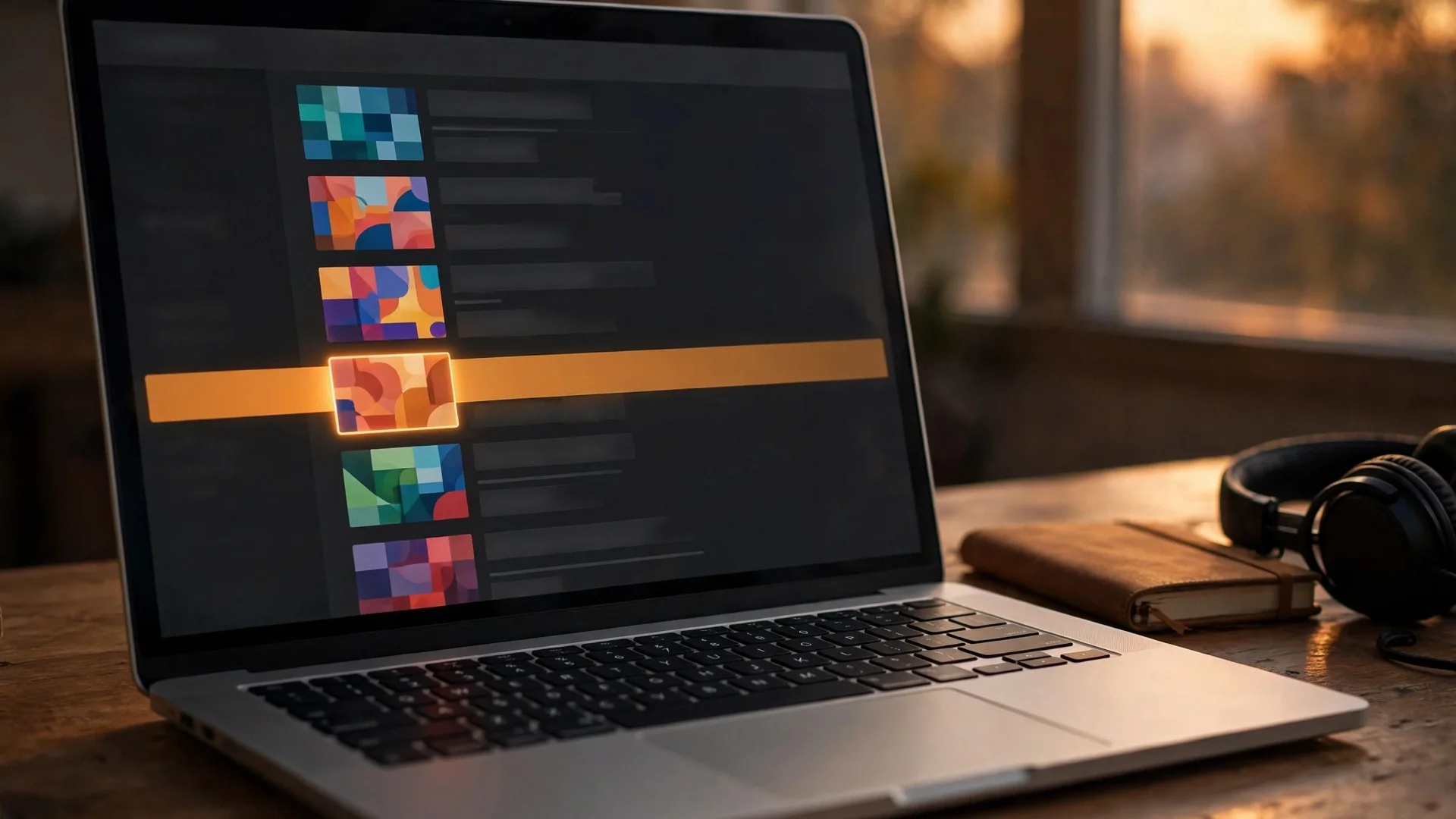
Build playlists before touching end screens or cards, because the other two are signposts and a signpost needs a destination. A playlist is a public, ordered set of videos: start one and the next video plays automatically when the current one ends, with the queue sitting beside the player. That automatic continuation is the engine of the whole system.
Create a playlist from any watch page with More, then Save, then Create new playlist, or manage everything in YouTube Studio under Content and Playlists. Name it, add videos, drag them into order, and set the privacy. The setting that matters most is public: the end screen playlist element displays a public playlist, and a card can only send viewers to a public playlist, so a private or unlisted list is a path nobody can be routed onto.
Two practical notes. YouTube limits how many public playlists a channel can create in a day, and access to advanced features raises that limit, so build the few paths your channel needs rather than a list for every upload. And a playlist built as storage, every video on one topic dumped in upload order, is not a path. A path is short enough to finish and ordered so finishing feels natural.
The order is the strategy, not the upload date
Slot one decides whether the session starts at all, so it belongs to the video viewers reliably finish, not the oldest video and not the one with the most views. After that, order for flow: each video should raise the question the next one answers, so the queue reads like one long watch cut into chapters.
Chronological order is the default and the trap: it buries your strongest work under your earliest, weakest uploads. Pick the opener from your own numbers. The video on the topic with the strongest average view duration is the one most likely to hold a stranger long enough for autoplay to take over; the second slot goes to whatever continues it most naturally, and so on down the line.
Then apply the honest test: watch your own playlist straight through, as a viewer would, and mark where the momentum dies. A video that holds attention on its own can still break a chain if the video before it promised something different. That is a sequencing fault, not a content fault, and the fix is to reorder or swap the video, not re-edit it. Prune the same way: an outdated or off-topic upload mid-list is a broken step, and viewers step off broken paths.
Official series: the switch for sets that must run in order
Inside playlist settings on a computer sits an option called “Set as official series for this playlist”. Turning it on tells YouTube the videos form one set that should be viewed together, so when someone watches one video in the series, the others can be featured and recommended to them. Save it for sets where order genuinely matters.
YouTube attaches three conditions. Your account must be verified. Only videos you uploaded yourself, and hold the rights to, can go into a series playlist. And a video can belong to only one series playlist at a time, so the designation goes on the set that best represents where that video belongs.
For a vlogger the honest uses are clear: a multi-part trip told across episodes, a beginner course where lesson two assumes lesson one, a build project in stages. A loose collection on one theme, camera settings for example, where any video can be watched first, gains nothing from the switch. Keep those as ordinary playlists; your ordering still applies whenever a viewer starts the list.
A playlist title and description that earn their place in search
Playlists surface in YouTube search results and on your channel page in their own right, which makes the title and description working assets rather than labels. Write the title the way you would write a video title, with the search phrase a viewer would type, and write the description as a few honest sentences: what the set covers, who it is for, the order to watch in.
The discipline is the same one that governs your video metadata, so the thinking in our guide to YouTube SEO basics for vloggers carries straight over: one clear topic per playlist, the keyword early in the title, no promises the videos do not keep. Writing titles that earn the click is a craft of its own, and it applies to playlists word for word. “Italy vlogs” wastes the slot; “Italy Travel Vlogs: Rome, Florence and the Amalfi Coast in Order” tells a searching viewer exactly what starting it gets them.
Placement finishes the job. Add your strongest playlists as sections on your channel home page, high enough that a first time visitor meets them. A visitor who starts a playlist from that page has skipped the hardest step in this system, choosing what to watch next, because the path chose for them.
End screens: treat the final seconds as a handoff
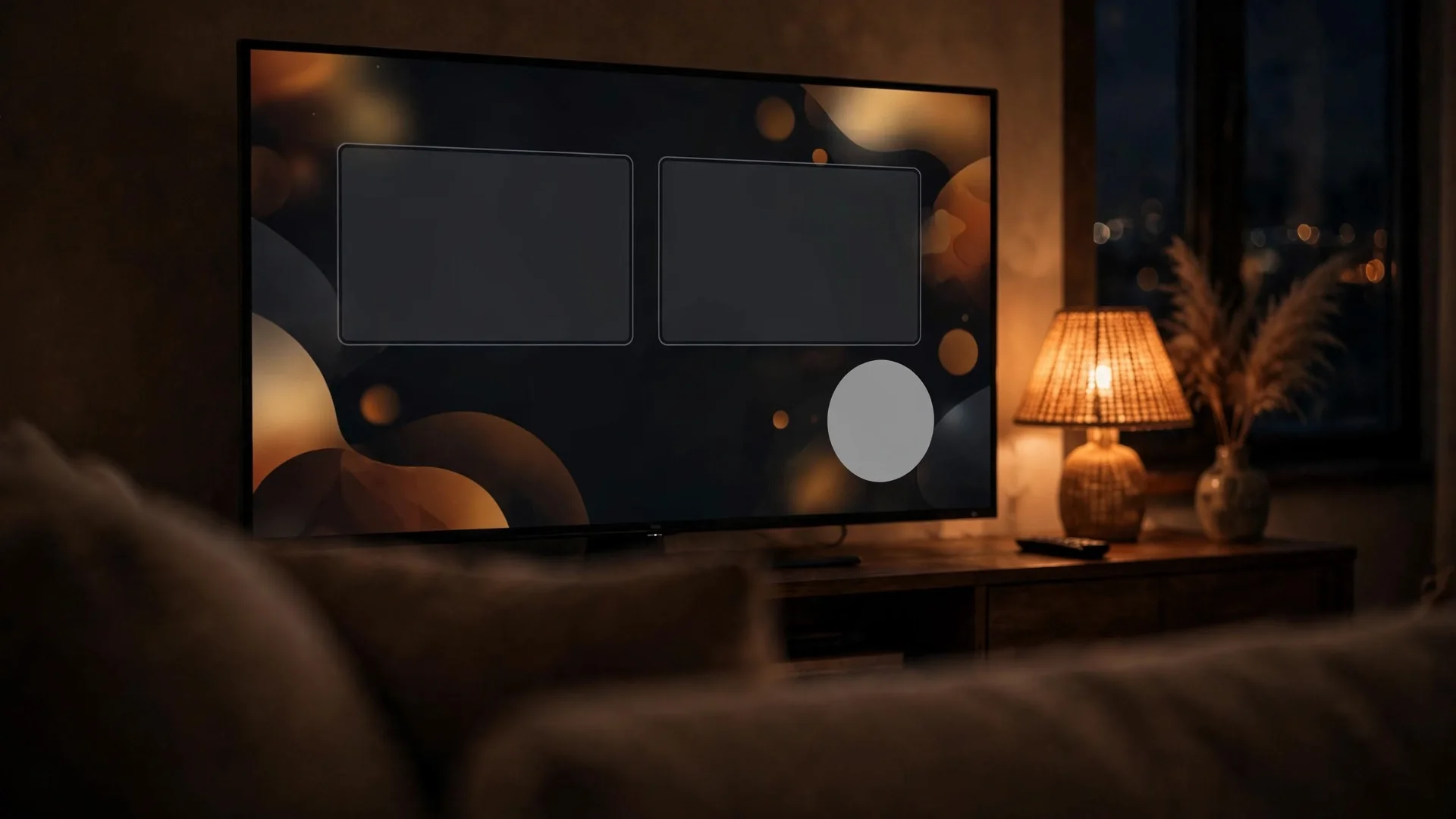
An end screen is a set of clickable elements placed over the final 5 to 20 seconds of a video: a next video, a playlist, a subscribe button, another channel, or, for Partner Program channels, a link out to a website. You add it in YouTube Studio under Content, the video, then Editor and End screen, either during upload or at any time after. Think of it as a handoff, not an ending.
The limits shape the craft. A standard 16:9 video can carry up to four elements; other aspect ratios may allow fewer, and the video itself must run at least 25 seconds. A video element can show your most recent upload, let YouTube pick the video best for that viewer, or feature a specific video, including a public video from another channel. Elements can be staggered to start at different times, templates give you a starting layout, and a custom image for an element should be at least 300 by 300 pixels, as YouTube recommends.
Know where end screens cannot go. They do not appear on videos set as made for kids, in the YouTube Music or YouTube Kids apps, on mobile web (the iPad is the exception), or in 360 videos, and viewers can choose to hide them. Card teasers and channel watermarks are suppressed while an end screen shows, so the handoff is the end screen’s job alone. End screens also belong to regular videos: the Shorts player does not show them, Shorts point onward with their own related video link, and turning Shorts viewers into long form viewers is a funnel of its own.
Film the handoff before you ever open the editor
The end screen is won or lost while filming, not in YouTube Studio. Plan the closing seconds, up to twenty of them, when you plan the video: finish teaching, deliver the promise, then speak one bridge sentence that names the next video and what it gives the viewer, while the clickable element is on screen. An element nobody is given a reason to click is furniture.
This is structure work, planned in the same pass as the opening. Our guide to how to structure a vlog treats the ending as part of the arc for this reason: a video that ends abruptly gives the editor nothing to hand over. The bridge sentence is itself a small hook, an open loop pointed at the next video, and the craft in hooks and retention editing applies directly: specific beats vague, so “next I show you the exact settings I used for that night shot” beats “check out my other videos” every time.
Leave the picture room to match. Sit to one side in the closing shot so elements do not cover your face, keep gestures out of the zones where elements will sit, and hold the shot a beat longer than feels natural. Then keep the same layout on every video: returning viewers learn where your next video and subscribe button live, and a layout they recognise takes no time to read.
Cards: the mid-video rescue, placed at the moment of need
Info cards are small interactive panels you attach to a moment in a video, up to five per video, linking to a video, a playlist, a channel, or a website if your channel is in the Partner Program. A teaser appears at the time you set, carrying your teaser text; afterwards the card icon stays reachable whenever the player controls are showing, so a viewer can open the cards at any point.
You add them in the same editor: Content, the video, Editor, then Info cards. Set the start time, add a message and teaser text where you want them (both are required on channel cards), and save. Two caveats from YouTube’s own documentation: cards are not available on videos set as made for kids, and they will not show on a video carrying a Content ID claim where the owner is running a campaign.
Placement is the entire skill. A card earns its click at the second the viewer needs it: the moment you mention the setup video you filmed last month, the prerequisite a beginner will not have, the deeper dive you are skipping to keep this video tight. Written into your spoken line it feels like help; dropped in at random it feels like an advert. When the video you reference lives inside one of your playlists, card to the playlist rather than the lone video, so the click enters the path instead of ending at a single watch. And ration them: five slots is a ceiling, not a quota.
One video, fully wired: how the three work together
On a finished vlog the wiring looks like this: decide the playlist and the next video before you film, place one or two cards at genuine references while you edit, then close with a spoken bridge over an end screen that points at the playlist, or at the specific sequel when there is exactly one. Every element then pulls the viewer the same direction.
The one real decision is the end screen video element, and it resolves by asking what exists. A direct sequel, part two of the same trip or project, gets featured itself; nothing converts like an unfinished story. A video that belongs to a series or themed path uses the playlist element, so the click starts the chain. If neither exists, choose “best for viewer” and let YouTube match the recommendation to the person watching, rather than pointing everyone at a weak video you happen to want views on.
The subscribe element earns its slot on videos that bring in strangers, a search-driven tutorial or a first episode. On a mid-series episode watched mostly by regulars, the slot is usually better spent on the path itself. Keep the layout to the elements that serve that one decision: four elements competing for the same end-screen window split attention four ways, and the click you most wanted is the one most likely to be lost.
Read the reports, then change one thing at a time
YouTube reports on all three tools, read per video in Analytics. For end screens it is the Engagement tab’s “End screen element click rate”; channel wide, the “Top end screen element types” and “Top videos by end screen” cards show which elements and videos earn clicks. For playlists, Analytics reports playlist starts, views per playlist start and average time in playlist. Cards report their clicks per video.
Read them as a diagnostic chain. A playlist with plenty of starts but a views per playlist start close to one is a chain breaking at the second video: reorder it, or replace the weak link, before touching anything else. A healthy end screen click rate on one video and a flat one on a similar video usually means the bridge sentence, not the layout, so compare what you actually said. A card that is mentioned but never clicked usually means the moment was wrong, not the target: move it to the second the viewer actually needs it, before changing what it points to. If a video is starved of impressions long before any of this can work, that is a different diagnosis with its own guide, and no end screen polish fixes it.
Two disciplines keep the numbers honest. YouTube publishes no benchmark click rates for end screens or cards, so judge yours against your own channel’s other videos, never a figure quoted in a forum. And change one thing at a time, one layout, one opener, one bridge line, then let the next videos report back. The wider method is in our guide to YouTube analytics for vloggers.
Frequently asked questions
The questions vloggers actually ask once they start wiring playlists, end screens and cards together.
Do playlists really increase watch time?
They can, but only when they are sequenced. The mechanism is autoplay: a viewer who starts a playlist is carried into the next video without choosing again, so an ordered set that flows turns one view into several. An unordered pile of uploads does nothing, because nothing carries the viewer past the first video. YouTube guarantees no lift; the order you build is the lift.
How many videos should a playlist have?
YouTube publishes no ideal number. A playlist needs enough videos to form a path and few enough that finishing feels possible. For most vlog topics that means a tight set built around one promise, added to when a new video extends the path, and pruned when a video goes stale.
How many end screen elements should I use?
Up to four are allowed on a standard 16:9 video, but the ceiling is not the target. One clear next step, the playlist or the sequel, plus a subscribe element on videos that bring in new viewers, is the layout most channels can defend. Every extra element competes with the click you want.
Why is my end screen not showing?
Work the checklist: the video is under 25 seconds; it is set as made for kids; the viewer is in the YouTube Music or YouTube Kids app, on mobile web, or watching a 360 video; or the viewer has hidden end screens. YouTube also notes an end screen may not always show exactly as designed, because display varies with device and context. On phones, end screens show in the YouTube app; mobile web is the gap, the iPad excepted.
Can I add an end screen to a Short?
No. End screens are a feature of regular videos and do not appear in the Shorts player. On a Short, the equivalent move is the related video link, pointing viewers to a long form video. Cards are also a long form tool; neither feature carries into Shorts.
How many cards can one video have?
Up to five info cards per video. Each shows a teaser at the start time you set, with your teaser text, and the full set stays reachable through the card icon while the video plays. Five is a limit, not a target; most videos need one or two, placed where you reference something the viewer may want.
Can cards and end screens link to my own website?
Only if your channel is in the YouTube Partner Program, which adds the link card and the link element on end screens. The destination must comply with YouTube’s policies, including the Community Guidelines and Terms of Service; violations can cost you the card or link, or bring a strike. Channels outside the program can link to videos, playlists and channels only.
What is an official series playlist?
A playlist you have marked as an official set of videos that should be viewed together. While someone watches one video in the series, the others can be featured and recommended. Your account must be verified, only videos you uploaded and hold the rights to can be included, and a video can sit in only one series playlist.
Should my end screen point to a video or a playlist?
Point to the playlist when the video belongs to a sequenced path, because the click then starts a chain with autoplay behind it. Point to a specific video when there is one direct sequel. When neither exists, “best for viewer” lets YouTube choose per viewer, which beats forcing everyone onto the same weak video.
Can I change end screens and cards after publishing?
Yes. Both live in the video’s Editor in YouTube Studio and can be added, swapped, retimed or removed at any time; nothing is locked at upload. That is what makes the system tunable: publish with your best guess, read the click data, and adjust what underperforms.
Keep exploring
Longer sessions come from the video, the wiring and the numbers agreeing.