
Last updated: October 2026
Bad weather does not cancel a vlog. Some of the most watchable footage a travel or outdoor creator ever posts is shot in rain, snow, desert wind and brutal heat, precisely because the conditions become part of the story. What the weather does cancel, quickly and expensively, is unprepared gear. This guide covers the shooting side: how to keep filming in rain, cold, heat and sand, how to handle the condensation trap waiting back indoors, and how to judge when the smart move is to stop.
If you shoot travel content, weather is not an edge case. It is a recurring production condition, handled with a small weather kit that lives in the bag and habits that cost nothing. Our guide to how to start a travel vlog covers building the channel; this one covers keeping the camera alive while you do it.
The short version
- Weather sealing is splash resistance, not waterproofing. No major maker covers water damage under warranty.
- A rain cover or a freezer bag beats a spec sheet. Cover the camera before the rain starts.
- Cold kills batteries, not cameras. Spares live in an inside pocket and rotate.
- Heat kills takes, not cameras. Shade, airflow and shorter clips beat the warning.
- Sand kills slowly. One lens all day, and never open the camera in the wind.
- Condensation is the real ambush. Seal the cold camera in a bag before stepping into warmth.
Weather sealing is not waterproofing, and the warranty knows it
Weather sealing means gaskets around the dials, doors and lens mount that slow water down. It buys you light drizzle and short exposures, not a downpour. Every major maker excludes water damage from warranty cover, which tells you how much confidence to place in the badge.
Product pages love the phrase weather sealed, and the phrase is technically true. Sealed bodies carry gaskets that resist splashes and dust, and a sealed lens completes the chain only if its mount gasket mates properly with the body. What sealing cannot do is keep water out of the places filming actually exposes: the mic and USB ports behind their rubber doors, the hot shoe contacts, the flip screen hinge you keep opening to frame yourself, and the lens mount during a swap.
Video makes this worse than stills. A photographer fires a burst and lowers the camera. A vlogger records for minutes at a time, often with the screen flipped out and the ports in use, while rain lands directly on the top plate. Sustained exposure is the exact scenario sealing handles worst. So treat sealing as your safety margin, not your plan: it forgives the two minutes between the first drops and getting a cover on. The plan itself is a physical cover and sensible positioning.
Filming in the rain: covers, plastic bags and dry glass
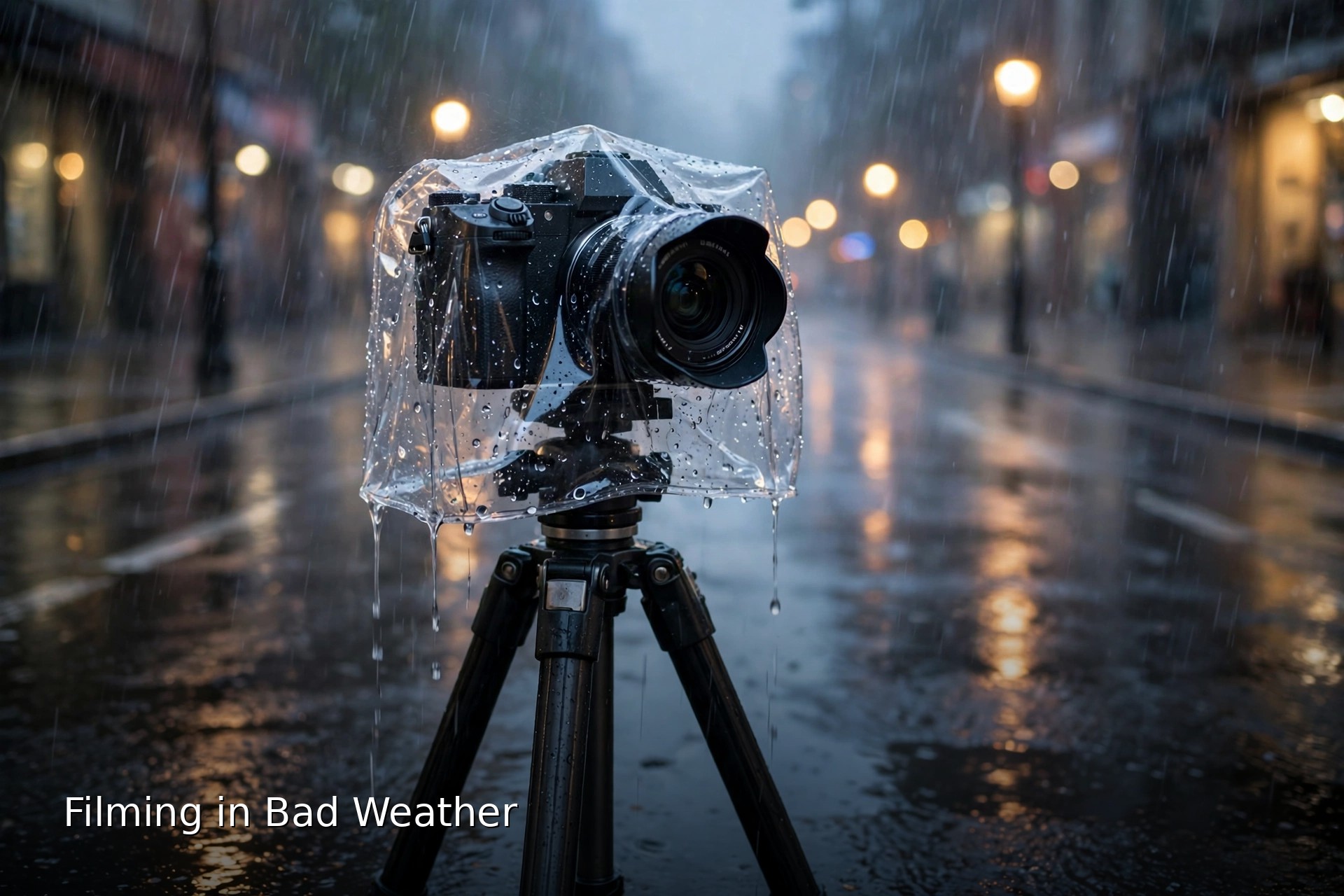
Put a dedicated rain cover on before the rain starts, keep the lens hood on and the camera tilted slightly down between takes, and wipe the front element every few minutes. Caught without a cover, a clear freezer bag with a hole for the lens and a rubber band around the barrel genuinely works.
A fitted rain cover is a sleeve of waterproof fabric with openings for your hands and a drawstring around the lens barrel. It is awkward for the first ten minutes and normal after that. Two vlogging specifics matter. First, the flip screen: frame yourself before the cover goes on, because fishing the screen out mid-take soaks the hinge. Second, the hot shoe: a shotgun mic mounted up top needs its own small cover, since the shoe is where covers fit worst.
The plastic bag method deserves more respect than it gets. Use a large clear freezer bag or a disposable rain sleeve. Poke the lens through a hole in the closed end, seal the gap around the barrel with a rubber band, and work the camera through the open end. Your screen view is foggy and dial access is clumsy, but the camera stays dry through a serious shower, which is the entire point. Keep two bags in your kit permanently; they weigh nothing.
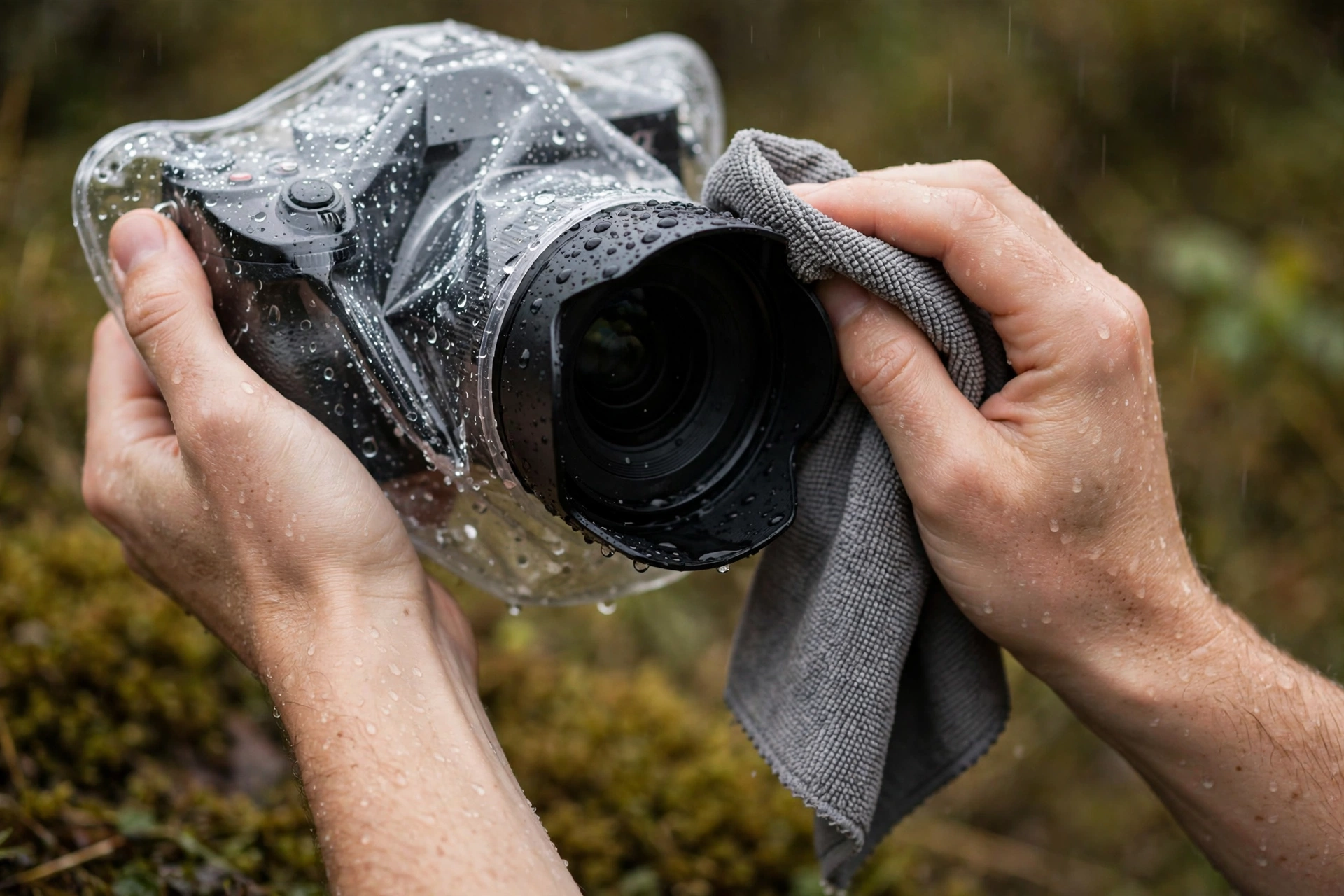
Droplets on the front element ruin more rain footage than water damage ruins cameras. A single drop in frame reads as a glowing smear over your face, and autofocus sometimes locks onto it. Keep the lens hood on; it genuinely sheds water. Between takes, tip the camera face down so water runs off instead of pooling on the glass, and blot with a clean microfiber cloth rather than grinding it across the lens. Carry three cloths, because a soaked one just redistributes the problem.
Positioning is free protection. Film from under awnings and doorways when the shot allows it, keep your back to the wind so your body shields the camera, and change lenses only under real cover. A car is the best field shelter ever made: do every swap and card change inside it.
Bad weather attacks your audio before your image
Wind noise, rain drumming on a mic windshield and a soaked foam cover destroy more bad weather vlogs than water in the camera. Use a furry windscreen outdoors, keep a dry spare, tuck wireless transmitters inside your clothing layer, and expect to rescue dialogue with closer mic placement rather than volume.
A camera can survive drizzle that makes audio unusable. Rain hitting a foam windscreen sounds like frying, and a waterlogged foam cover muffles everything behind it. The furry outer windscreen most vlogging mics ship with breaks up wind and sheds light rain. Pack a second one in a sealed bag and swap when the first gets saturated.
Wireless lav systems move the problem to the transmitter. Rain runs down your jacket and straight into an exposed pack clipped to a belt or pocket edge. Clip the transmitter inside your waistband or an inner pocket, route the cable under a layer, and keep the mic capsule just under your collar rather than fully exposed. The tiny sound penalty is nothing next to losing the take.
Finally, plan the mix honestly. Record your pieces to camera in the most sheltered spot you can find, then let weather sound carry the B-roll. Viewers forgive dramatic wind over scenery, not five minutes of it over your voice.
Cold: batteries first, then cables, screens and your hands
Cold rarely harms a camera, but it drains lithium batteries fast, stiffens cables until they can crack, and makes touchscreens and LCDs sluggish. Keep spares warm against your body, swap them before the camera dies, and rely on physical dials.
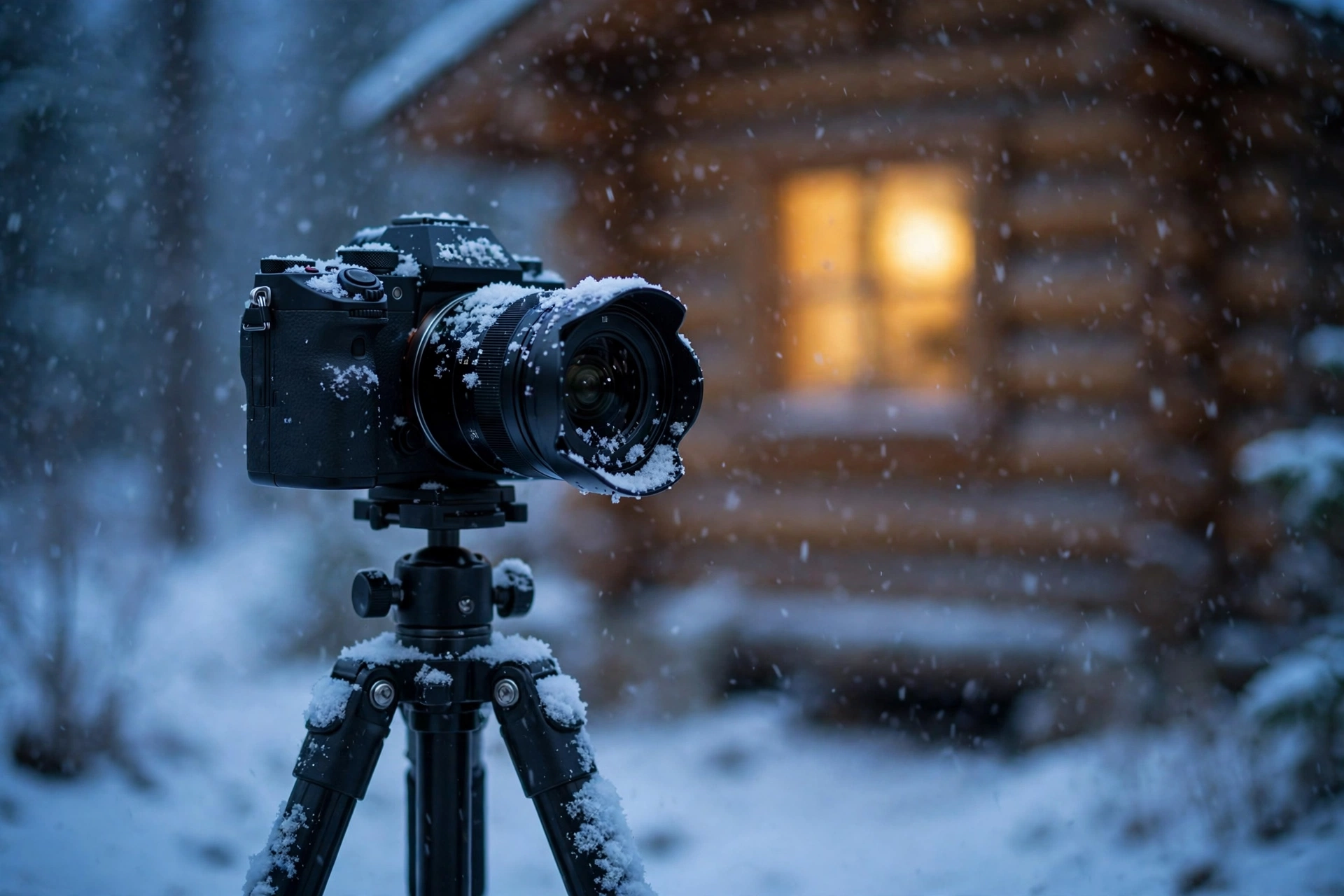
The battery behaviour is chemistry, not a fault. Cold slows the reactions inside a lithium cell, so voltage sags and the camera reads a half full battery as empty. Expect to lose something like a fifth to a third of your normal runtime around minus 10°C, and half or more well below that. The charge is not gone, it is unavailable. Warm that battery back up and much of its life returns, which is why cold weather filming runs on rotation, not capacity.
The rotation is simple. Spares live in an inside pocket, ideally a chest pocket under your outer layer, sometimes with a hand warmer alongside. The battery in the camera comes out when it starts to fade, a warm one goes in, and the cold one recovers in the pocket. Swap early and often. If you are travelling to shoot in serious cold, flight battery rules change what you can carry in the cabin, which our guide to flying with camera gear walks through.
Cables are the quiet cold casualty. The plastic insulation on ordinary USB and HDMI leads turns stiff and brittle in deep cold, and a cable that flexes fine at home can crack its jacket when coiled at minus 20°C. Handle leads gently, avoid tight bends, and let them warm before forcing them into a bag.
Screens suffer too. LCD response slows in the cold, so pans smear and the image looks laggy even though the recording is fine. Touchscreens stop registering through anything but thin gloves, and your breath fogs the EVF the moment you raise it. Set exposure and focus on physical dials before you leave the warm. Your hands are part of the system as well: thin liner gloves that work with dials, worn under mittens you can drop for a take, beat one thick pair you keep removing.
Heat: keeping the camera recording when it wants to stop
A black camera body in direct sun runs far hotter than the air around it, and long high resolution takes push it to its thermal limit. Shade the camera, keep air moving across it, flip the screen out, and build your shoot from shorter clips with real pauses.
Most mirrorless vlogging cameras are passively cooled, which means the body is the radiator. Anything that adds heat or traps it shortens your takes: direct sun on the top plate, 4K at high frame rates, stabilisation working hard, a screen folded flat against the warm body. The overheating warning is the camera protecting itself, and rebooting into the same setup just buys a shorter second take.
Work with the physics instead. Shade is the single biggest win; an umbrella, a hat held over the body, or simply turning the setup so a wall blocks the sun can double your recording window. Airflow is second, because even light wind carries heat away, which is why a still, scorching courtyard defeats cameras that survive a hotter but breezy rooftop. Flip the screen out so it stops insulating the body, and let the camera actually cool during breaks instead of idling it in the sun.
Then plan the shoot like heat is a budget. Front load your most important piece to camera while the camera is cold, break long explainers into segments with genuine pauses, and use the pauses to record cutaways on your phone, which shrugs off heat that stops a mirrorless body. Cards come out of a hard working camera hot, so let them cool somewhere ventilated, and never leave cards or batteries in a parked car, where cabin temperatures climb far beyond anything the shoot produced.
Sand and dust: the slow damage nobody notices until the repair bill
Sand harms gear quietly: grains work into zoom and focus rings, score front elements during careless cleaning, and land on the sensor the moment you open the camera in the wind. Pick one lens for the whole outing, clean with a blower before any cloth touches the lens, and change lenses somewhere sheltered.
Zoom lenses are the weak point, and vloggers live on zooms. Extending the barrel pumps air in and out of the lens, and in dusty wind that air carries grit with it. A lens that comes home from the beach with a faint grinding feel in the zoom ring has already taken sand inside, and no external wiping fixes it. Whatever you mount, mount it before you arrive and treat it as fixed for the day.
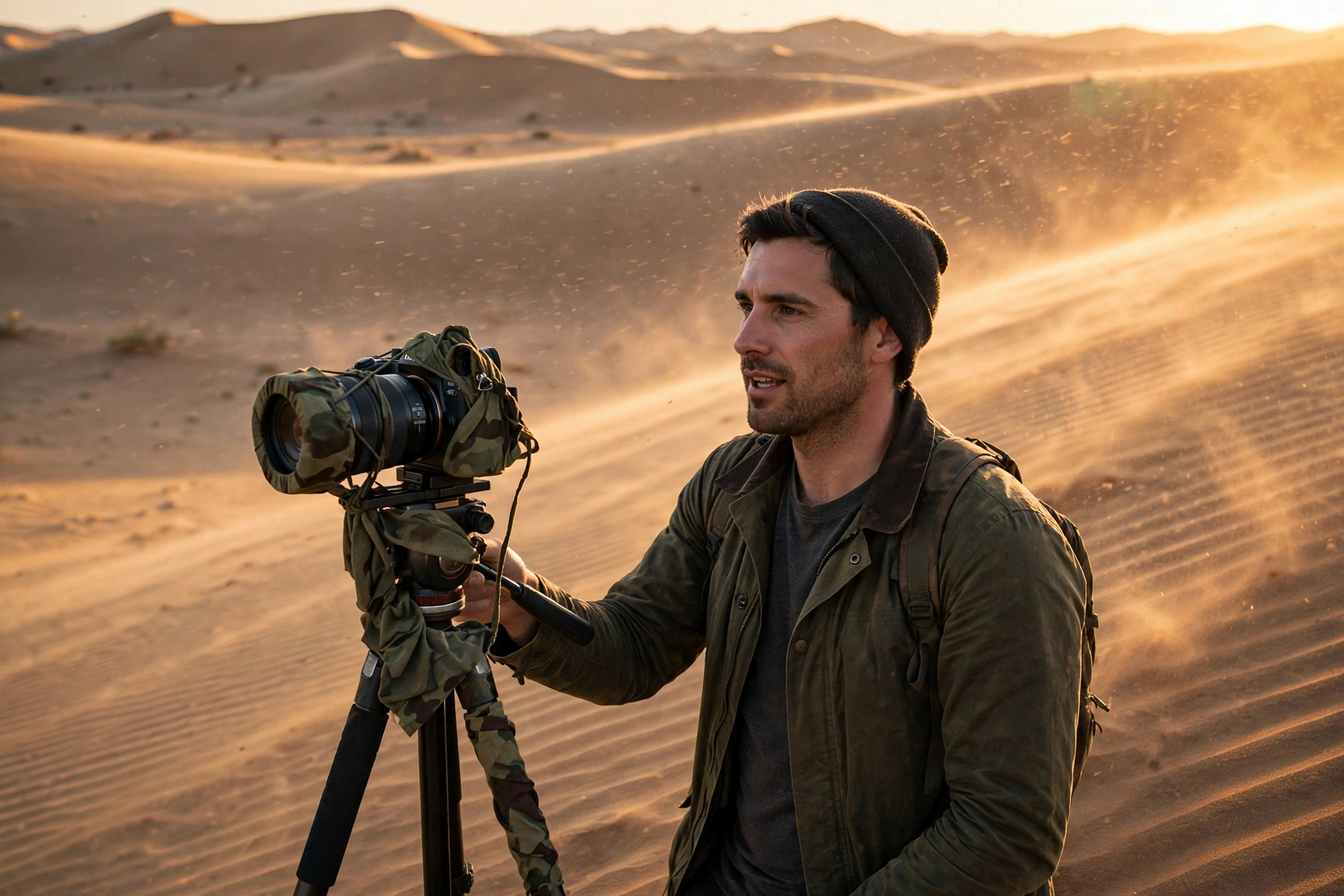
The front element needs a bodyguard. A clear protective filter takes the sandblasting that would otherwise pit your coating, and it is far cheaper to replace. Cleaning order matters more than cleaning products: blow loose grit off with a rocket blower first, brush what remains, and only then use a cloth. Wiping a sandy lens dry is literally grinding the glass with the dirt you are trying to remove.
Lens changes in blowing dust are how sensors get filthy. Change inside a car, inside your bag, or with your body making a windbreak, camera pointing down, mount open for seconds. Honestly, the better answer on a beach or in the desert is not to change at all. Keep the whole kit sealed between shots too, bag zipped with the camera inside it, because an hour of blowing sand settles into every seam of unbagged kit.
Condensation: the most dangerous moment is walking back inside
Condensation forms when warm, moist air meets a cold camera and its moisture turns to water on and inside it. Beat it by sealing the cold camera in a plastic bag, or inside its closed camera bag, before you enter the warmth, then leaving it sealed until it reaches room temperature.
Understand what is happening and the fix makes sense. Warm indoor air holds a lot of moisture, and your camera, after an hour outside in winter, is a block of cold metal and glass. Carry it inside and that moist air condenses on every cold surface it can reach: the front element, the rear screen, and the internal surfaces too. The fogged lens you can see is annoying. The moisture you cannot see is what corrodes and feeds fungus over time.
The sealed bag trick removes the moist air from the equation. While you are still outside, put the camera in a large zip seal bag, squeeze out as much air as you can, and seal it. A two gallon bag swallows most body and lens combinations; a clean bin liner works for bigger rigs. Condensation then forms on the outside of the bag instead of on your gear. Leave it sealed until the camera feels room temperature through the plastic.
No bag handy? Your closed camera bag is the backup. Zip the camera inside it while still outside, then leave the whole bag closed indoors until the camera reaches room temperature too. The insulation slows the warm up, which is most of the battle.
The trap runs in reverse in summer. A camera cooled all day in air conditioning fogs the second it meets hot, humid outdoor air, which is why tropical shoots start with blurry minutes. Same answer, opposite direction: keep the camera in its bag while you travel, and let it warm up before the shot matters. If fogging has already happened, patience is the treatment: leave the camera somewhere dry with the battery and card doors open and let it clear on its own. Do not wipe internal fog, and do not blast it with a hair dryer. The aftercare routine that stops weather exposure becoming permanent damage is covered in full in our camera and lens care guide.
What footage actually survives each condition
Bad weather rarely ruins everything. Rain still gives you dramatic B-roll and sheltered pieces to camera, cold preserves almost everything except battery life, heat favours short clips, and sand punishes gear more than footage. Plan around what each condition reliably delivers.
| Condition | Footage that survives well | Footage that suffers |
|---|---|---|
| Rain | Sheltered talking pieces, moody street B-roll, reflections, anything shot from cover | Long exposed walk and talks, shots through droplet covered glass, quiet dialogue |
| Cold | Almost everything visual; snow scenes look superb | Long takes on one battery, touchscreen heavy workflows, anything needing bare fingers |
| Heat | Short clips, B-roll, phone footage, shaded interviews with pauses | One take explainers, long event recording, direct midday sun |
| Sand and dust | Wide scenic shots on a single lens, golden hour material | Macro and detail work, multi lens shoots, product style shots |
| Humid transitions | Anything shot after the gear has acclimatised | The first 20 minutes after any big temperature jump |
Build the day around the reliable column and treat anything from the other column as a bonus.
Go or no-go: a simple framework for the call only you can make
Run three checks before you commit: is anyone unsafe, is the gear risk proportional to what the footage is worth, and does a cheaper camera or a sheltered version get you most of the result? If anyone is unsafe, stop. If the other answers do not work out, change the setup.
Safety outranks content, always. Lightning anywhere near you ends the shoot, full stop, and a metal tripod in an open field is not where you stand in a thunderstorm. Floodwater, heatstroke weather and wind strong enough to throw a tripod are versions of the same call. No video is worth an injury.
Match the gear risk to the shot value. A once only moment, the storm hitting the coast on the one day you are there, justifies the good camera under its best cover. A routine talking segment that could be filmed under a porch does not justify an hour of downpour.
Downgrade the tool before you downgrade the idea. Action cameras and phones are effectively weatherproof in ways a mirrorless kit is not, and phone footage cuts into a vlog happily as B-roll or even as the main camera for a wild weather segment. Our roundup of vlogging equipment for beginners makes the same point about matching kit to the job. Shooting the storm on the action camera from the doorway often beats not shooting it at all. Drones sit at the strict end of this scale: wind and rain ground them early, and our drones for vlogging guide covers what the aircraft can handle. And set your limits at the desk, before you are standing in it: in the field, tired and mid shoot, everyone negotiates with themselves.
Bad weather filming questions, answered
Quick answers to the questions creators ask most about filming in rain, cold, heat and sand, and about condensation.
Can I film in the rain with a weather sealed camera?
Briefly, in light rain, yes, if the lens is sealed too. Treat sealing as splash resistance with a time limit, not waterproofing. For anything sustained, add a rain cover.
How do I stop my lens fogging up when I come indoors?
Seal the cold camera in a zip bag, or inside its closed camera bag, before you enter the warmth, and leave it sealed until it reaches room temperature. Condensation then forms on the bag, not the camera.
How long should I leave my camera in the bag after a cold shoot?
After a mild chill, 20 to 30 minutes is usually enough. After a genuine cold soak, allow 45 to 60 minutes. Open it only when the camera feels room temperature through the bag.
Why does my camera battery die so fast in cold weather?
Cold slows the chemical reactions inside lithium cells, so voltage sags and the camera shuts down with charge still stored. Around minus 10°C you might lose a fifth to a third of normal runtime, and more in deeper cold. Keep spares warm and rotate them.
Will a cold battery come back to life when it warms up?
Usually, yes. Much of the capacity cold takes away returns as the battery warms, which is why rotation works: the faded battery often has useful life left for a later swap.
Does a plastic bag really work as a camera rain cover?
Yes. A large clear freezer bag with the lens poked through a hole, sealed around the barrel with a rubber band, keeps a camera dry through heavy showers. Dial and screen access is clumsy, which is why fitted covers exist, but the protection is real.
How do I stop my camera overheating when filming in hot weather?
Shade the body, keep air moving over it, flip the screen away from the body, and record in shorter takes with real pauses. Front load important segments while the camera is cold.
Is it safe to change lenses at the beach or in windy conditions?
It is the riskiest moment of a dusty shoot, because the sensor and mount are exposed to whatever the wind is carrying. Change inside a car or bag, camera pointing down. Better still, choose one lens before you arrive and keep it on all day.
What should I do if sand gets into my zoom lens?
Stop working the zoom if it feels gritty, because every turn grinds the grains deeper. Blow loose sand off, never wipe it dry, and do not try to open the lens yourself. Internal sand is a professional cleaning job.
When should I actually cancel a shoot because of weather?
Cancel for safety without debating it: lightning, dangerous wind, flood risk or heat that threatens you rather than the camera. For gear risk alone, change the plan first; a sheltered version of the shot or a phone often salvages most of the video.
Keep exploring
Weather is one part of shooting away from home. These guides cover the trips and kit it usually arrives with.