
Last updated: October 2026
A good time-lapse does jobs no other shot can do in a travel vlog. It shows a city waking up, compresses a twenty minute sunset into eight seconds, and gives your edit a breath between talking segments. A hyperlapse goes further and flies the viewer down a street or around a landmark. Neither needs expensive gear, and both fail in predictable ways that the right interval, locked settings, and a little maths prevent. This guide covers the full workflow, from picking an interval to ramping the finished sequence into real time footage.
The short version
- Pick the interval from the subject. Fast crowds need 1 to 2 seconds, clouds 3 to 10, slow scenes 10 to 30.
- Do the frame maths first. Seconds of footage times frames per second equals photos needed; photos times interval equals real time.
- Lock everything. Manual exposure, manual focus, fixed white balance. Anything on auto will flicker or drift.
- Drag the shutter in daylight. An ND filter and a slower shutter turn jerky movement into smooth blur.
- For hyperlapse, one fixed point rules everything. Keep it on the same spot in every single frame.
On this page
- Why time-lapse earns its place in a travel vlog
- Pick the interval from the subject
- The only maths you need: frames, intervals, real time
- Lock everything down before you start
- Flicker: why it happens and how to stop it
- ND filters and motion blur in daylight
- Battery and card planning for a travel day
- Travel subjects and viewpoints that actually work
- Hyperlapse: the fixed point method
- Phone or camera: the honest comparison
- Editing the sequence so it cuts into your vlog
- Mistakes that ruin sequences
- Time-lapse questions, answered
- Keep exploring
Why time-lapse earns its place in a travel vlog
Time-lapse gives a travel vlog three things real time footage cannot: an instant sense of place, visible proof that time passed, and a clean transition between locations. Five to ten seconds of a harbour at dawn says more than a minute of walking and talking.
Most travel vlogs are built from two ingredients: you talking, and the place you are in. The second is usually weaker, because real time B-roll of a square or coastline gets dull fast. Time-lapse fixes that by making the place itself move: clouds pour over a ridge, a market assembles itself stall by stall.
It also solves a pacing problem. Travel days are full of dead time: waiting for light, riding a train, sitting out the midday heat. A camera quietly shooting an interval sequence turns dead time into your establishing shot and transition while you rest. Keep finished clips short, though: five to fifteen seconds per sequence keeps the shooting maths friendly.
Pick the interval from the subject
The interval is the gap between photos, and the subject chooses it. Busy people and traffic want 1 to 2 seconds, moving clouds want 3 to 10, slow scenes want 10 to 30. Too long an interval makes motion stutter; too short wastes battery and card space.
One idea runs every interval choice: the faster the subject moves across the frame, the shorter the interval. Use this table as a starting point, then adjust after a test burst.
| Subject | Interval | Notes |
|---|---|---|
| Busy crowds, people walking | 1 to 2 seconds | Shorter keeps individual movement readable instead of jumpy |
| Traffic in daylight | 1 to 2 seconds | Cars cross the frame fast; longer gaps look chaotic |
| Traffic at night | 2 to 4 seconds | Pairs with a slow shutter for light trails |
| Fast clouds, storms building | 3 to 5 seconds | The classic sky setting for most travel scenes |
| Slow clouds, calm weather | 5 to 10 seconds | High pressure days move less than you think |
| Sunrise and sunset | 5 to 10 seconds | The event itself is slow; the light change is the show |
| Shadows crossing a building | 10 to 30 seconds | Subtle movement needs a longer real time span |
| Stars and the Milky Way | 15 to 30 seconds | Interval must exceed your long exposure time |
Two refinements the basic tables skip. First, focal length changes the answer: a telephoto compresses the scene, so movement crosses the frame sooner and looks faster, while a wide lens forgives a longer interval. Second, when unsure, shoot a test. Run 40 to 50 frames at your planned interval, play them back as a sequence, and watch the speed. Two minutes of testing beats forty minutes of the wrong interval.
The only maths you need: frames, intervals, real time
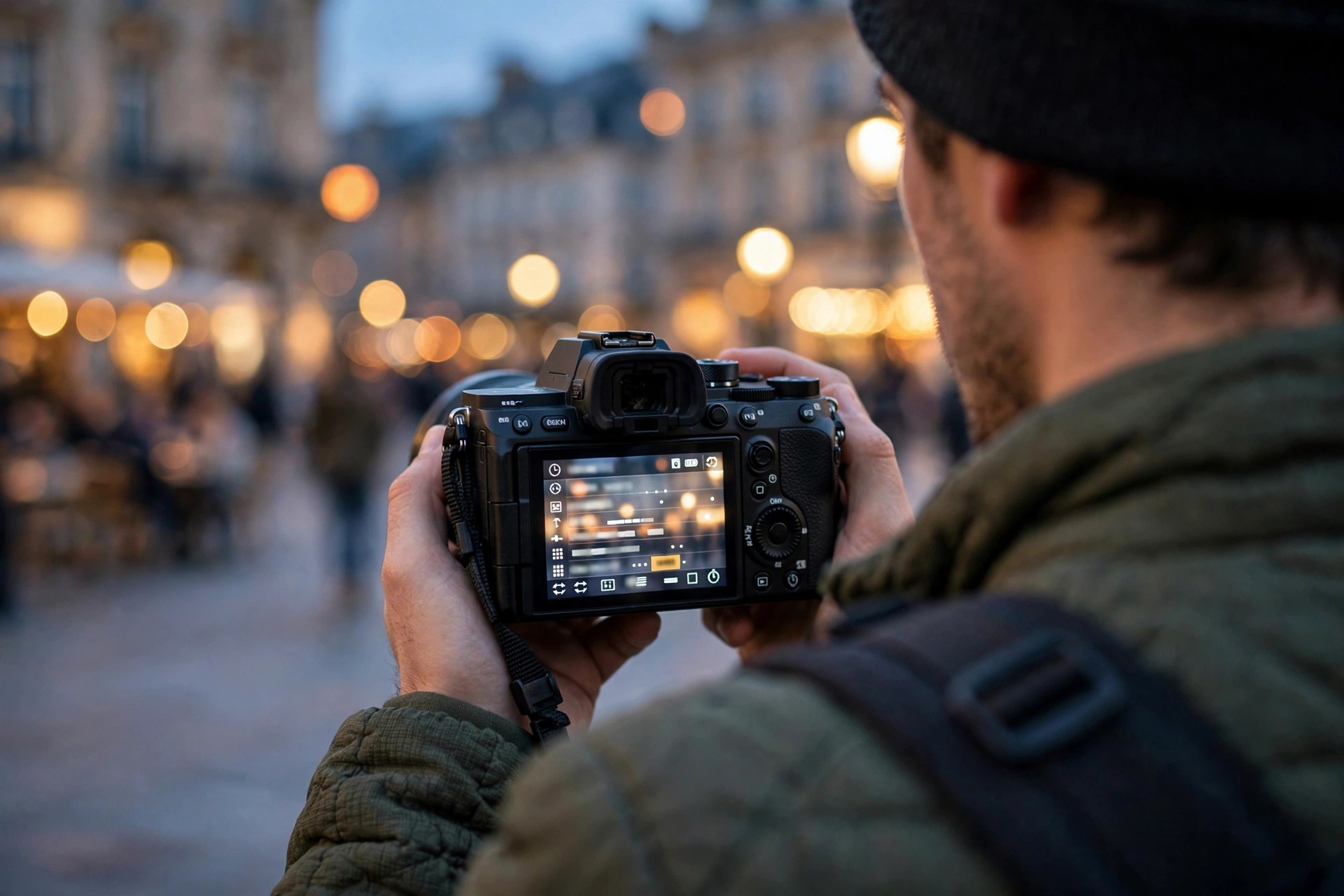
Three numbers run every time-lapse. Frames needed equals seconds of footage times your timeline frame rate. Real time equals frames times interval. A 10 second clip at 24 frames per second needs 240 photos, and at a 5 second interval that is 20 minutes of shooting.
Vloggers edit on 24, 25, or 30 frames per second timelines, so every second of finished time-lapse costs that many photographs. Work backwards from the clip you need. A travel vlog rarely wants more than 10 seconds from one viewpoint:
| Finished clip | Frames at 24 fps | At a 2 sec interval | At a 5 sec interval | At a 10 sec interval |
|---|---|---|---|---|
| 5 seconds | 120 photos | 4 minutes | 10 minutes | 20 minutes |
| 10 seconds | 240 photos | 8 minutes | 20 minutes | 40 minutes |
| 15 seconds | 360 photos | 12 minutes | 30 minutes | 60 minutes |
| 20 seconds | 480 photos | 16 minutes | 40 minutes | 80 minutes |
Always shoot more than the maths says. Editors trim the start and end of sequences because the first frames catch you walking away from the tripod. Add a 20 percent buffer to your frame count. The same maths explains why time-lapse feels efficient on a trip: one 20 minute coffee break, with the camera working beside you, produces the best shot of the day. Our frame rates guide goes deeper on matching timeline rates to the rest of your footage.
Lock everything down before you start
Set manual exposure, manual focus, and a fixed white balance before the first frame, and turn off stabilization on a tripod. Anything automatic will hunt, drift, or pulse, and those small changes become visible flicker at playback speed.
A time-lapse plays back hundreds of frames in seconds, so inconsistencies your eye would forgive in stills become glaring. The camera must make zero decisions during the run. Manual mode sets aperture, shutter, and ISO once. Focus manually and leave the lens alone, because autofocus can shift by a hair between frames and make the sequence breathe. Fix white balance to a Kelvin value or a preset, or the colour will wander as clouds pass.
Shoot RAW if your card and patience allow it: RAW files let you even out exposure across a sunset sequence in the edit. JPEG suits short daytime sequences and saves card space, but bakes in mistakes. Either way, keep the interval longer than your shutter speed plus write time, or the camera drops frames. Most of these settings live in the menus covered by our vlogging camera settings guide.
Flicker: why it happens and how to stop it
Flicker is frame to frame brightness jumping, caused by anything that varies between shots: auto exposure, auto white balance, aperture blades stopping down slightly differently each frame, or artificial lights cycling. Locking every setting removes most of it; the rest is fixed with deflicker tools in the edit.
The sneakiest cause surprises people: the aperture itself. On many lenses the blades do not close to exactly the same diameter every time, so frames at f/11 can vary by a tiny amount of light. At playback speed that reads as a shimmer. Shooting at wider apertures reduces it. For travel work the practical fix is simple: review a test burst, and if you see pulsing, open the aperture a stop and lengthen the shutter to compensate.
Artificial light is the other trap. Street lamps and signs cycle with the mains frequency, so a very short shutter samples them unevenly; slower shutter speeds average the cycle out. Whatever flicker survives is handled in post with deflicker, so do not delete a sequence just because the preview shimmers.
ND filters and motion blur in daylight
In bright light your shutter will be far too fast for smooth time-lapse motion. An ND filter cuts the light so you can drag the shutter toward half your interval, turning people and cars into flowing blur instead of teleporting cutouts.
Freeze frame motion is the hidden reason beginner time-lapses look nervous. At a 1/1000 second shutter, every car and pedestrian is razor sharp in each frame, then vanishes and reappears somewhere else. The sequence reads as strobing. Real smoothness comes from blur: aim for a shutter speed around half the interval, so a 2 second interval pairs with roughly a 1 second exposure. Moving subjects smear between frames and the eye stitches them into flow.
On a bright day you cannot reach a 1 second exposure with aperture and ISO alone, which is where a neutral density filter earns its place in the kit. A variable ND, or a strong fixed ND around 6 to 10 stops, gets you there. At night the problem solves itself, and long exposures give light trails for free. One caution: cheap variable NDs can add a colour cast at their extremes, so test yours before a trip.
Battery and card planning for a travel day
Work out frames first, then storage: a RAW frame typically runs 25 to 45 MB, so 500 frames can eat 12 to 22 GB. For power, a USB power bank or dummy battery removes the limit; a single battery handles short sequences if you turn the screen off.
Nothing ruins a sequence like the camera dying at minute eighteen of a sunset. Turn off image review, dim the rear screen, and switch off Wi-Fi and Bluetooth; a stills camera sipping power lasts far longer than its video rating suggests. For sequences over an hour, external power is the grown up answer: many cameras run or charge over USB-C from the same power bank that charges your phone, and dummy battery adapters exist for setups near a socket.
Cards need the same forethought. Five hundred RAW frames at 30 MB is 15 GB, and a day with three sequences plus normal vlogging fills a 64 GB card fast. Carry a second card, never delete frames mid sequence to make room, and back the sequence up with the day’s footage that night.
Travel subjects and viewpoints that actually work
The reliable travel subjects are places where something flows: harbours, markets, stations, river crossings, old town squares, and high viewpoints over road networks. Get above the scene if you can, shoot during transitions of light, and stay with your camera.
Elevation is the travel time-lapse cheat code. A hotel balcony, a church tower, or a hill above town turns ordinary traffic and rooftops into a living map. At ground level, look for funnels: a bridge everyone must cross, a ferry dock at arrival time. Movement concentrated in one part of the frame reads clearly at speed.
Timing matters as much as place. The first and last hour of light give you moving shadows and changing sky in one sequence, and a sunset run starting 30 to 40 minutes before the sun drops carries you through the best colour. Weather is a subject too: a front arriving over a coastline can outperform a clear day. Our guide on how to start a travel vlog covers structuring days so the camera works while you eat or travel.
One rule with no exceptions: stay with the camera. A tripod left alone is a theft risk and, in some places, a security concern. Sit where you can guard it for the full run, and weight it with your bag on windy viewpoints.
Hyperlapse: the fixed point method
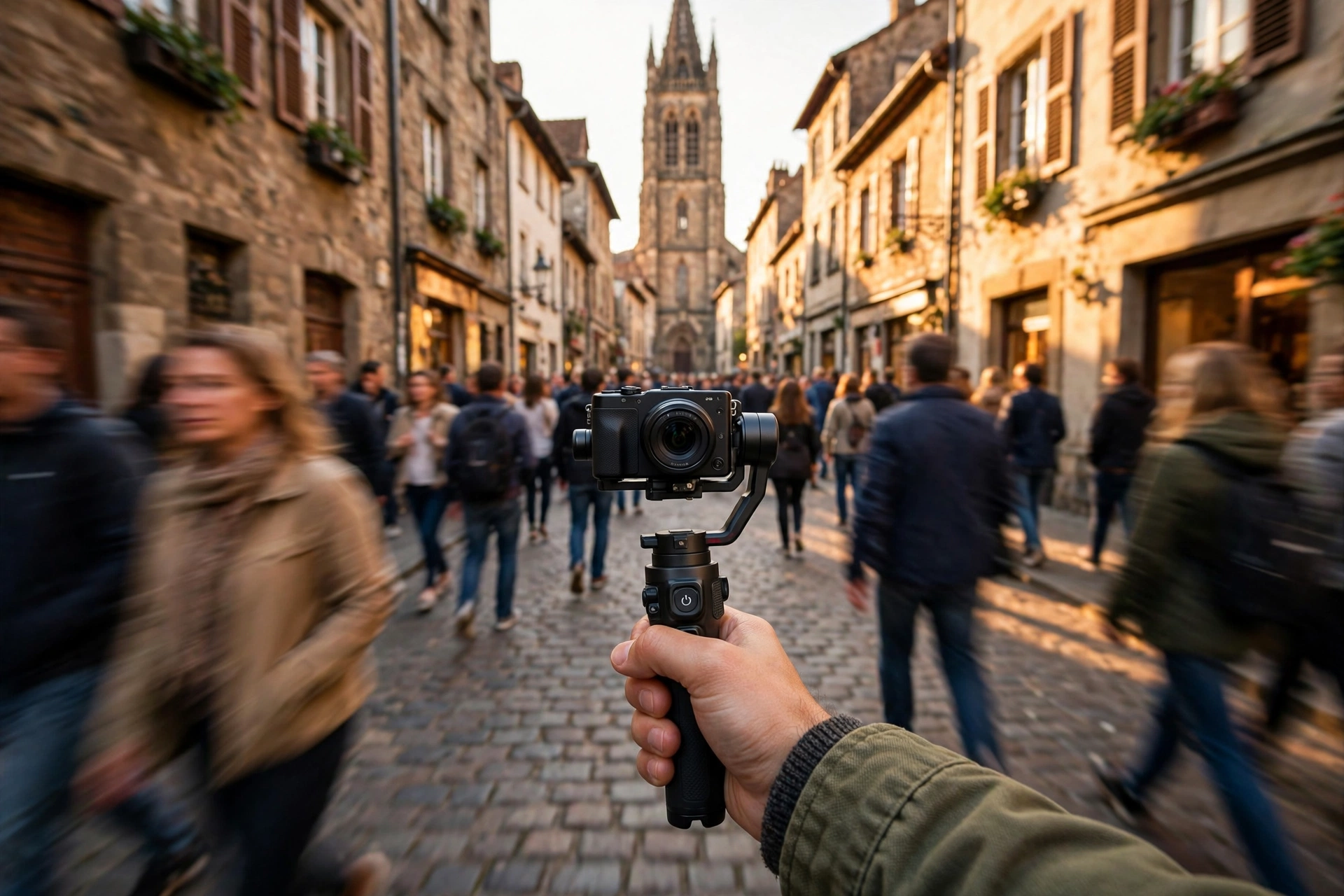
A hyperlapse is a time-lapse where the camera moves a set distance between frames. Pick one fixed point, keep it on the same grid cross in every frame, take short even steps, and stabilize in post. Consistency of aim matters more than gear.
Start with the point. Choose something that stays visible for the whole route: the top of a tower, a doorway at the end of the street, a statue. That point is your anchor. In every frame it must sit in exactly the same place, which is why hyperlapse shooters use the rule of thirds grid or a focus point as a reticle. If the anchor drifts, the finished shot wobbles no matter what stabilization does later.
Then the steps. Move a short, repeatable distance between frames, roughly a shoe length to half a metre, and keep your pace even. Shoot along a line the ground gives you: pavement seams, tiles, and kerbs are free measuring tapes. Plan the route by the maths from earlier: 240 frames at half a metre a step is a 120 metre route for a 10 second clip. Drag the shutter slightly if the light allows, because a little blur hides step sins.
Shoot more frames than the route needs. The start and end of a hyperlapse are usually the wobbliest parts, and an extra 30 frames at each end lets the editor crop to the smooth middle. Everyone stabilizes hyperlapse in post; it is part of the method, not a rescue.
Phone or camera: the honest comparison
A phone is the better tool for casual sequences: its built in time-lapse mode picks intervals automatically and stabilizes as it goes. A camera wins when you need control over interval and shutter, RAW files for changing light, or resolution to crop. They suit different moments of a trip.
Phone time-lapse modes are genuinely good now, and their weakness is control. Most auto modes change their capture rate as the recording lengthens, fine for a quick cloud shot and useless when you want a specific interval. The files are finished video, so a flickery phone sequence is hard to repair, and long runs drain the battery you need for maps.
Camera based shooting, whether the built in interval timer most mirrorless bodies include or a separate intervalometer on older models, gives you the full discipline described here: fixed interval, dragged shutter, RAW frames, external power. Pro intervalometer apps close some of the gap on phones, and for many vloggers that middle option is the sweet spot.
Editing the sequence so it cuts into your vlog
Import the frames as an image sequence at your timeline frame rate, grade one frame and sync it across the set, deflicker if needed, then stabilize hyperlapse with position, rotation, and scale. Finish by speed ramping the end of the sequence into a real time clip of the same scene.
Every major editor imports a folder of frames as a single clip: select the first image, tick the image sequence option, and set the frame rate to match your timeline. If you shot RAW, develop one representative mid sequence frame first, then apply those settings to the whole set. That keeps exposure and colour consistent across hundreds of files.
Deflicker comes next if the preview pulses. Dedicated tools smooth the brightness curve frame to frame, and they work best when flicker is mild, which is why locked settings matter. For hyperlapse, stabilization is the main event. Warp style stabilizers handle position well; if the result still swims, stabilize rotation and scale against your fixed point and crop a little. Shooting above timeline resolution gives you that crop room free.
The finishing touch is the ramp. Place the time-lapse so its final frames land on the same framing as a real time clip, then ease the last second into normal speed. Done well, the viewer travels from compressed time into the scene itself. Our guide to editing vlogs faster shows how to batch steps like these.
Mistakes that ruin sequences
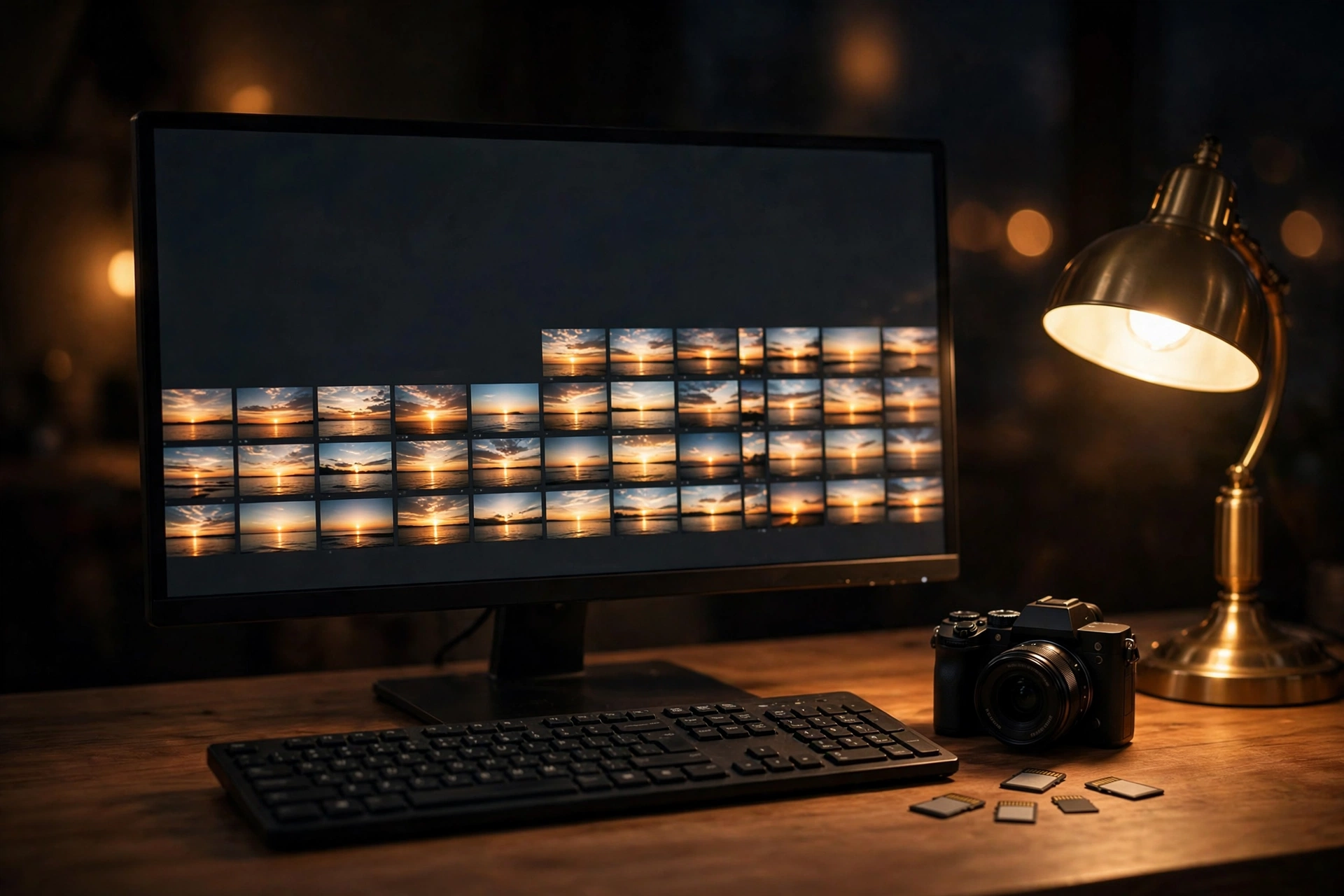
The same errors kill most beginner sequences: leaving exposure or focus on auto, an interval shorter than the shutter speed, too few frames, a bumped tripod, and a dead battery or full card at the climax. Every one is a planning error, not a talent problem.
- Auto anything. Auto exposure flickers, autofocus breathes, auto white balance drifts. Lock all three.
- Interval shorter than the exposure. If your shutter is open for 2 seconds and the interval is 1, the camera drops frames and the timing breaks.
- Shooting too short. A 60 frame sequence is two and a half seconds of footage at 24 frames per second. It feels like an accident, not a shot.
- The tripod bump. One knock at frame 140 splits the sequence into two different shots. Guard the legs and hang your bag on the centre column for weight.
- Dead battery, full card. Both strike at the best light. Plan power and space with real numbers, not hope.
- Starting the sunset too late. Be running before the colour starts. The best frames are often before the sun actually sets.
- Deleting frames on the card. Gaps break sequences. Swap cards instead.
None of these are about camera quality. A modest camera with good discipline outshoots an expensive one left on auto. The technique overlaps with slow motion more than people expect, since both are about choosing how time flows in a shot, and our slow motion guide picks up that thread.
Time-lapse questions, answered
Quick answers on intervals, frame counts, flicker, and hyperlapse.
What interval should I use for clouds?
Start at 3 to 5 seconds for visibly moving clouds, and 5 to 10 seconds on calm days. If playback looks frantic, lengthen the interval; if it barely moves, shorten it. A 40 frame test burst tells you more than any chart.
How many photos do I need for a 10 second time-lapse?
At 24 frames per second you need 240 photos; at 30, you need 300. Shoot about 20 percent more, because the editor will trim the start and end.
How long should a time-lapse be in a vlog?
Five to fifteen seconds per sequence. Long enough to establish a place or show time passing, short enough to never stall the story. Two or three sequences per travel day is plenty.
Should I shoot time-lapse in RAW or JPEG?
Shoot RAW when the light will change, such as sunrise and sunset, because you can even out exposure across frames in the edit. JPEG is fine for short, steady light sequences and saves card space.
Why does my time-lapse flicker?
Usually because something automatic varied between frames: auto exposure, auto white balance, or aperture blades closing slightly differently each shot. Lock every setting manually, and smooth the rest with a deflicker tool in the edit.
Can I shoot a good time-lapse on my phone?
Yes, for casual sequences. Built in phone modes handle intervals and stabilization automatically. For changing light, long runs, or exact intervals, a camera or a pro intervalometer app gives you the control the auto mode hides.
What is the difference between a time-lapse and a hyperlapse?
In a time-lapse the camera stays in one place and time speeds up. In a hyperlapse the camera also moves a set distance between frames, so the viewer travels through the scene as time speeds up. The settings discipline is the same.
How do I keep my camera powered for a long time-lapse?
Turn off the screen and image review, disable wireless features, and start full for runs under an hour. For longer sequences, power the camera from a USB power bank, or use a dummy battery adapter near a socket.
Why is my hyperlapse still shaky after stabilization?
Because stabilization only fixes small errors. If your fixed point drifted or your steps varied in length, no stabilizer fully rescues it. Keep the anchor locked on the same grid position every frame, take shorter, more even steps, and shoot extra frames so you can use the smoothest section.
Do I need an ND filter for daytime time-lapse?
For smooth results, yes. Without one, bright light forces a fast shutter and subjects strobe between frames. An ND filter lets you drag the shutter toward half your interval, turning people and traffic into natural motion blur.
Keep exploring
Time-lapse sits inside a wider travel workflow. These guides cover the trip structure and the settings and editing skills behind it.