Last updated: October 13, 2026
Not everyone who wants to make videos wants to be on camera, and honestly, that has never been a real obstacle. Some of the most-watched channels on YouTube have never shown a face: cooking channels filmed from above, POV hikes, screen tutorials, animated explainers. Faceless vlogging isn’t a compromise format. In many niches it’s the native format. What matters is choosing a setup where the missing face never feels like something is missing.
Here are seven faceless setups that actually work in 2026: what each one is, the gear it needs, how to film it well, and which niches each setup fits best. Every setup here can start with gear you probably already own: a phone, a tripod, and a microphone. Pick the one that matches what you already like doing, because the format you’ll actually sustain beats the one that just looks clever on paper.
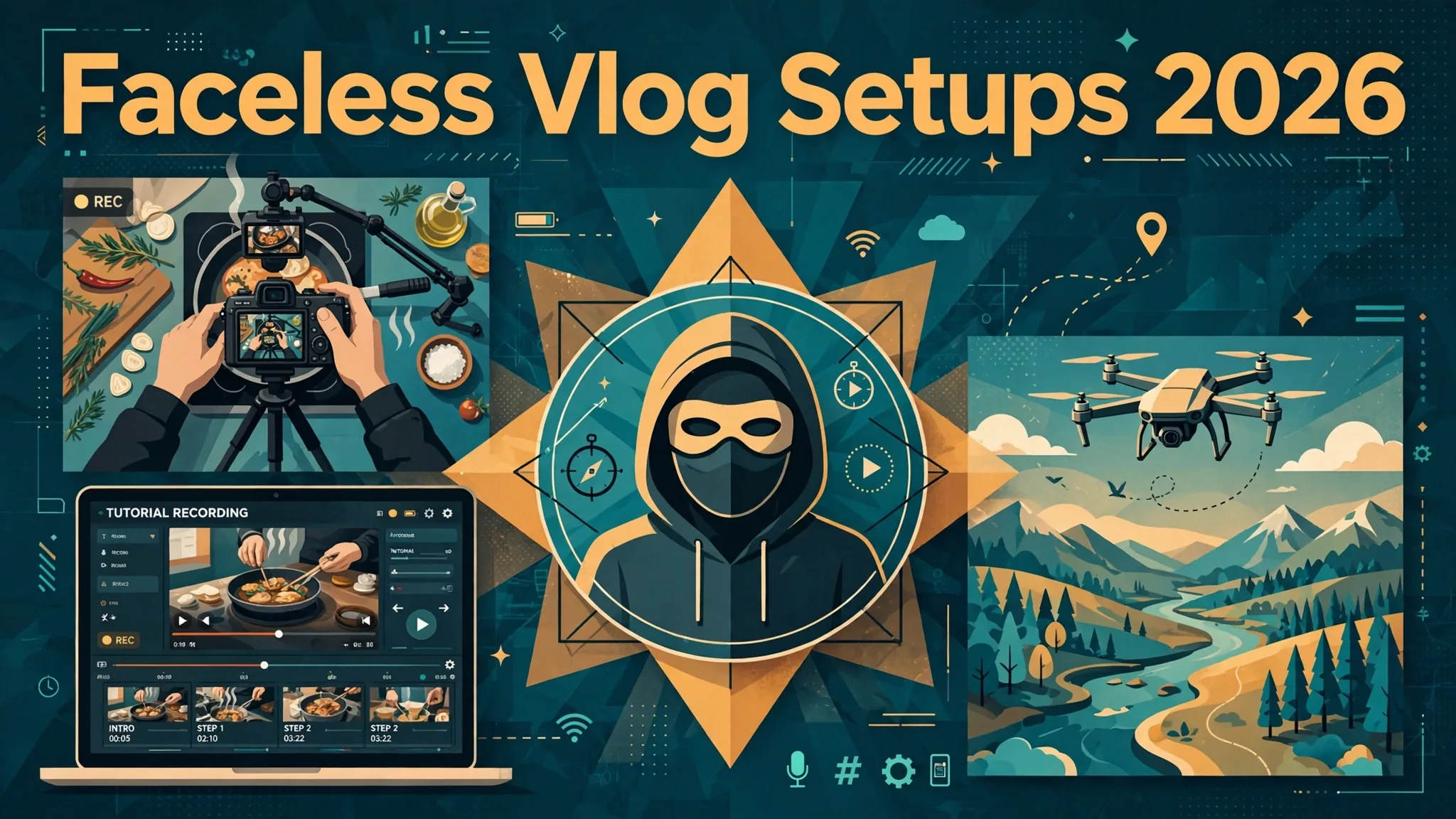
The 7 faceless setups at a glance
- Hands-only cooking and craft: fixed overhead camera on your hands at work. Easiest to start.
- POV adventure and travel: chest or head-mounted camera; the viewer becomes you.
- Screen-recording tutorials: your screen is the star. No filming at all.
- Animated explainers: drawn visuals plus narration for ideas too big to film.
- Drone and cinematic B-roll: aerials and atmosphere stitched with voiceover.
- Voiceover photo stories: stills and archive footage carried by narration.
- Pet POV and companion filming: let an animal be the on-screen talent.
On this page
- 1. Hands-only cooking and craft videos
- 2. POV adventure and travel videos
- 3. Screen-recording tutorials and commentary
- 4. Animated explainers and whiteboard videos
- 5. Drone footage and cinematic B-roll
- 6. Voiceover photo and archive stories
- 7. Pet POV and companion filming
- The 7 setups compared
- Why audio matters more in faceless vlogs
- Growing a channel nobody’s face is on
- Faceless vlog setup FAQs
- Keep exploring
1. Hands-only cooking and craft videos
The most reliable faceless format there is: a camera locked overhead (or at a low angle) on your hands doing the work. The viewer watches the process, never the person.
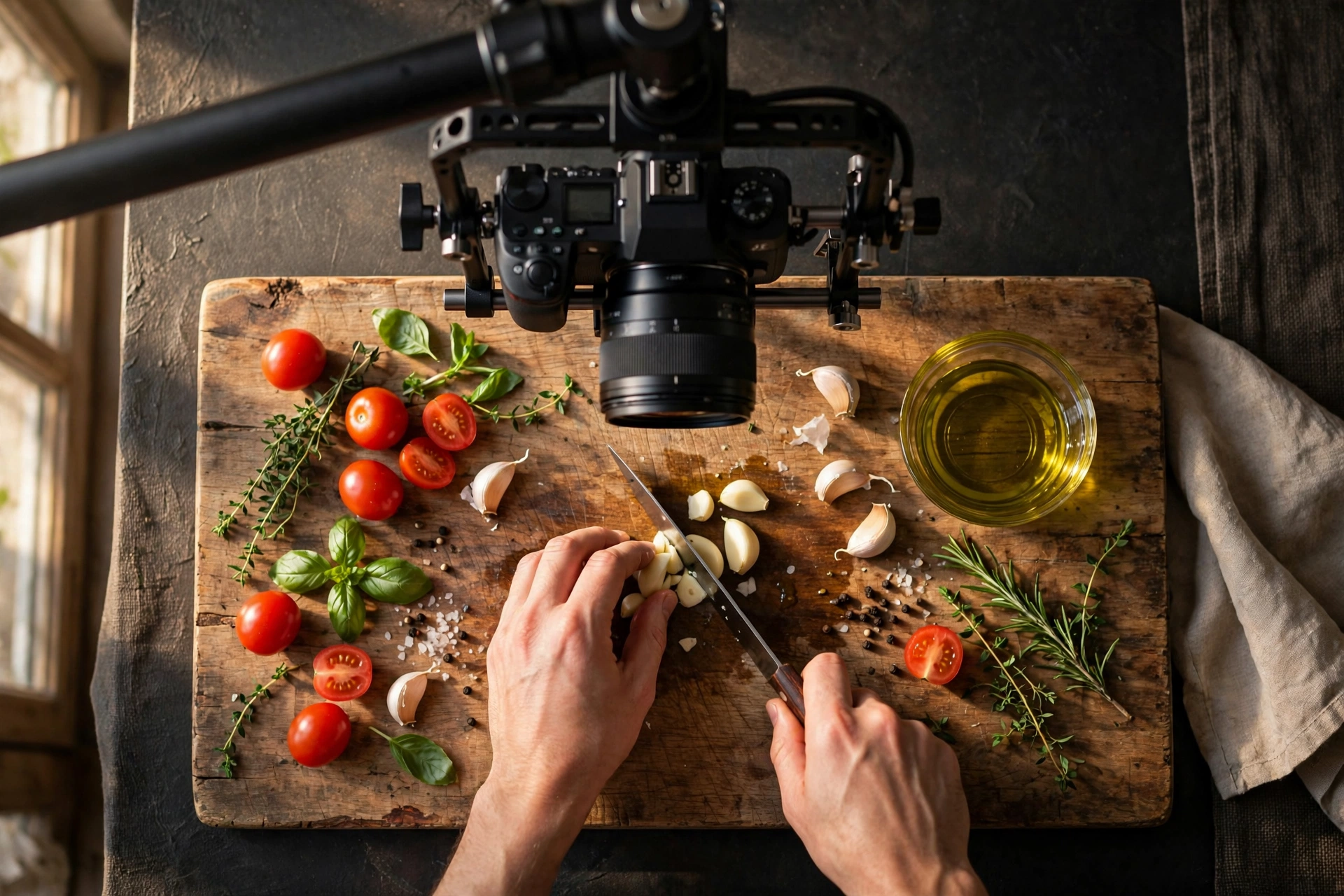
This is the format behind entire cooking empires, and it works for the same reason recipe blogs work: the viewer came for the result, not the host. Your hands are the talent. A fixed overhead shot, with the camera pointing straight down at the counter, desk, or workbench, is the classic framing. A 45-degree front angle works too, and it feels more intimate.
Gear: a phone is genuinely enough. See best phones for vlogging if yours is due for an upgrade. The one thing worth buying is support: an overhead tripod arm or a sturdy tripod rigged over your workspace (our best vlogging tripods guide covers the options). Add one daylight-balanced LED panel (best lights for vlogging), because overhead shots under kitchen fluorescents look flat and grey.
Filming tips: lock exposure and white balance before you start (auto settings will pulse as your hands move in and out of frame). Keep the work surface uncluttered. Every stray object competes with your hands. Shoot close-up inserts of the satisfying moments (the chop, the pour, the brushstroke) and cut them in; they’re what people share.
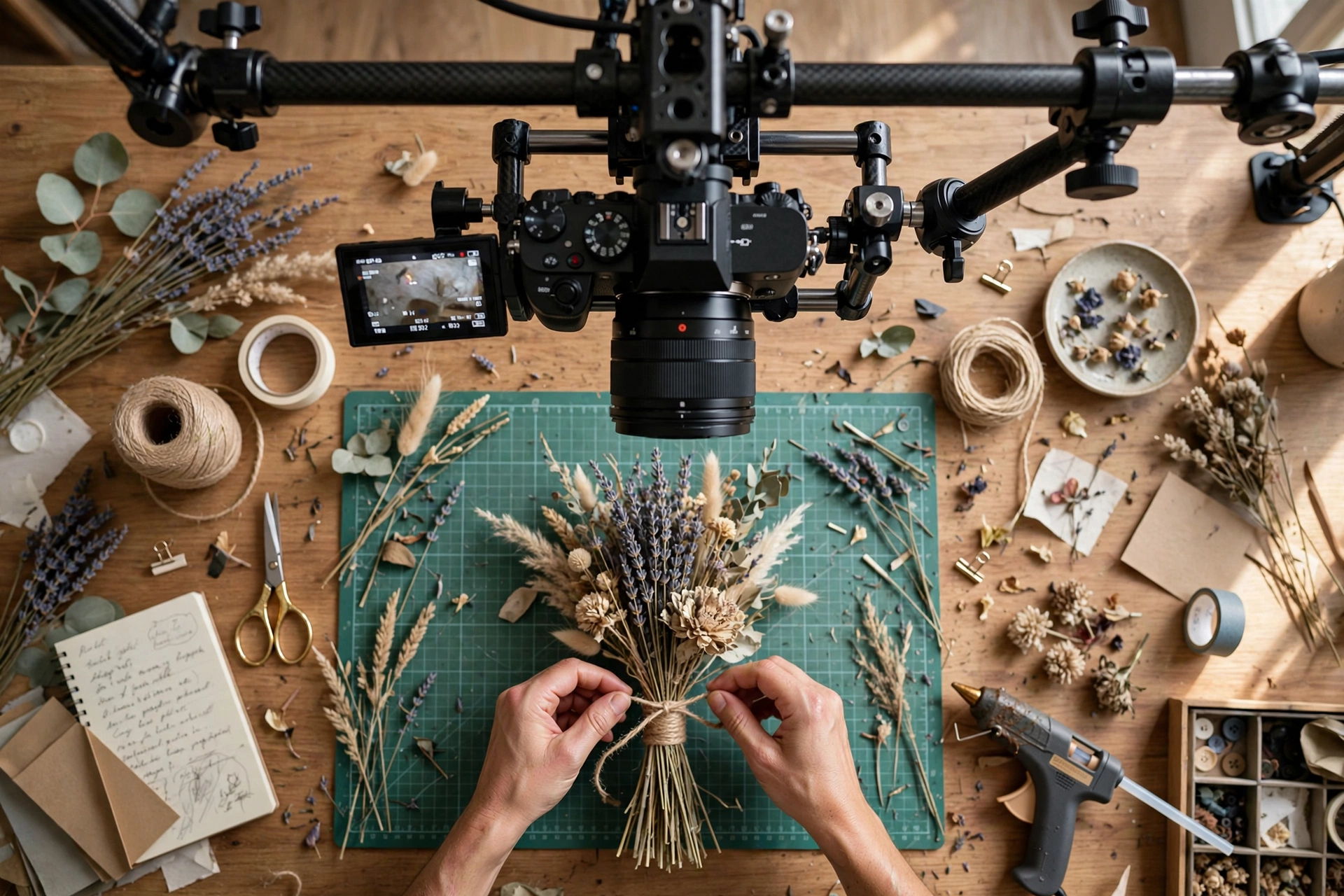
Best niches: cooking, baking, coffee, crafts, DIY and repairs, painting and drawing, unboxing, desk setups.
2. POV adventure and travel videos
Strap the camera to your chest or head and the viewer stops watching you. They become you. This is the format for anything involving movement.
POV works because it removes the middleman: no presenter, no tripod, just the experience as it happens. Hikes, bike rides, city walks, motorbike runs, ski descents. Anything where the point is being there. The footage carries the video, so your job is mostly route planning and editing, not performing.
Gear: an action camera on a chest mount (chest is steadier and shows your hands; head mount shows what you actually look at). Our best 4K action camera under $100 guide covers the affordable end. You don’t need a flagship for good POV footage. If you travel with a phone, see best mobile vlogging kit for the phone-plus-grip approach.

Filming tips: Wind noise ruins more POV footage than bad framing does. Use a wind cover on the mic, or plan to replace the audio in post. Keep clips short and varied: film 10-second chunks at different angles instead of one 40-minute ride. A little narration recorded afterwards (see the audio section) turns raw footage into a story.
Best niches: hiking, cycling, motorbiking, skiing and snowboarding, fishing, urbex.
3. Screen-recording tutorials and commentary
Zero filming required: your screen is the subject, your voice is the presenter. The simplest faceless setup to start and the fastest to produce.
Tutorials are search-driven content in its purest form. Someone has a problem, searches for it, and your video solves it. Screen recording covers software walkthroughs, editing tutorials, finance explainers, language lessons, data visualizations, even video essays built from clips and slides. Production cost is essentially your time, and you can film at 2 a.m. in your pajamas.
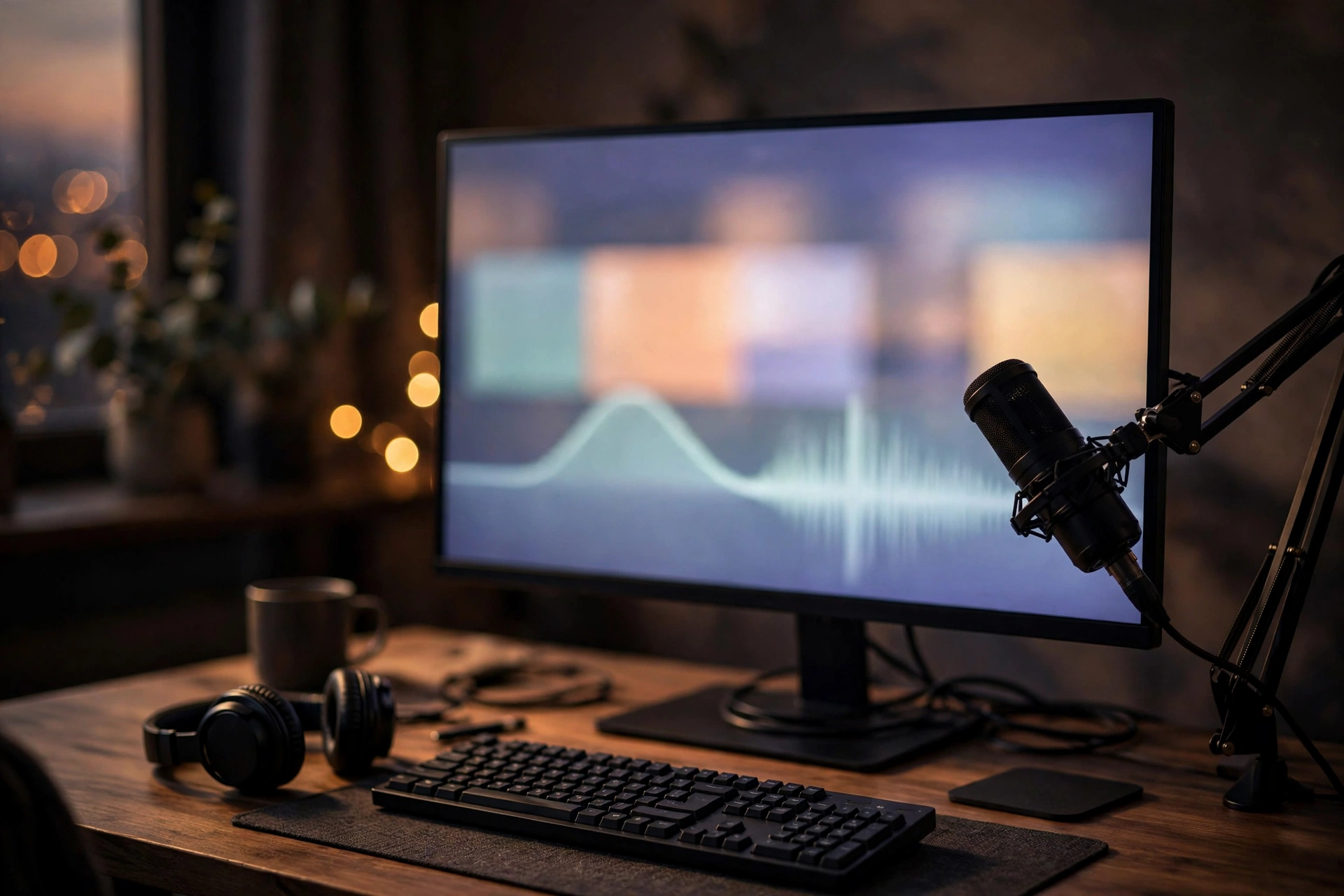
Gear: a computer and a decent microphone. The mic is the only purchase that really matters here. A basic USB mic or a wireless lav into your laptop covers it (see vlogging equipment for beginners for starter options). For editing, start with one of the free options in our free editing software for vlogging guide.
Filming tips: Script before you record. Rambling tutorials bleed viewers. Zoom into the area around your cursor so details are readable on a phone screen. Clean your desktop and close notifications first; nothing kills credibility like a private message popping up mid-tutorial. Break long videos into timestamped chapters.
Best niches: software tutorials, editing and design walkthroughs, coding, finance and spreadsheets, language learning, video essays, gaming commentary.
4. Animated explainers and whiteboard videos
When the subject can’t be filmed (an abstract idea, a historical event, a scientific process), draw it. Animated explainers turn narration into something watchable.
This is the format of the big education channels: a voiceover carrying the argument while simple animation illustrates it. You don’t need Pixar-level animation. Clean motion graphics, whiteboard-style drawing, kinetic text, and stock-style illustrations are all proven. The clarity of the explanation matters far more than the polish of the drawings.
Gear: animation or motion-graphics software plus a good mic for the voiceover. Many creators start with free tools and upgrade as the channel pays for itself. Our free editing software guide is the right starting point, and our music guide covers the background tracks these videos need.
Filming tips: Keep the visuals moving. A static image behind five minutes of narration is a podcast with extra steps. One idea per scene, then cut. Write the narration first and animate to it, not the other way around; pacing lives in the voice. Short sentences and concrete examples beat abstract paragraphs.
Best niches: science explainers, history, economics and business concepts, philosophy, math, book summaries, “how things work.”
5. Drone footage and cinematic B-roll
Aerials and atmosphere do the talking: sweeping footage cut to music or voiceover, with no presenter in sight. The premium-looking faceless format.
Travel films, scenery showcases, real estate tours, and ambient relaxation channels all run on this setup. The formula is simple: beautiful moving images plus a soundtrack or a calm voiceover. But the ceiling is high: good drone footage still stops thumbs in a way few other formats can.
Gear: a drone suited to your budget and local rules. See best drones for vlogging for the current picks. Supplement aerials with ground-level B-roll from your phone on a tripod (tripod guide); pure drone footage gets monotonous after a few minutes.
Filming tips: check your country’s drone registration and no-fly rules before the first flight. Fines are real. Fly slow; fast drone moves look exciting on the controller and nauseating on YouTube. Golden hour light does more for your footage than any camera upgrade. Vary altitude and angle between shots so the edit has rhythm.
Best niches: travel, scenery, real estate, ambient/relaxation channels, coastal and mountain content, event venues.
6. Voiceover photo and archive stories
Still photographs, archive clips, and slow pans carried by a strong narration. It’s the documentary format, and the cheapest one to produce well.
History channels, true-story channels, and photo-essay channels run entirely on this setup: a well-written script read well, over images that move just enough to stay alive on screen. If you can write and speak clearly, the barrier to entry is nearly zero, and the format ages well, since stories don’t go out of date the way gear reviews do.
Gear: a phone camera for shooting your own stills (best phones for vlogging) and a microphone you can record clean narration on. See vlogging equipment for beginners. That’s the whole kit. Everything else is editing.
Filming tips: Add slow zoom and pan movement to every still (the “Ken Burns” effect). Static images lose viewers in seconds. Source archive material legally: public-domain archives and properly licensed libraries, never random Google Images. Write the narration first, then gather images to match it. Record narration in a closet or car if your room echoes. Small, soft spaces sound better than big empty ones.
Best niches: history, true stories and documentaries, photo essays, local legends and folklore, biographies.
7. Pet POV and companion filming
Give the camera to the animal. Or film life alongside one. Pets are the rare on-screen talent that never needs a script and never has a bad day on camera.
Pet channels are a proven faceless genre: a GoPro-style camera on a dog’s chest strap, a fixed camera watching cats be cats, or you filming your farm, your walks, your training sessions with the animal as the star. The pet provides the charisma; your editing and voiceover provide the structure.
Gear: a small action camera with a pet chest-strap mount. Our action camera under $100 guide covers affordable bodies light enough for that strap. A tripod (tripod guide) handles the fixed “cat cam” angle.
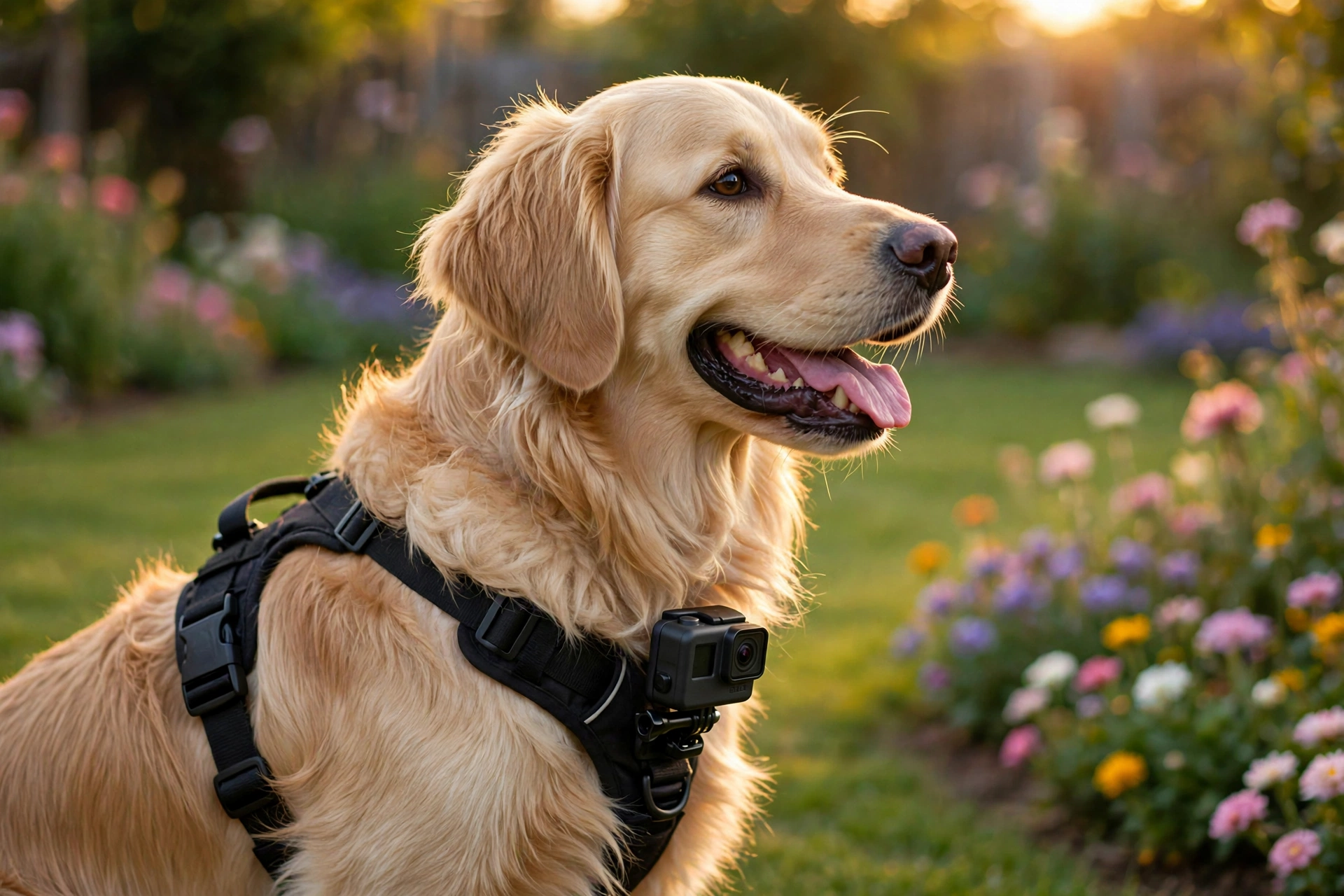
Filming tips: Shoot far more than you need. Animals don’t take direction, so volume is your editing strategy. Keep sessions with the strap on short and watch for any sign the animal is uncomfortable; a stressed pet is both unethical and bad footage. A light voiceover explaining what is happening turns random clips into episodes viewers follow.
Best niches: pet daily life, dog training, farm and homestead life, cat channels, wildlife and birdwatching.
The 7 setups compared: gear, difficulty and pace
Short on gear and time? Hands-only and screen recording start today with a phone or a laptop. Want the highest ceiling? Animation and drone work reward the most skill. This table puts all seven side by side.
| Setup | Core gear | Startup cost | Skill to learn | Production pace |
|---|---|---|---|---|
| Hands-only | Phone, overhead support, one light | Lowest | Framing and lighting basics | Fast: film today, post tomorrow |
| POV adventure | Action camera, chest or head mount | Low | Route planning, clip selection | Medium: shoot a day, edit a day |
| Screen recording | Computer, USB microphone | Lowest | Scripting, screen capture tools | Fastest of the seven |
| Animated explainer | Animation software, good microphone | Low to medium | Animation and scriptwriting | Slow: hours of work per finished minute |
| Drone and B-roll | Drone, phone for ground shots | Highest | Flying, local drone rules, grading | Medium: weather and light decide |
| Voiceover photo stories | Phone camera, microphone | Lowest | Writing and narration | Medium: the script sets the pace |
| Pet companion | Action camera, pet chest strap, tripod | Low | Patience, animal handling | Unpredictable: the talent sets the schedule |
Two honest patterns in that table. First, the cheapest setups are also the fastest to publish, which is why most faceless channels that survive start with hands-only, screen recording, or photo stories and add harder formats later. Second, every setup trades the same currency: the ones that need little gear need strong writing or strong process footage instead. There is no setup where neither the gear nor the craft matters. Pick the trade that matches what you already enjoy doing.
Why audio matters more in faceless vlogs
When viewers can’t see you, your voice becomes your entire personality. Faceless channels live or die on audio quality more than any other format.
Think about it from the viewer’s side: in a face-to-camera vlog, expressions and body language carry half the communication. Remove the face and all of that weight lands on the voice: its clarity, its warmth, its energy. A faceless video with great audio feels professional; a faceless video with echoey, distant audio feels like a lecture nobody asked for. Get the microphone close, record in a soft-furnished room, and monitor with earbuds at least once so you know what your recordings actually sound like.
Music does the emotional work your face normally would. A cooking video with a warm acoustic bed feels inviting; the same footage silent feels like surveillance. Use properly licensed tracks from the start. Our guide to getting music for vlogs lists safe sources. Keep the music bed low enough that narration always wins. Sound effects matter too: the sizzle, the click, the page turn. Small, real sounds make faceless footage feel physical and present.
Growing a channel nobody’s face is on
Faceless channels grow on search, packaging, and consistency, not on personality. Build the machine: searchable titles, clickable thumbnails, and a series format viewers can subscribe to.
The honest trade-off: face-to-camera builds trust faster, because viewers bond with a person. Faceless channels compensate with discoverability. Tutorials, explainers, and how-tos get searched for constantly, which is free traffic a personality channel has to earn through the algorithm. Lean into it: write titles around the exact phrases people search, and make thumbnails that show the subject boldly (the finished dish, the mountain view, the before-and-after) instead of a face.
Series formats are the growth engine. “One recipe every Friday,” “a new trail every week,” “explained in 10 minutes, every Tuesday”. A repeatable format gives viewers a reason to subscribe beyond one good video. Publish on a schedule you can keep for a year; one video a week for twelve months beats a frantic month followed by silence. And study the two numbers that matter: click-through rate (packaging) and average view duration (content). Fix the weaker one first.
Short-form clips deserve a place in that machine too. Every setup in this guide has a vertical version: a 30-second overhead recipe step, a single POV trail moment, one tutorial tip cut from a longer video, a pet clip that needs no context at all. Shorts and TikTok reward exactly the kind of self-contained, subject-first footage faceless channels already shoot, and they put it in front of people who have never heard of your channel. Treat each long video as raw material for two or three shorts and the same filming day feeds both formats.
One practical side of staying faceless: protect the anonymity you chose. Check your frames before filming, not after. Mirrors, kettle chrome, windows at night, and even a glossy fridge door can hand your reflection to the camera. Keep house numbers, street signs, school uniforms, and mail out of shot, and strip location data from photos if your editor keeps it. None of this is paranoia; it is the same framing check you already do for clutter, aimed at the details that identify you. Do it as a habit and you will never have to pull a video down over a two-second reflection.
If the whole channel idea still feels abstract, our how to start vlogging guide walks through niche and planning, and 60 vlog ideas has faceless-friendly topics to start with.
Faceless vlog setup FAQs
The questions people actually ask before starting a faceless channel.
Can you really grow a YouTube channel without showing your face?
Yes. It’s a proven path, not a loophole. Cooking channels, POV travel channels, tutorial channels, animation channels, and pet channels all have large faceless examples. What they share is not a trick but a format where the missing face is never missed: the process, the place, or the idea is the star. Pick a setup from this guide where that is true for your niche.
Do faceless channels get monetized the same way?
The rules are the same: original content, advertiser-friendly, and meeting the YouTube Partner Program thresholds, which are 1,000 subscribers plus either 4,000 qualified watch hours in the last 12 months or 10 million qualified Shorts views in the last 90 days. What gets faceless channels in trouble is reused content: compilations of other people’s clips with no original commentary or transformation. Film or create your own footage and narrate it yourself, and monetization works exactly like any other channel.
What is the easiest faceless setup to start with?
Hands-only filming with your phone. Prop the phone overhead on a tripod or a stack of books, film your hands cooking, crafting, or building something, and talk through it or add music. No new skills to learn and no software to master. You can publish your first video this weekend. See best vlogging tripods for proper overhead support when the book-stack era ends.
What microphone do I need for voiceover?
Anything that gets the mic close to your mouth in a quiet room. A basic USB microphone at your desk or a wireless lavalier clipped to your shirt both beat a camera’s built-in mic by a mile. Record a test, listen on earbuds, and fix echo (soft furnishings, smaller room) before buying anything more expensive. See vlogging equipment for beginners for starter options.
Can I use an AI voice instead of recording my own?
You can, and many faceless channels do. A text-to-speech voice reading your own original script is still your content, and YouTube does not ban synthetic voices. Two honest cautions. First, your own voice almost always builds more trust, because listeners bond with a person, and a synthetic voice is the one part of a faceless channel that can make it feel generic. Second, labels: YouTube asks creators to disclose realistic AI-generated content at upload, and while cloning your own voice for voiceovers sits on its no-disclosure list, a photorealistic AI presenter or a voice cloned from someone else is a different matter and needs the disclosure ticked. If you do use a synthetic voice, pick one, stick with it, and make the writing unmistakably yours.
Do I need an expensive camera for faceless vlogging?
No. A modern phone covers hands-only, voiceover-photo, and screen-adjacent B-roll; a budget action camera covers POV and pet setups; screen recording and animation need no camera at all. Spend the money on a microphone and lighting first. Those improve faceless footage more than any sensor upgrade. Our best phones for vlogging guide covers the phone path.
Can I stay anonymous and still build a brand?
Yes. The brand just lives in the format instead of the face. A consistent intro style, a recognizable logo or mascot, a signature color palette, and a recurring series title do the same job a face does. Many faceless channels are more recognizable than personality channels because every video looks unmistakably theirs.
How do faceless channels make thumbnails without a face?
Show the subject, not a person: the finished dish, the dramatic scenery, the before-and-after, the close-up of the thing being built. Bold subject, three or fewer words, readable at phone size. Test yours zoomed out to 10%. If you can’t tell what it is, a scroller can’t either.
Is screen recording enough, or do I need B-roll too?
Screen recording alone works for pure tutorials, but B-roll lifts retention everywhere else. Even simple cutaways (your hands on the keyboard, a relevant photo, a short animated diagram) give the viewer’s eyes somewhere to go and hide your edit points. Film a small library of generic B-roll once and reuse it across videos.
Do faceless videos need background music?
Almost always, yes. Without a face, music carries the emotional tone: inviting, exciting, calm, dramatic. Silence in a faceless video feels like something broke. Keep it licensed (never ripped from commercial tracks) and mixed low under narration. Our music for vlogs guide lists safe sources.
Which faceless niche is least competitive in 2026?
Skill-based niches beat trend-based ones: a specific craft, a local history, a professional skill you actually have. Avoid saturated “make money online” compilations and generic motivational channels. Those compete on volume, not quality, and they struggle with monetization. The least competitive niche is the intersection of what you know and what people search for; 60 vlog ideas can help you find yours.
Do faceless setups work for Shorts and TikTok too?
Yes, and short-form may suit faceless formats even better than long-form does. A satisfying overhead process clip, a POV moment, or a pet clip is self-contained: it needs no introduction and no presenter, which is exactly what a scrolling feed rewards. Film vertically or crop with headroom, put the most interesting moment in the first second, and let the subject carry it. Many creators cut their shorts from the same footage as their long videos, so one filming session feeds both.
Keep exploring
Picked your setup? Here is the gear and guidance to build it.