
Last updated: October 2026
Most voiceovers fail for one reason: they sound pasted on. The words are fine, the mic is fine, but the voice floats in a different room, at a different energy, from the person viewers just watched on camera. Voiceover is not a second performance recorded whenever you get around to it. It is a matching exercise, and this guide covers the matching: timing your delivery to the picture, punching in fixes as you go, recreating the room and mic position from the shoot, controlling breaths and mouth noise, and setting levels so the voice sits inside the video instead of on top of it.
The short version
- Record to picture. Watch the muted cut while you speak so your pace fits the shots.
- Punch and roll. Work in short sections and re-record a fluffed line the moment it happens.
- Match the shoot. Same mic, same distance, same room sound as the on-camera audio.
- Match the energy. Perform the line the way you said things on camera, not in a flat reading voice.
- Edit for blend. Keep music well under the voice and room tone under your cuts.
On this page
- Voiceover is a matching exercise
- Time your delivery to the picture
- Punch and roll: record in sections
- Match the room tone and mic position
- Sound like your on-camera self
- Breaths and mouth noise
- Edit the voiceover into the timeline
- Re-recording one line months later
- Voiceover questions, answered
- Keep exploring
Voiceover is a matching exercise, not a second performance
A voiceover blends when three things match the on-camera parts: the room sound behind the voice, the distance from the mic, and the energy of the delivery. Get those three close and viewers stop noticing the voiceover at all, which is exactly the goal.
Listen to a vlog where the creator talks to camera in a kitchen, then narrates over B-roll recorded later in a quiet bedroom. Nothing is technically wrong with either recording. The cut still jars, because your ear tracks the space around a voice as carefully as the voice itself. The kitchen voice carries a little room bounce and a person performing for a lens. The bedroom voice is dry, close, and calm. Two different worlds, one video.
So treat every voiceover session as an attempt to recreate the conditions of the shoot, not as a fresh recording in ideal conditions. A dedicated voice booth setup can actually make the match worse if the on-camera audio was recorded in a lively room. Everything below serves that one idea: timing, punch and roll, room matching, breath control, and levels are all tools for making the narration disappear into the video. The delivery side of being on camera in the first place is its own skill, covered in our guide to on-camera delivery and teleprompter tips.
Time your delivery to the picture, not the page
Record while watching the muted cut play. Rehearse each section against the actual shots, speak at the speed the picture demands, and leave space where a shot needs a beat to land. If a line does not fit its shot, change the line’s delivery or length before you record, not after.
The classic voiceover problem is a paragraph written to be read, dropped over footage that runs shorter. The narration rushes, the editor starts chopping words, and the whole section sounds breathless. Flip the process around. Build a rough cut first, even with gaps, then record section by section with the video playing in front of you. Most editors let you record narration straight onto the timeline while the playhead moves, which is the single biggest upgrade you can make to your timing. Our guide to editing vlogs faster covers the timeline workflow that makes this kind of session routine.
Rehearse each section once or twice against the pictures before you commit. You will feel where the natural pauses are: a wide shot of a street can hold a slower sentence, a quick montage of three clips wants short lines that land one per shot. Count the beats in the edit. If a door closes on screen at second eight, your sentence should finish or pause there, not steamroll through it. Where the picture has its own moment, a reaction shot, a laugh, a sound effect, leave a gap in the narration and let the video breathe. Silence in the right place sounds confident.
A practical habit: mark the in and out times for each section before recording, and aim your read at the out point like a landing strip. Slightly under time is easy to live with; over time is not fixable without butchering words. If a section keeps overflowing, the fix is a shorter line, and it is cheaper to decide that now than in the edit.
Punch and roll: record in sections, fix fluffs as you go
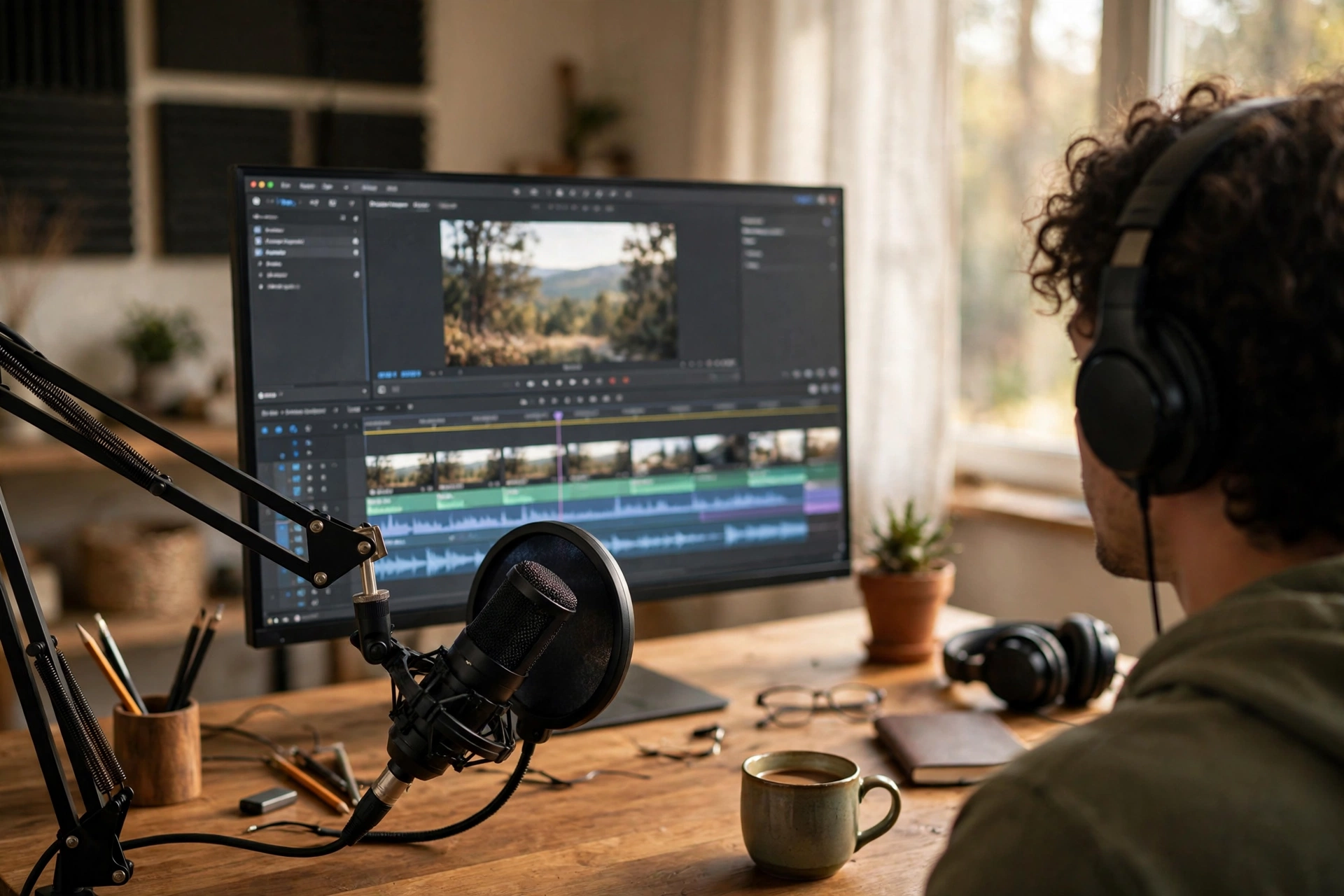
Punch and roll means recording in short sections and, when you stumble, rewinding a few seconds and re-recording just that line while the previous audio plays in your headphones. You hear your own lead-in, match it, and roll on. It produces narration that needs almost no repair editing.
The alternative is the full-length take: read the whole script start to finish, restart at every third mistake, and finish with six near-identical recordings you have to mine for good lines later. That mining is slow, and the rescued lines often sit at slightly different energies because they came from different passes. Punch and roll, a standard technique in audiobook and studio narration, avoids all of it. You set a punch point a sentence or two before the problem, the software plays the existing audio, then switches to record at the punch point. Your voice is already moving at the right pace and volume when recording starts, so the join is invisible.
Most audio editors and several video editors support it directly, including several in our roundup of free editing software for vlogging, and the manual version works anywhere: stop, drag back five seconds, press record, speak along silently until the punch point, then say the line out loud. Work through the script in sections that match the video’s structure, one section per sitting if you like. A section recorded cleanly in two passes beats a heroic full take every time.
Two habits make punching work. First, always leave a small pre-roll of silence before you start speaking after any punch, so you have room to trim. Second, when you fluff a line, do not stop and analyse it. Clap once or say the word “pickup” as a marker, roll back, and go again while the rhythm is still in your body. The session stays fast, your energy stays up, and the final track is essentially one continuous performance assembled from pieces recorded minutes apart.
Match the room tone and mic position from the shoot
Use the same mic, at the same distance and angle, in the same or a very similar room, and record 10 to 30 seconds of pure silence in that setup at every session. That silence, your room tone, is the glue that hides every edit and makes the voiceover sit in the same world as the footage.
Start with the mic. If the on-camera parts were recorded with a wireless lav clipped to your shirt, a voiceover recorded on a big desktop condenser will never fully blend, however good it sounds. Use the same mic where you can. If the voiceover genuinely needs a different mic, at least copy the distance and angle: a voice recorded 15 centimetres from a mic has a closeness and bass weight that a voice recorded at arm’s length simply does not, and no amount of volume adjustment changes that. Mark your distance with something physical, a fist, a fist plus thumb, a marked spot on the desk, and come back to it every time.
The room matters just as much. The same kitchen, at the same time of day, with the same doors and windows open or closed, gives you a fighting chance of a seamless match. A different room gives you a different reflection pattern behind the voice. When you cannot use the same room, pick the closest substitute in size and softness, and accept a small difference rather than chasing perfection. Then record your room tone: sit still, say nothing, and capture the empty room for at least ten seconds. Do it at the start of every session, because room tone changes with the fridge, the traffic, and the weather. Our guide to how to record better vlog audio covers the general capture side of this in depth; for voiceover, the point is not perfect audio, it is matching audio.
Finally, keep your input level consistent across the session. If the first half of the narration was recorded a touch hot and the second half quiet, the editor ends up riding volumes line by line. Set the level once, test it against playback of the on-camera dialogue, and leave it alone.
Sound like your on-camera self, not your reading voice
Your on-camera voice has pace, expression, and volume swings because you are performing for a person. Your reading voice is flatter and slower. Close the gap by performing the narration: stand or sit tall, use your hands, smile where the moment is warm, and speak to one imagined viewer at your normal conversational speed.
The mismatch is easy to hear and hard to unhear. On camera you say “and then the whole thing fell off the tripod” with a grin and a pause before the punchline. In voiceover, reading the same line off a page, it comes out level and grey. The fix is not acting lessons. It is setup. Record voiceover soon after filming when you can, while the day’s energy is still in your body and you remember how you actually said things. Our talking-head filming tips cover the on-camera half of this consistency, and the same performance habits carry straight into narration.
Before each section, play the on-camera clip that surrounds it and listen to your own pace and volume. Then read the line out loud once without recording, moving your hands the way you would on camera. Gestures genuinely change a voice recording; a line delivered with a shrug in the shoulders sounds like it. If you filmed seated and relaxed, sit the same way for narration instead of standing like a radio host. If a joke falls flat in the read, it usually needs your face, so let your face do the work even though nobody can see it.
Watch your speed across a long session. Reads slow down as you tire and speed up as you get familiar with later sections. Punch and roll helps here, because you constantly hear your previous lines as lead-ins, and a drifting take gives itself away immediately. Trust that comparison over how the take felt.
Breaths and mouth noise: control them at the mic, not in the edit
Breathe at the ends of sentences, not in the middle of phrases, and keep your mouth hydrated to stop clicks before they happen. In the edit, turn breaths down rather than deleting them: a voiceover with every breath removed sounds robotic, while natural breaths lowered a few decibels sound like a person.
Breaths land where they land when you read cold. When you rehearse to picture, you start placing them deliberately, the same way you would telling the story to a friend: a breath before a new idea, a pause after a reveal, nothing in the middle of a name or a number. That placement matters more than the breath itself. A mid-phrase gasp screams “recorded narration”. A breath at a sentence boundary is invisible.
Mouth clicks and lip smacks are mostly a dry-mouth problem, and they get worse the closer you work to the mic and the longer the session runs. Water within reach, sipped little and often, fixes most of it. Some narrators swear by a slice of green apple, whose acidity clears the sticky saliva that causes clicks. What does not work is marathon recording on coffee and no breaks: your mouth dries, your clicks multiply, and your pace drops, all at once. Keep sessions short and take a break every 20 minutes or so.
In the edit, resist the urge to slice out every breath. Listeners expect breaths; removing them all creates an airless, dubbed feeling that viewers describe as “AI sounding” even when the voice is real. Reduce the loud ones, leave the natural ones, and delete only the gasps that distract. Cleaning up noise that is already baked into a recording, hiss, hum, and room rumble, is a different job with different tools, covered in our guide to how to remove background noise from video. The voiceover lesson is simpler: breaths and clicks are performance issues, and the cheapest fix is always at the mic.
Edit the voiceover into the timeline: timing, levels, and blend
Cut the narration to the picture first, then set levels: voice as the clear priority, music sitting roughly 15 to 20 dB under the dialogue, and room tone laid under every edit point so cuts never drop into dead silence. YouTube normalises playback loudness to around minus 14 LUFS, so a consistent, voice-forward mix matters more than a loud one.
Assembly comes first. Lay each section against its shots and nudge: half a second earlier so the line lands as the relevant object appears, a beat later so a visual joke registers before you comment on it. Slip individual lines rather than whole sections. Where a line still does not fit, trim pauses inside it before you touch the words; most reads contain more silence than you think. Keep a copy of the unedited session file untouched, because the line you cut today is the pickup reference you will need in three months.
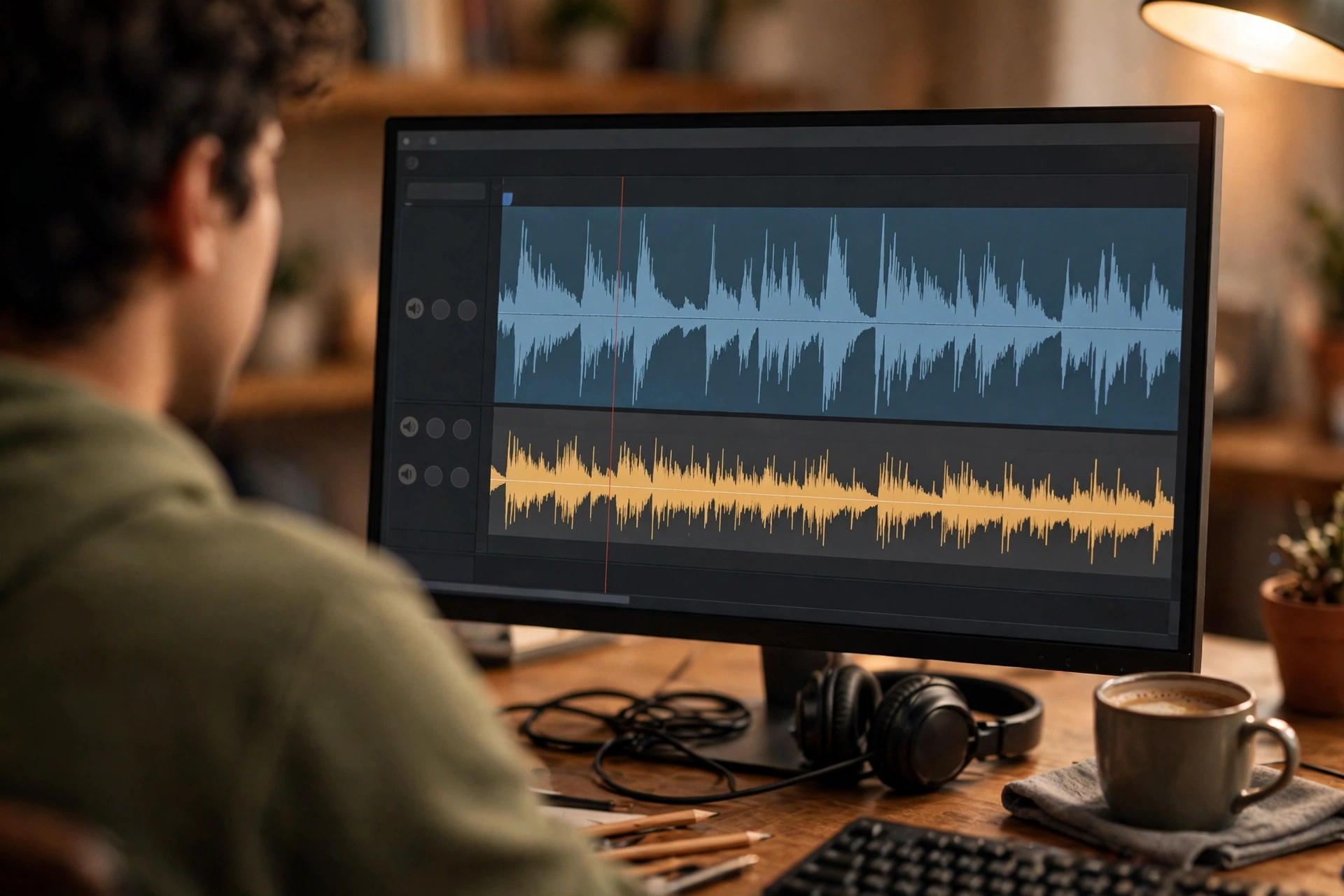
Levels are where voiceovers most often sound amateur. The order of importance never changes: the voice first, everything else in support. Background music should sit far enough under the narration that a viewer in a noisy kitchen still catches every word; as a working rule, music around 15 to 20 dB below the voice while you speak, rising in the gaps where the picture carries the moment. Many editors can duck music automatically under dialogue, and even a rough automatic pass beats music fighting the voice at a constant level. Room tone goes under the joins: a breath of the session’s silence pasted beneath each cut stops the background dropping out between sentences, which is the dead giveaway of a patched-together track.
Finish by listening on the worst speaker you own; a phone on a kitchen counter is perfect. Voiceover that survives that test is mixed well enough. Studio monitors flatter everything; phones tell the truth.
Re-recording one line months later, so nobody notices
Recreate the original session as exactly as you can: same mic, same position, same room state, same input level, then record the new line plus the lines either side of it. Edit the neighbours out and keep only the replacement. Notes and a phone photo of the original setup, taken at the first session, make this a ten-minute job instead of a guessing game.
Pickups happen to everyone: a sponsor changes a name, a fact turns out wrong, a section gets cut and one bridging line has to be invented in March for a video filmed in January. The reason most pickups stick out is not the voice, it is everything around the voice. You are rested instead of tired, the room has different furniture, the mic sits two centimetres closer, and your delivery has evolved with three months of practice.
Start by listening, not recording. Play the original section on loop through headphones until the pace and tone are in your ear, then read along with it, out loud, matching yourself like a backing singer. Record the target line with its neighbours, the sentence before and after, because your voice settles into the line properly when it arrives there naturally. Take the middle take usually; first takes are stiff, late takes drift.
The real secret is boring: documentation. At the original session, spend sixty seconds saving yourself: a photo of the mic position and the room, a note of the input level and your distance, and the room tone file kept with the project. If you did none of that, reconstruct from evidence: the project file remembers your track settings, and the original audio tells you the distance and room if you listen for them.
Voiceover questions, answered
Quick answers to the questions vloggers ask most about recording narration that matches their on-camera audio.
How do I make my voiceover sound like the rest of my video?
Match the three things your ear actually tracks: the same mic at the same distance, a similar room sound, and the same energy as your on-camera delivery. Record narration soon after filming, rehearse against the on-camera clips, and lay room tone under the edits so the background never drops out.
What is punch and roll recording?
It is recording narration in short sections. When you fluff a line, you rewind a few seconds, the software plays your previous audio as a lead-in, then starts recording at the punch point so you redo just that line at the same pace and energy. It replaces the endless full takes most beginners start with.
Should I record voiceover before or after editing the video?
After a rough cut exists. Recording to picture, watching the muted edit while you speak, gives you timing that fits the shots. Recording blind from a script first almost always produces narration that is too long, too fast, or landing in the wrong places.
How loud should background music be under a voiceover?
As a working rule, keep music roughly 15 to 20 dB below the voice while you are speaking, and let it rise in pauses and B-roll moments. If a viewer has to concentrate to hear words over the track, the music is too loud, whatever the meters say.
How do I stop mouth clicks in my recordings?
Hydration is the main fix: sip water little and often, and take breaks before your mouth dries out. Clicks get worse with fatigue, coffee, and very close mic work. A slice of green apple before a session is a narrator trick that genuinely helps clear sticky saliva.
Should I remove all the breaths from my voiceover?
No. Turn the loud breaths down and remove only the gasps that distract. A track with every breath deleted sounds airless and oddly robotic, because listeners expect to hear a person breathing. Natural breaths at sentence boundaries are part of a believable performance.
What is room tone and why do I need to record it?
Room tone is the sound of your empty recording space: ten to thirty seconds of you sitting still and saying nothing. Laid under edit points, it hides cuts and keeps the background consistent between lines. Record it fresh at every session, because the room sound changes day to day.
Can I record a voiceover on my phone?
You can, and if your on-camera audio also came from the phone, that consistency can actually help the match. What matters more than the device is the distance, the room, and the delivery. A phone held at a consistent distance in the same room beats a studio mic in a different one.
How do I re-record a line so it matches a video from months ago?
Recreate the setup: same mic, distance, room, and input level, using any notes or photos from the original session. Loop the original audio until its pace is in your ear, then record the replacement line together with the sentences either side of it and edit the neighbours away.
Why does my voiceover sound like reading?
Because reading flattens pace and expression. Rehearse each section out loud against the picture, perform it to one imagined viewer, use your hands, and record soon after filming while your on-camera energy is still fresh. If a line sounds read, it usually needs your face and gestures involved, even off camera.
Keep exploring
Voiceover is one part of the edit. These guides cover the filming and cutting skills it sits between.