Last updated: October 2026
The teleprompter was supposed to fix the ums, the lost threads, and the takes that wander off a cliff. Instead, a lot of vloggers end up sounding like a newsreader at gunpoint: eyes flicking, voice flat, every sentence the same shape. That is not a talent problem. Delivery on a prompter is a small set of learnable techniques, scroll matched to your voice, eyes reading ahead, text chunked for breath, and a body that behaves like it is talking to a person. This guide covers those techniques and the practice routine that makes them stick.
The short version
- Sounding natural is setup plus habit, not charisma. Match the scroll to your speaking pace and the robotic feel mostly disappears.
- Read ahead of your voice. Your eyes should sit a line in front of your mouth, so you speak phrases you already understand.
- Chunk the text. Short blocks, one idea each, with pauses and emphasis marked, beat a wall of prose every time.
- Look through the lens, not at the words. The lens is a person who likes you. Talk to them.
- Two warm up takes transform the third. Familiarity is the cheapest delivery upgrade there is.
On this page
- Why you sound like you are reading, and what fixes it
- Set the prompter up so your eyes give nothing away
- Match the scroll speed to your voice
- Read ahead, not word by word
- Chunk the text so your voice can act
- Pace, pauses, and emphasis
- Fixing a monotone voice
- Body language and hands while you read
- When to skip the prompter: bullet cards and other options
- Practice drills and a pre-record routine
- Teleprompter questions, answered
- Keep exploring
Why you sound like you are reading, and what fixes it
Reading sounds like reading for three reasons: your eyes and voice are locked to the same word, so there is no room to act; the scroll runs at a fixed pace that is not yours; and your face and body go still while your brain works. Fix those three, with eye lead, matched scroll, and deliberate movement, and the prompter becomes invisible.
Notice what happens when you tell a friend a story. Your eyes are on them, not searching for the next sentence, because you know what you are about to say a moment before you say it. Your voice rises and falls on its own. A prompter breaks that loop by feeding you words at the exact moment you must speak them, so every sentence arrives as a surprise you react to flatly.
Every technique in this article rebuilds the loop. Reading ahead restores the preview your brain needs. A scroll matched to your natural pace stops the machine from setting your tempo. Chunked text gives you breath points and landmarks so you never feel lost. And practice turns the whole arrangement familiar, which is when your personality comes back. None of this requires a presenter voice. It requires the prompter to stop fighting you.
Set the prompter up so your eyes give nothing away
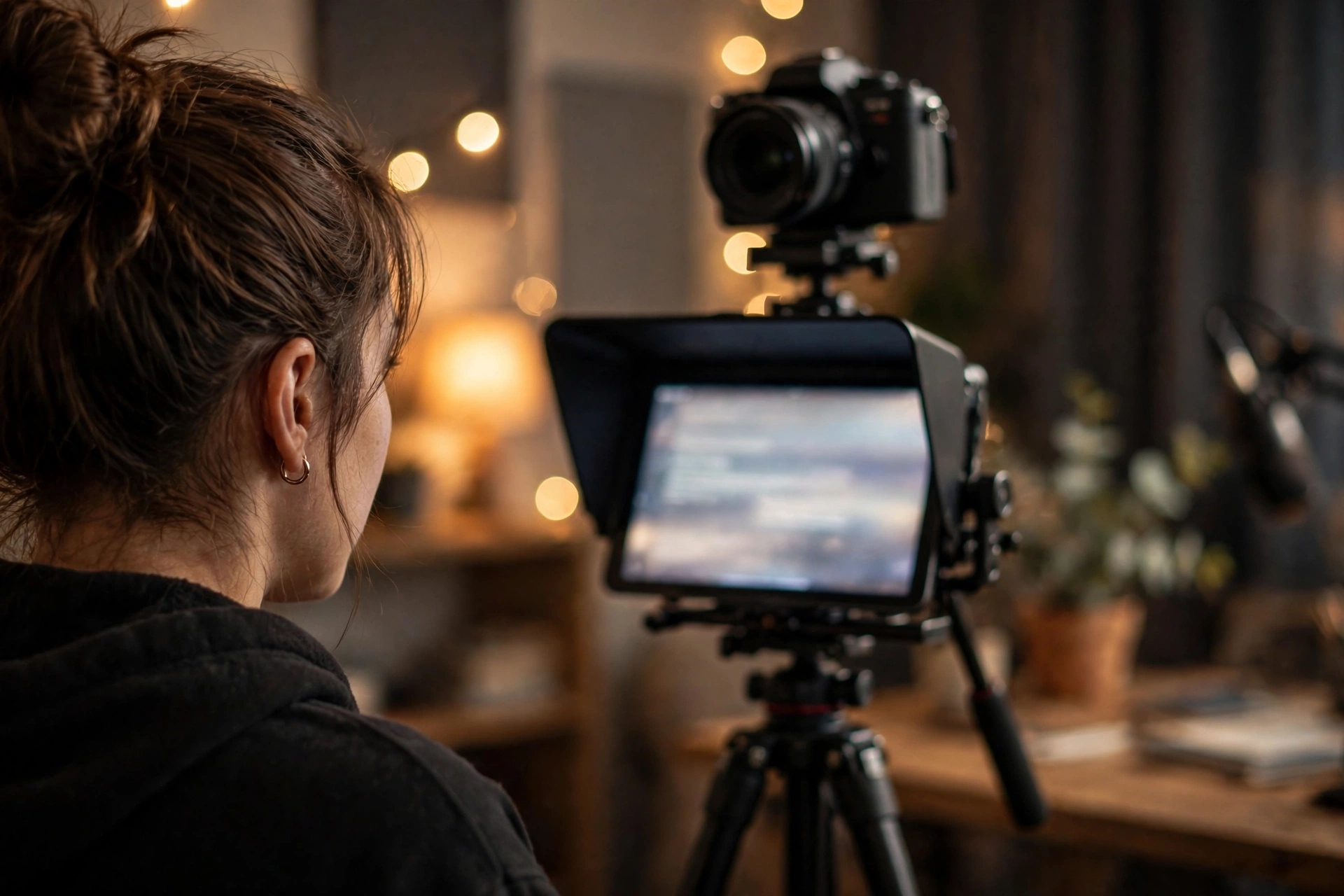
The closer the words sit to the lens, the less your eyes move. A beam splitter prompter puts the text directly over the lens and is the cleanest solution. With an app on a phone or tablet, mount it immediately below or beside the lens, use large text in a narrow column, and sit a little farther back so the angle shrinks.
Eye movement is geometry. If the text is twenty degrees below the lens, your gaze drops twenty degrees every line, and viewers see it. Shrink the angle and the same reading looks like eye contact. That is why distance helps: doubling your distance from the camera roughly halves how far your eyes appear to travel across the text. A smaller screen helps too, because a phone under the lens beats a laptop off to the side.
Set the camera at eye level so you are neither reading up nor down at it, and make the text column narrow, a few words per line, so your eyes travel down rather than sweeping side to side. Font size should let you read comfortably at your recording distance without leaning in; if you are squinting or craning, the take is already lost. Framing, seating, and light for the shot itself are covered in our talking head filming tips; this article assumes the camera is set and works on what you do in front of it.
Match the scroll speed to your voice
Most people speak comfortably at about 125 to 150 words per minute. Set the scroll to match your pace, not the app’s default, and adjust in warm up takes: rushing means slow it down, waiting for lines means speed it up. Voice activated scrolling, which follows your speech and pauses when you pause, removes the mismatch entirely for many creators.
Calibration takes one minute. Read a paragraph aloud at the speed you would use with a friend, time it, and count the words. That is your pace. Set the prompter to it, then do a test pass. The mismatch tells are obvious once you know them: clipped word endings and a rising feeling of hurry mean the text is outrunning you; little dead gaps at the ends of sentences mean you are outrunning the text. Adjust by about ten percent at a time until the text feels like it is arriving exactly when you want it.
If your app offers a remote, a foot pedal, or speed keys you can tap mid take, learn one control and keep it in reach, because your pace will wander as energy rises and falls through a script. Voice tracked scrolling handles that automatically and is worth trying if fixed speeds never quite settle. What never works is adapting yourself to the machine for a whole session. You will win some takes and sound strained in all of them.
Read ahead, not word by word
Keep your eyes about one line ahead of your voice. While your mouth says the current phrase, your eyes take in the next one, so you know where the sentence is going and can shape it. Reading the exact word you are saying is the habit that produces the flat, darting delivery viewers spot instantly.
The eye lead feels wrong for the first few sessions, like patting your head and rubbing your stomach. Start with short practice scripts and a scroll set slightly slower than your pace, so there is slack while the habit forms. The trick that makes it click is thinking in phrases instead of words: glance, grab a whole chunk of meaning, look back at the lens, and say it. Broadcasters call this glance and grab, and it is why their eyes seem still. They are not reading less. They are reading in bigger bites.
A soft gaze helps. You do not need to focus hard on every word; let the upcoming line sit in your near peripheral vision while your attention stays on the lens, the way you would watch the road and the dashboard at once. If you catch your brow tightening or your head starting to track the lines, stop, reset your posture, and restart the take. Tension is visible long before it is audible.
Chunk the text so your voice can act
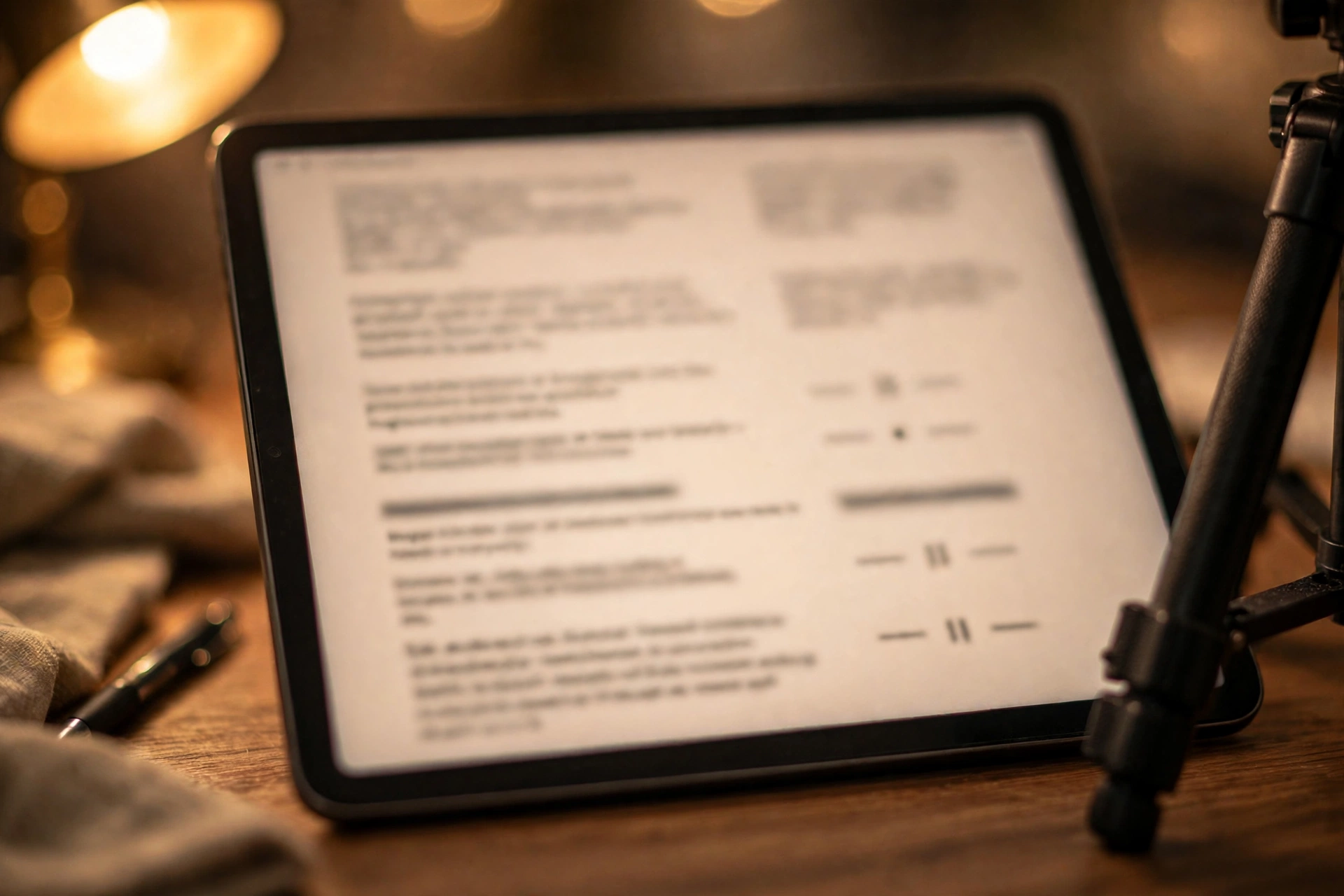
Format the script you load as short blocks of one idea each, with a blank line wherever you want a breath, and mark the words to stress. This is formatting an existing script for delivery, not learning to write one. Chunked text gives your voice places to pause, land, and change gear, which is most of what natural delivery is.
A wall of prose forces one gear: continuous, even, airless. Break the same text into blocks of two or three lines and it starts to breathe on its own, because each block boundary becomes a small decision point where you can pause, glance at the lens, and start the next idea fresh. Keep sentences short inside the blocks too. Long sentences with three clauses are where prompter readers run out of air and ideas at the same time.
Mark the text while you format it. Put the words you would naturally lean on in bold or capitals, drop in a slash or an ellipsis where a pause belongs, and spell out numbers and abbreviations the way they are spoken, so your mouth never has to translate. Writing the script itself is a separate craft with its own guide on how to script a vlog; what matters here is that any script, however it was written, gets this delivery pass before it goes on the glass.
Pace, pauses, and emphasis
Natural speech speeds up on easy material and slows down on what matters. Build that in: pause before an important line so it lands, lean on one key word per sentence instead of pushing every word, and let the ends of thoughts drop slightly quieter. Variation is not decoration; it is how listeners track meaning.
The pause is the strongest tool you own. A half second of silence before a key claim makes an audience lean in, and the same silence after it lets the point register. Prompter readers tend to fear silence because the text keeps moving, which is another reason the scroll must serve you: a reader in control can stop, breathe, and resume. Mark your planned pauses in the text so they survive contact with the record button.
Emphasis works by contrast. If everything is stressed, nothing is. Pick the one word in each sentence that carries the meaning and give it a little extra weight, then let the rest ride at conversation level. Record a test and listen for the sing song pattern where every sentence rises and falls identically; that pattern, not your voice, is what people mean by monotone, and contrast in pace and stress is what dissolves it.
Fixing a monotone voice
Monotone delivery on a prompter usually comes from three fixable causes: reading word by word, sitting frozen, and pitching your voice a little higher and flatter under concentration. The fixes are the eye lead, deliberate physical energy, smiling slightly so the voice lifts, and aiming your energy at a person just behind the lens.
Try the standing test. Record one paragraph sitting still and reading carefully, then the same paragraph standing, gesturing as if explaining to a friend. The second take will have more pitch movement almost every time, because your body is involved. Pitch follows energy, and energy is hard to summon from a chair you have melted into. Sit tall if you sit, and keep your shoulders and hands free.
Aim matters too. Deliver each line to an imagined listener rather than to the text: someone specific, mildly skeptical, worth convincing. It sounds like a theater exercise because it is one, and it works because your voice automatically adds intention when it has a target. If your voice still flattens, exaggerate the variation in rehearsal takes until it feels faintly ridiculous. On camera, that level usually lands as merely natural.
Body language and hands while you read
Gesture the way you would in conversation: hands visible, movements small and matched to the words. Freeze and you look like a hostage video; flail and you distract. Keep your head still and let your eyes do the reading, since head bobbing along the lines is more visible than eye movement.
Hands are the part readers forget. Locked under the desk or gripping its edge, they take your expressiveness with them. Bring them into frame at waist or chest height and let them punctuate: counting points on fingers, opening palms on an honest aside, a small beat gesture on a key word. Do not choreograph every line. Just unfreeze them and let conversation habits return.
The rest of the body needs the same permission. Shoulders down, weight even, chin level with the lens. Watch for the classic prompter tells in your review takes: the slow sway, the rhythmic nod that starts following the scroll, the lean in as text gets small. Each one is a setup or formatting fix rather than a performance flaw, which is good news. Change the setup, not yourself.
When to skip the prompter: bullet cards and other options
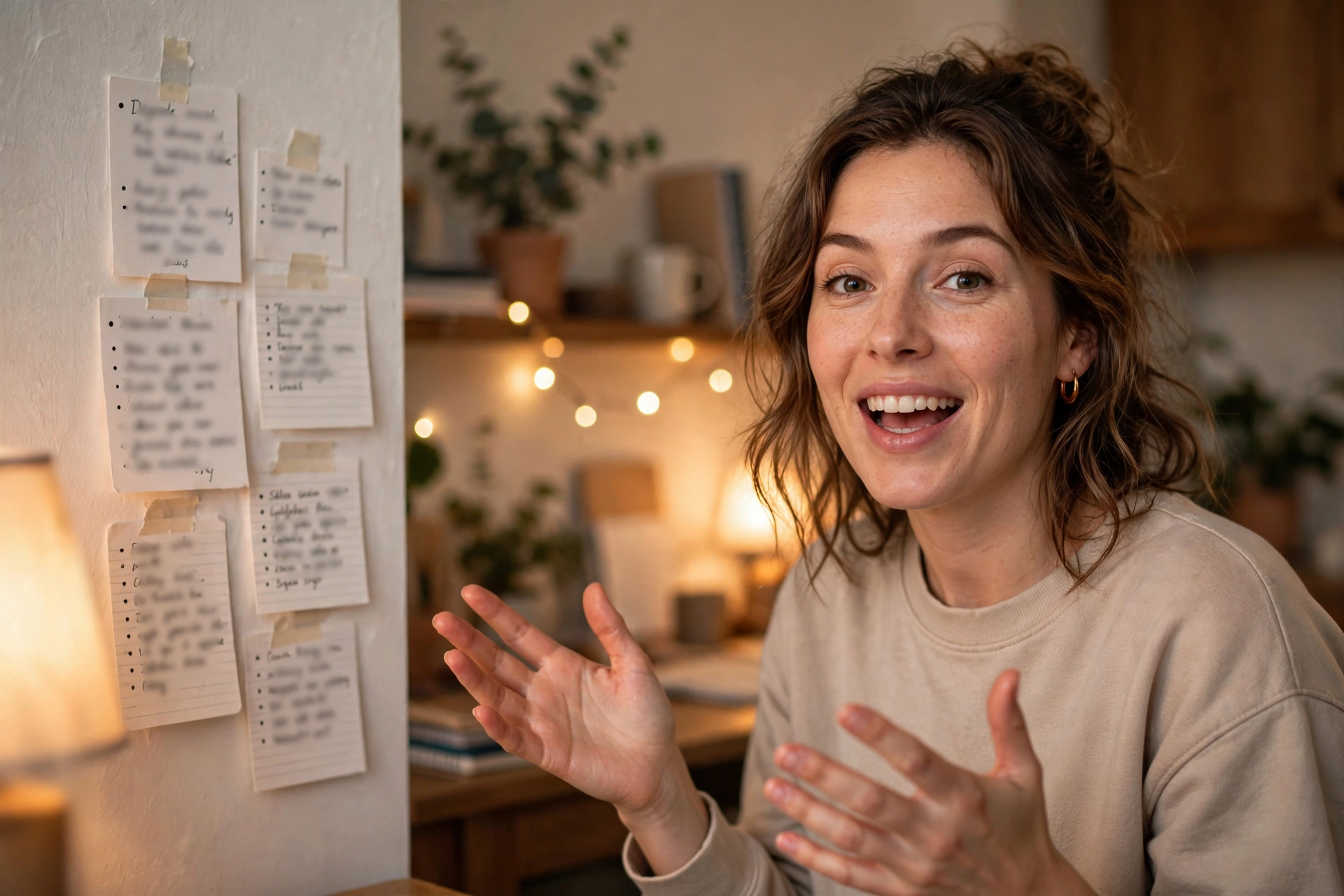
A full script is not always the right tool. Bullet cards with one line per idea suit experienced speakers and opinion pieces, a memorized opener and closer with prompted middle keeps energy high, and an ear prompter playing your own recorded voice works for walk and talk pieces where no screen can go.
Bullet cards trade precision for life. Each card holds a phrase that triggers a point you then make in your own words, so delivery is natural by construction, at the cost of wording drifting between takes. Reviews, tutorials with exact steps, and anything legal or sponsored still belong on the full prompter. Vlogs, reactions, and personal updates usually sound better from bullets once you know the material.
The hybrid is the working compromise many vloggers land on: memorize the first and last lines, because openings and closings carry the most energy and the most edits, and prompt everything between. Ear prompters, where you repeat after your own recorded voice with a half second delay, suit moving shots and product demos where your eyes must stay on the thing, not the lens. Choose per video, not per channel; the prompter is one tool in the kit, not a confession of failure.
Practice drills and a pre-record routine
Skill on a prompter comes from short, specific drills: the three read method for every script, the muted playback review, and a one hundred word speed drill for the eye lead. Before recording, run a fixed routine: three reads, scroll check, framing check, two warm up takes, then record.
The three read method builds familiarity fast. First read silently for content. Second read aloud, fixing any phrase your mouth dislikes. Third read on the prompter at recording speed to lock the scroll. By the record take the script is territory you know, and known territory is where natural delivery lives. The muted review is the other high value habit: watch a take with the sound off and grade only your eyes and body. Scanning eyes, bobbing head, frozen hands; all of it shows up clearly in silence.
For the eye lead, keep a short practice paragraph of about a hundred words. Set the scroll a touch faster than comfortable and practice staying a line ahead for two minutes. It feels like a workout because it is one, and the skill transfers to every script afterward. New presenters who do these drills for a week usually stop sounding like readers inside that week; creators who skip them fight the same three problems for a year. If you are building the whole on camera habit from the start, our guide on how to start vlogging covers the bigger routine around it.
Teleprompter questions, answered
Quick answers to the questions creators ask most about reading a teleprompter naturally.
How do you use a teleprompter without sounding like you are reading?
Three things together: match the scroll speed to your natural speaking pace, keep your eyes about a line ahead of your voice so you speak phrases you already understand, and format the script in short chunks with pauses and emphasis marked. Add two warm up takes so the words feel familiar, and the delivery stops sounding read.
What is the best teleprompter scroll speed?
The one that matches your voice. Most people read naturally at about 125 to 150 words per minute, so measure your own pace by timing a paragraph read aloud, set the scroll to it, and adjust in ten percent steps during warm up takes. Voice activated scrolling, which follows your speech, is the easiest way to stay matched.
Why do my eyes move so much when I read a teleprompter?
Because the text is too far from the lens or the lines are too wide. Move the screen as close to the lens as your rig allows, narrow the text column so your eyes travel down instead of across, increase the font size, and sit a little farther back. Smaller angles mean smaller visible movement.
How do you read a teleprompter without moving your eyes?
You cannot eliminate movement, but you can make it invisible: text over or beside the lens, a narrow column, and the eye lead technique where you grab whole phrases, return your gaze to the lens, and speak. Keeping your head still matters as much, since viewers notice head movement far more than eye movement.
Is it better to memorize a script or use a teleprompter?
It depends on the video. Memorization sounds most natural once it is truly internalized, but costs serious rehearsal time and collapses when you ad lib a better line. A prompter keeps wording exact and sessions fast. Many vloggers split the difference: memorize the opener and closer, prompt the middle, or work from bullet cards for looser pieces.
How do I stop sounding monotone on camera?
Fix the causes rather than performing enthusiasm. Read a line ahead instead of word by word, stand or sit tall and let your hands gesture, mark pauses and one stressed word per sentence, and deliver to an imagined person behind the lens. Exaggerate the variation in practice; on camera it lands as natural.
Can I use my phone as a teleprompter?
Yes. A phone or tablet running a prompter app, mounted directly below or beside the lens, is the standard solo creator setup. Its small size is an advantage, since the text sits closer to the lens axis than a laptop can. Pair it with a Bluetooth remote or voice activated scrolling so you never reach for the screen mid take.
What font size should a teleprompter use?
Big enough that you can read two or three lines without leaning in or squinting at your recording distance. Many apps land somewhere around 36 to 48 points for a desk setup, but distance decides it: test at your real position, in your real frame, and choose the size where reading feels effortless. If you strain, the camera sees it.
Should my teleprompter script be written word for word?
For tutorials, sponsored reads, and anything with exact claims, yes, word for word, then formatted into chunks and read aloud once to catch stiff phrases. For personal or opinion pieces, a detailed bullet script often sounds better. Either way, what goes on the glass should be text written the way you talk, with contractions and short sentences.
How long does it take to get good at reading a teleprompter?
Most creators sound noticeably more natural within a week of short daily drills, because the core skills, eye lead, matched scroll, chunked text, are mechanical rather than talent based. The muted playback review speeds it up: two minutes of watching your own eyes teaches more than an hour of guessing.
Keep exploring
Delivery is one side of talking to a camera. These guides cover the filming setup and the channel habits around it.