Last updated: October 2026
Starting a YouTube channel in 2026 is still worth doing. The platform keeps growing, Shorts give new channels a genuine chance to be found, and long videos still pay a solo creator better than most other formats. Below is the whole process, in order. Timing, niche, account setup, branding, gear, filming, editing, thumbnails, uploads, consistency, and monetization.
You don’t need a fancy camera to start. No studio. No business plan. You need a clear topic, a phone, and the patience to publish your first ten videos while almost nobody watches. The rest of this page is about making those ten count.
On this page
- Why 2026 is still a good time to start on YouTube
- Pick a niche before you pick a camera
- Create your Google and YouTube accounts
- Name, handle, and branding that looks established on day one
- The starter gear kit that won’t hold you back
- Film your first videos without overthinking them
- Editing basics: cut the boring, keep the energy
- Thumbnails and titles that earn the click
- Upload settings and discoverability basics
- A consistency plan you can actually keep
- YouTube Partner Program: the monetization bar to clear
- YouTube channel questions, answered
- Keep exploring
Why 2026 is still a good time to start on YouTube
Yes, YouTube still rewards new channels. Shorts put fresh creators in front of strangers every day. And with so much low-effort AI content around, a video made by a real person stands out more, not less.
“Isn’t YouTube too saturated?” That question stops a lot of people before they even start. Honestly? The platform is crowded, mostly with abandoned channels and copycats. YouTube’s recommendation system doesn’t care how old your channel is. It cares whether people click, and whether they keep watching. A new channel that holds attention will beat a five-year-old channel that bores people. That was true years ago. It’s still true in 2026.
Three things help new creators right now. First, Shorts. The vertical feed shows your clips to people who’ve never heard of you, something search and browse rarely did for small channels. Second, real people are scarce. Viewers can spot mass-produced, faceless content quickly now, so someone talking from real experience has an edge. Third, the money follows watch time. Advertisers keep spending on YouTube, and a long video still pays better per hour of work than almost any other format. Start now and what you build this year keeps paying off later.
Pick a niche before you pick a camera
Pick one clear topic area. Look for the overlap between what you know, what you enjoy making, and what people actually search for. A defined niche tells viewers why to subscribe, and it tells the algorithm who to show your videos to.
Think of your niche as a promise. “I make videos” isn’t a promise anyone subscribes to. “I help new vloggers pick their first camera” is. When every video serves the same audience, each upload helps the next one, and YouTube learns who wants your stuff.
Choosing the niche itself deserves more room than a setup guide can give it. Our start-vlogging guide works through the full decision: the four checks a lasting niche has to pass, how to test one with your first videos before you commit, and when to pivot instead of quitting: Start with your niche, not your gear.
Try this test. Finish the sentence: “My channel is the place where ___ people come to learn ___.” Can you say it in one breath? Then it’s clear enough. You can widen later, once you have an audience. Narrowing down after you’ve attracted the wrong one is much harder.
Create your Google and YouTube accounts
You need a Google account to start a channel. Use a dedicated one, not your personal email. Turn on 2-step verification, then create the channel from YouTube’s settings. It takes about two minutes.
Setup is simple. Sign in to YouTube with a Google account, click your profile icon, go to Settings, and choose “Create a channel.” That’s the whole process, really. Still, a few choices here will save you headaches later:
- Use a separate Google account for the channel. Mix your channel with your personal Gmail and every login, comment, and notification bleeds into your private life. A dedicated account keeps things clean. It’s also easier to hand to an editor or manager later.
- Or run the channel as a Brand Account. YouTube can attach your channel to a Brand Account instead of your personal Google identity. The channel then carries its own name and picture, nothing links back to your private profile, and you can add a manager or editor later without ever sharing your password. Either route works for a solo creator, but the Brand Account is the cleaner pick when you already know the channel is a project of its own.
- Turn on 2-step verification immediately. Channel theft is real, and getting a hacked channel back can take weeks. YouTube requires it before you can apply for monetization anyway, so do it now.
- Verify your phone number. This switches on custom thumbnails, videos longer than 15 minutes, and live streaming. You’ll want all three within your first month. YouTube prompts you for this under Settings > Channel > Feature eligibility.
- Add a channel manager email you control as a backup login, and keep your recovery email current.
Do it once, do it properly, and you’ll never think about it again.
Name, handle, and branding that looks established on day one
Pick a short channel name people will remember and can search for. Claim the matching @handle, and set up a clean profile picture, banner, and About section before your first upload. New viewers judge a channel in seconds. Branding is how you pass that test.
Your channel name should be easy to spell, easy to say out loud, and tied to your niche. Skip random numbers, underscores, and clever spellings nobody remembers. If your niche is vlogging gear, a name like “The Vlog Setup” tells a stranger exactly what they get. Say yours out loud. If you have to spell it twice, pick something else.
Your handle (the @name in your channel URL) should match your channel name as closely as you can manage. Handles must be unique, 3 to 30 characters, and can only use letters, numbers, underscores, hyphens, and periods. Claim yours early. Good handles get taken.
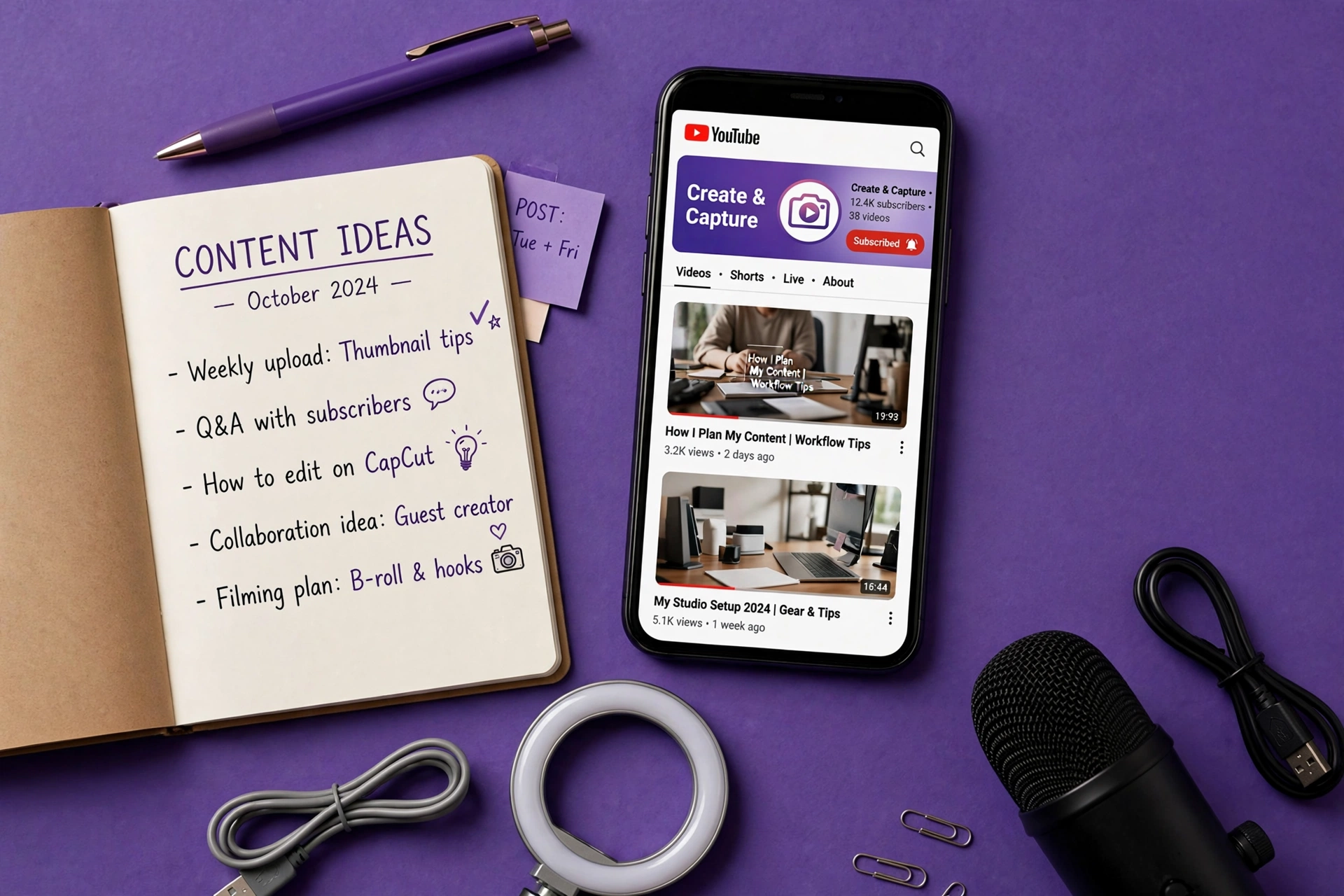
For the visuals, keep it simple and consistent:
- Profile picture: your face or a simple logo, readable at tiny sizes. YouTube recommends at least 800×800 pixels; it displays round, so keep the important part centered.
- Banner art: 2560×1440 pixels, with all text and logos inside the center “safe area” (roughly the middle 1546×423) so nothing gets cropped on phones and TVs. Put your niche and upload schedule in the banner. It’s free advertising on your own channel page.
- About section: two or three sentences on who the channel is for and what you post, plus your upload schedule and a business contact email. Work in the keywords people would search for, too. This text actually helps YouTube understand your channel.
Two channel-page extras belong in the same setup session. First, add links to your other profiles under Customize channel > Basic info. They appear on your About page and give viewers, sponsors, and collaborators a way to reach you off YouTube. Second, once your first video is live, set a channel trailer under Customize channel > Layout. The trailer plays at the top of your channel page for visitors who have not subscribed yet. Keep it between 30 and 60 seconds: who you are, what the channel posts, and who it helps. It is the highest-traffic minute your channel owns, so do not leave the slot empty.
Finished branding plus three videos looks more trustworthy than great branding plus zero videos. So don’t spend a week perfecting the banner. Good enough today beats perfect next month.
The starter gear kit that won’t hold you back
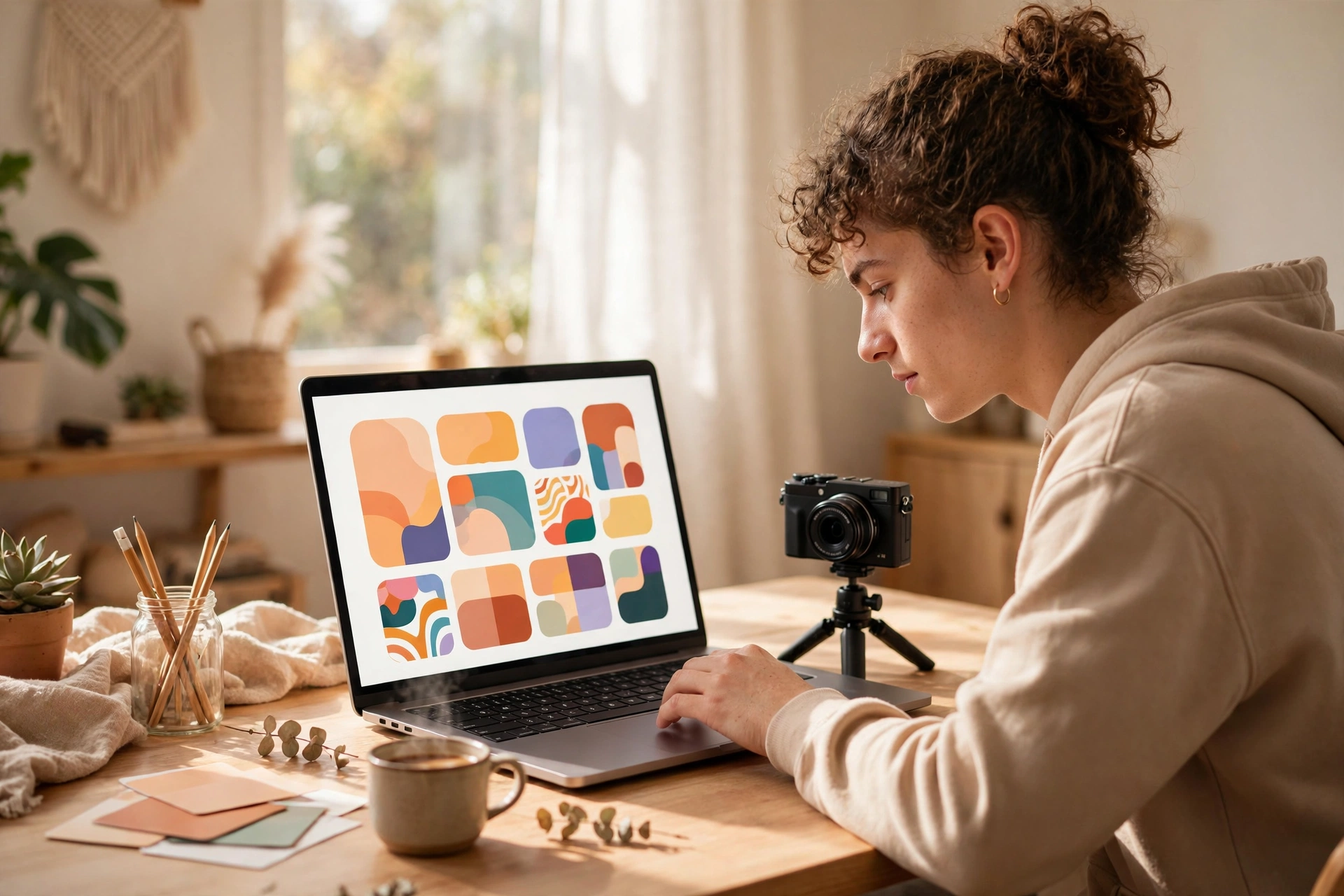
Your phone is enough to start. Two upgrades actually matter for beginners: a microphone, because bad audio kills videos faster than bad video, and a tripod or stabilizer to keep shots steady.
Gear is where most beginners waste money. And momentum. Here’s the order that matters:
- The camera you already own. A modern smartphone shoots 4K video that a pro camera couldn’t manage a decade ago. Film your first month on your phone. If you outgrow it, you’ll know exactly what you need next.
- A microphone. Viewers forgive shaky, grainy footage. Echoey, distant audio? They click away within seconds. A clip-on lavalier or a small shotgun mic gives you the biggest jump in quality per dollar you can buy.
- Something to hold the camera. A basic tripod for sit-down videos, a small handheld grip if you vlog on the move. Steady footage reads as professional, even when nothing else is fancy.
- Light. Free option: film facing a window. Cheap option: a small LED panel or ring light. Good light does more for your image than a more expensive camera.
That’s the whole starter kit. Our beginner vlogging equipment guide goes through each item in detail, including when a dedicated camera starts to make sense and which features matter for vlogging.
Film your first videos without overthinking them
Treat your first 5 to 10 videos as practice, not masterpieces. Plan each one around a single clear idea, hook the viewer in the first 15 seconds, and talk the way you’d explain it to a friend.
Your first videos will be rough. That’s not a prediction. It’s how the skill works. Every creator you admire has early videos they’d rather delete. The ones who made it published through the rough phase instead of polishing one video for six weeks.
A simple workflow works fine for beginners:
- One video, one idea. Write the idea in a single sentence before you touch the camera. Can’t do it? The video doesn’t have a point yet.
- Make the first one searchable. Your first upload has no audience waiting for it, so pick a topic people already type into YouTube search: a beginner question in your niche, answered properly. Say who you are inside the video, briefly, and lead with the help. A useful first video keeps finding viewers for years, and it can double as your channel trailer. A standalone “welcome to my channel” video cannot do either job.
- Bullet points, not a script. Full scripts make beginners sound robotic. List 4 to 6 talking points and speak naturally around them. You can tighten it in the edit.
- Hook first, intro never. Open with the most interesting thing you have: the result, the question, the payoff. Skip the animated logo intro and the “hey guys welcome back to my channel.” On a new channel, nobody is “back” yet.
- Film more than you need. Shoot extra B-roll, film each point twice, record 30 seconds of room tone. Options in the edit are what separate a smooth video from a choppy one.
- Check the basics before every take: lens clean, phone on silent and airplane mode, battery charged, storage space free, light on your face not behind you.
On the vlogging side, talking to camera, structuring a vlog, and staying natural on lens, our how to start vlogging guide goes deeper. Want fast early reach? Cut a vertical version of each video as a Short. The Shorts feed is still the fastest way a brand-new channel gets discovered.

Editing basics: cut the boring, keep the energy
Good beginner editing is mostly deletion. Cut dead air, mistakes, and rambling, then add music and captions. Free tools like DaVinci Resolve, CapCut, or iMovie handle everything a new channel needs.
Editing is where watch time is made. Nobody films perfectly. Anyone can cut ruthlessly, though. Learn these skills in this order:
- Cut the silence. Remove every “um,” pause, and false start. This alone doubles how professional a video feels. Jump cuts, those hard cuts between sentences, are the standard vlog rhythm for a reason.
- Pace the middle. The first 30 seconds decide if someone stays; the middle decides if they finish. If a section drags, trim it or cover it with B-roll.
- Add music low. Royalty-free background music at low volume fills the gaps between thoughts. YouTube’s own audio library is free and safe from copyright claims. Start there.
- Caption key moments. Most viewers watch on phones, many with sound off at first. On-screen text for key points keeps them watching either way.
- Color and audio pass. A basic contrast/saturation tweak and normalizing your audio levels take five minutes and make the video feel finished.
You don’t need paid software. Free editing software for vlogging compares the best no-cost options, and our guide to editing vlogs faster covers the habits that stop editing from eating your whole week. Set a time budget per video. Say, editing takes no longer than filming did. Otherwise perfectionism will kill your upload schedule.
Thumbnails and titles that earn the click
Your thumbnail and title work as a pair. The thumbnail stops the scroll with one clear image and 3 to 4 words, and the title adds the curiosity, or the promise, that makes someone click. No click, no views, however good the video is.
Think of the thumbnail as a billboard glimpsed at speed. These rules keep working:
- One focal point. A face with a strong expression, or the single most interesting object from the video. Busy collages get ignored.
- Three to four words, max. Big, bold, readable on a phone screen. The title carries the detail. The thumbnail carries the emotion.
- High contrast. Bright subject, darker background (or the reverse). Your thumbnail competes with twenty others on screen.
- Consistent style. Same fonts, same color family, same layout logic across videos. Returning viewers start recognizing your videos before they read a word.
For titles, put the keyword or topic near the front, keep it under about 60 characters so it doesn’t get cut off, and promise something specific. “I Tested 5 Budget Mics” beats “Microphone Video #3.” Curiosity works. Lying doesn’t. If the thumbnail promises something the video never delivers, viewers leave in seconds and the algorithm notices. That’s the line between a good hook and clickbait.
Once you have a few videos up, try YouTube’s “Test & Compare” feature to A/B test thumbnails on the same video. It’s free, it’s built in, and it ends arguments about which thumbnail is better with actual data.
Upload settings and discoverability basics
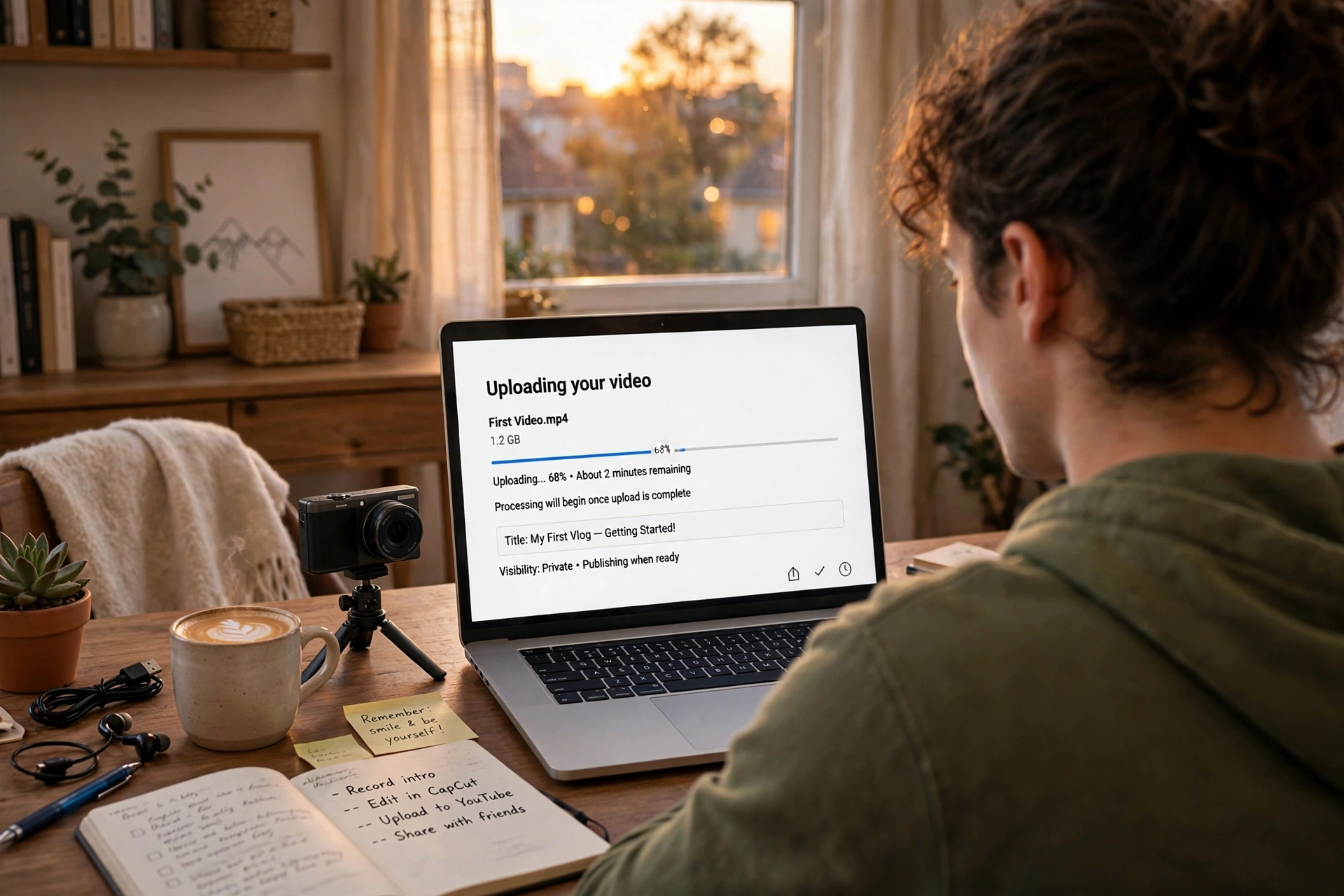
Every upload needs a keyword-smart title, a description whose first two lines sell the video, chapters, an end screen, and a playlist to live in. Small settings, yes. They add up, and they affect how often YouTube suggests your videos.
The upload screen looks like admin work. It’s actually marketing. Walk through it properly every time:
- Title: keyword up front, human reason to click at the end, under ~60 characters.
- Description: the first two lines show in search results, so make them a mini-pitch, not “hey guys.” Put links, timestamps, and hashtags below.
- Chapters: add timestamps (0:00 Intro, etc.). They improve the viewing experience, appear in Google search results, and cost you two minutes.
- Tags: a minor ranking factor these days, but add 5 to 10 relevant ones anyway. They help YouTube categorize new channels.
- End screen and cards: point viewers to your next video and your subscribe button. Suggested traffic is the lifeblood of growing channels, so feed it deliberately.
- Playlist: every video belongs in a playlist. Playlists keep viewers watching your content in sequence and rank in search themselves.
- Subtitles: upload or review auto-captions. They help accessibility, international viewers, and search.
- Pinned comment: pin a comment asking a question. Comments are an engagement signal, and a question gets more replies than a statement.
Two discovery engines matter here. Search is your evergreen traffic: people find your how-tos for years. Suggested/browse is your growth engine: YouTube pushes videos with strong click-through and retention. New channels usually win through search first. Suggested traffic follows once the channel has proved itself. Our guide to getting more views on YouTube goes deeper on both.
A consistency plan you can actually keep
One good video a week, published on the same day, beats a frantic daily burst followed by silence. Pick a schedule you can keep up for a year, and put it in your channel banner and About section.
Consistency is the most underrated growth factor on YouTube. It’s also the most misunderstood. It doesn’t mean daily uploads. It means predictable uploads. The algorithm favors channels that publish regularly because their audiences behave regularly. More importantly, you need a rhythm you can keep alongside real life, or you’ll burn out by month three.
A realistic starter plan:
- One video per week is the sweet spot for beginners. Frequent enough to learn fast, sustainable enough to keep your quality up. Add Shorts between uploads if you have the energy. They take a fraction of the time.
- Batch your work. Film two or three videos in one session, then edit across the week. Batching removes the “I have nothing ready” panic that kills schedules.
- Keep a running idea list. Every time a video idea pops up, write it down. Creators do not run out of talent; they run out of notes.
- Give it 90 days before judging. Month one is learning. Month two is refining. Month three is where patterns start to emerge. Almost nobody’s channel takes off in week two, and the ones that do usually flame out just as fast.
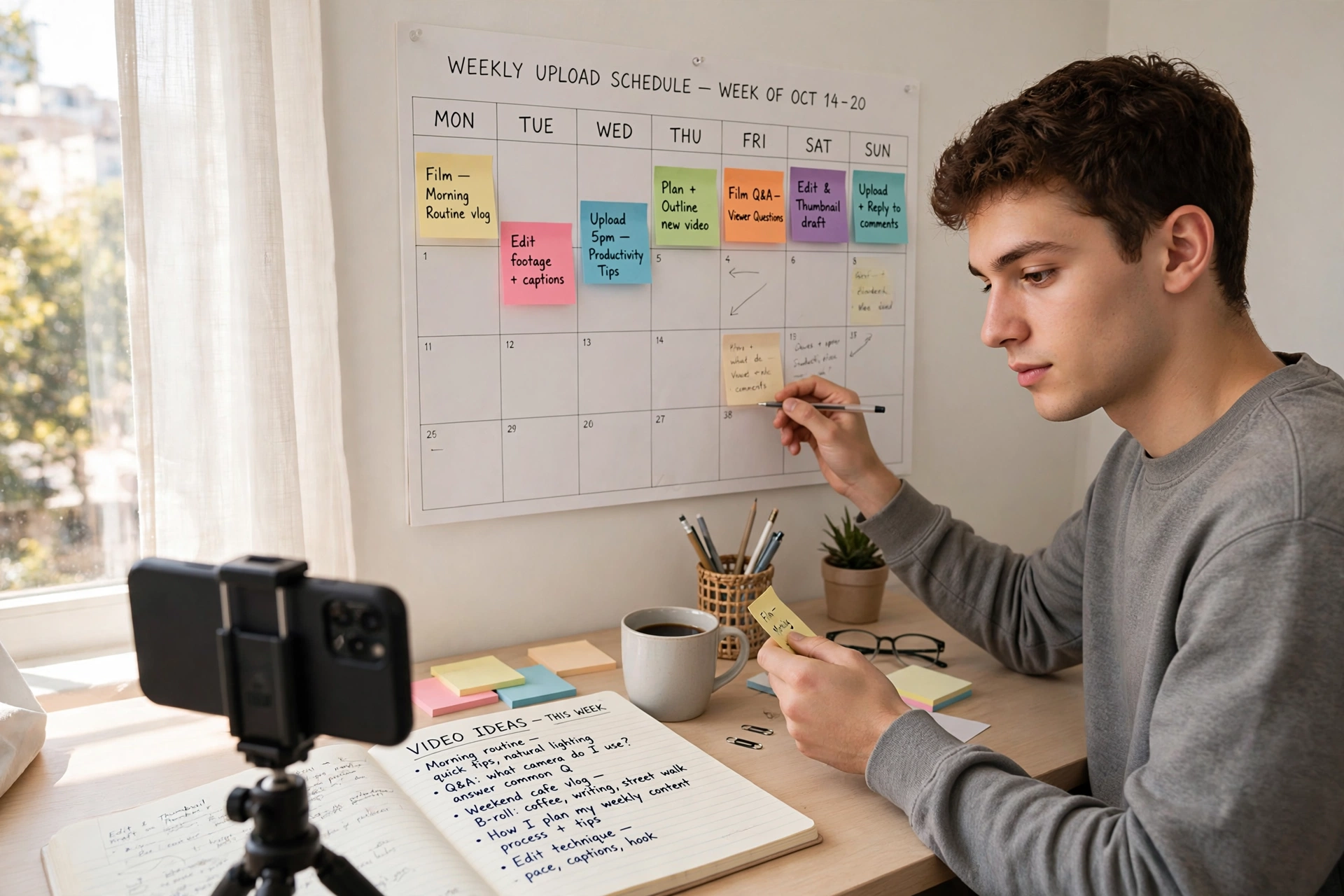
Protect the schedule like an appointment. Viewers subscribe partly because they trust you’ll show up. Every kept upload strengthens that trust. Every missed one quietly erodes it.
Once uploads are going out on schedule, add one small habit: a weekly look at the numbers. A few days after each video, open YouTube Studio and check two things. Click-through rate tells you whether people choose your video when YouTube shows it. Audience retention shows the exact moments they stop watching. You are not chasing vanity metrics. You are finding the weak minute in this week’s video so next week’s does not repeat it. When you are ready to go deeper, our YouTube analytics guide for vloggers explains what each metric means and what to change when it disappoints.
YouTube Partner Program: the monetization bar to clear
To join the YouTube Partner Program you need 1,000 subscribers, plus either 4,000 valid public watch hours in the last 12 months or 10 million valid public Shorts views in the last 90 days. You’ll also need policy compliance, 2-step verification, and an AdSense account.
Monetization is the milestone every new creator asks about, so here are the actual requirements, plainly stated. YouTube’s thresholds change now and then, so treat the official YouTube Partner Program page as the final word. As of 2026, though, the standard path is this:
- 1,000 subscribers, plus either 4,000 valid public watch hours in the past 12 months or 10 million valid public Shorts views in the past 90 days.
- Follow all of YouTube’s monetization policies and Community Guidelines (no reused content, no strikes).
- Have 2-step verification turned on for your Google account.
- Link an active AdSense account to receive payments.
There is also a lower entry tier for fan funding features (channel memberships, Super Thanks, Super Chat, Shopping): 500 subscribers, 3 public uploads in the last 90 days, and either 3,000 watch hours in 12 months or 3 million Shorts views in 90 days. This lets smaller channels earn before they hit full ad-revenue eligibility.
A few honest notes on the money. Ad revenue (the famous “RPM”) varies wildly by niche and country. Finance and tech pay far more per thousand views than entertainment or vlogging. Shorts pay less per view than long videos, and creators get 45% of the Shorts ad revenue pool. Ads are only one stream, anyway. Plenty of creators earn more from affiliate links, sponsorships, digital products, and memberships. Build the audience first. The revenue options multiply once you have one. You can read the full current terms on YouTube’s official Partner Program overview.
YouTube channel questions, answered
Straight answers to the questions almost every new creator asks before starting.
How much does it cost to start a YouTube channel?
Nothing. Creating a channel is free. Your phone films, free editing software cuts, and YouTube hosts everything at no cost. Most successful channels started with gear they already owned and upgraded only after the channel started earning.
Do I need an expensive camera to start a YouTube channel?
No. A modern smartphone shoots video that’s more than good enough for a new channel. Viewers care far more about clear audio and an interesting idea than about camera specs. Spend your first dollars on a microphone, not a camera, and upgrade only when your phone is genuinely limiting what you want to film.
How many subscribers do you need to make money on YouTube?
For ad revenue: 1,000 subscribers plus 4,000 watch hours in 12 months (or 10 million Shorts views in 90 days). For fan funding features like memberships and Super Thanks, the bar is lower: 500 subscribers with 3,000 watch hours or 3 million Shorts views. You can also earn with zero subscribers through affiliate links in your descriptions from day one.
How often should I upload as a beginner?
Once a week is the realistic sweet spot. Frequent enough to improve quickly and give the algorithm regular signals, sustainable enough to avoid burnout. Publishing on the same day each week builds a habit for viewers, too. Daily uploads only work if quality doesn’t drop, and for beginners it almost always does.
Should I post Shorts or long videos?
Both. They do different jobs. Shorts are your discovery engine: they reach strangers fast and grow subscribers. Long videos are your depth and revenue engine: they build loyal viewers and earn far more per view. A practical split is one long video per week, plus 2 to 3 Shorts cut from it, or inspired by it.
How long does it take to grow a YouTube channel?
Plan in months, not weeks. Most channels see little traction for the first 20 to 30 videos, while YouTube learns who likes the content and the creator learns what works. Channels that publish consistently for 6 to 12 months usually hit a clear turning point. Creators who quit at video 8 never find out what video 30 would have done.
Can I start a YouTube channel without showing my face?
Yes. Faceless channels work in niches like tutorials, screen recordings, animation, product demos, and narrated documentaries. You’ll need a strong voiceover, visuals, or editing to carry the video instead of on-camera presence. That said, showing your face usually builds trust and loyalty faster, so consider it once you’re comfortable.
What should I name my YouTube channel?
Pick something short, easy to spell and say, tied to your niche, and available as a matching @handle. Say it out loud. If you have to spell it twice, simplify it. Avoid numbers, underscores, and trendy misspellings. You can rename later, but every rename costs you some recognition, so choose carefully once.
Do I need to register a business to monetize my channel?
No. You can join the YouTube Partner Program as an individual and get paid through AdSense. You’ll owe taxes on the income in most countries, so keep records from the first dollar and talk to a tax professional once the earnings get serious. A formal business entity is only worth considering when the channel becomes a serious income source.
What should my first YouTube video be about?
Answer a question people in your niche already search for: a beginner tutorial, a common mistake and how to fix it, or the video you wish someone had made when you were starting out. Introduce yourself inside it, briefly, but lead with the help. A searchable first video keeps bringing in viewers for years, and it can double as your channel trailer. Save the personal story for later, when an audience exists to care about it.
What size should YouTube thumbnails be?
1280×720 pixels (16:9), under 2MB, in JPG, GIF, or PNG format. Design them readable at phone-screen size: one focal point, 3 to 4 large words, high contrast. YouTube requires phone verification on your account before you can upload custom thumbnails at all.
Keep exploring
Your channel is set up. Now make videos worth subscribing to.